Installation SPIDER PL
Release
08
09/2018
23
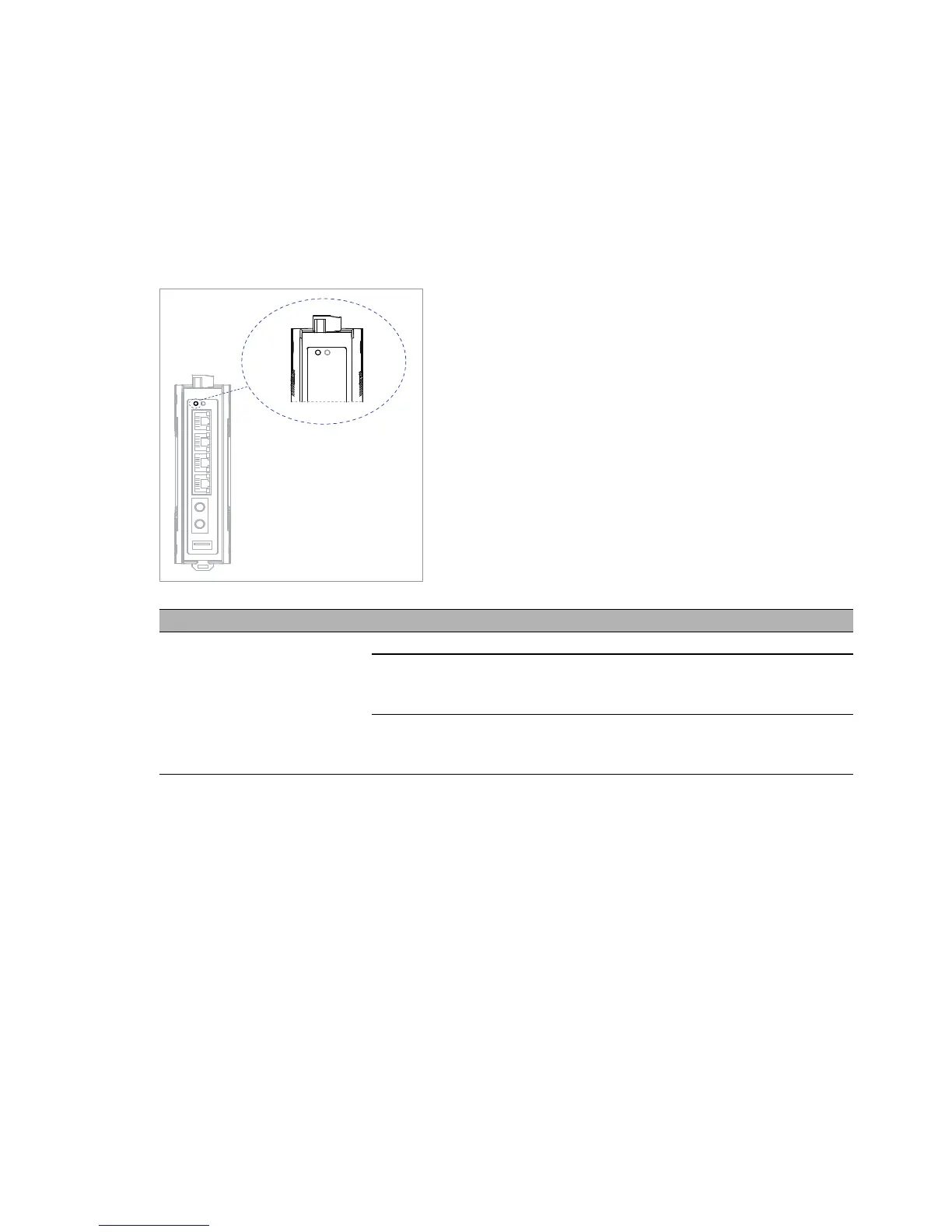
1.6 Display elements
After the supply voltage is switched on, the device performs a self-test.
During this process, various LEDs light up.
1.6.1 Device state
These LEDs provide information about conditions which affect the operation
of the whole device.
LED Display Color Activity Meaning
Power Supply voltage — none Supply voltage is too low
yellow lights up Device variants with redundant power
supply:
Supply voltage 1 or 2 is on
green lights up Device variants with redundant power
supply:
Supply voltage 1 and 2 is on



 To Next Page