34
Installation SPIDER PL
Release
08
09/2018
5 Configuration (optional)
The device is immediately ready for operation with its default settings, from
the factory.
The device allows you to change the settings according to your requirements
using the USB interface.
You can find the configuration parameters described in a separate overview.
See table 6 on page 38.
Prerequisite:
Install the Switch Programming Tool on your computer. You can download
the software for free on the Internet from the Hirschmann product
pages:http://www.hirschmann.com/en/QR/Switch-Programing-Tool
Proceed as follows:
Connect a storage medium to your PC.
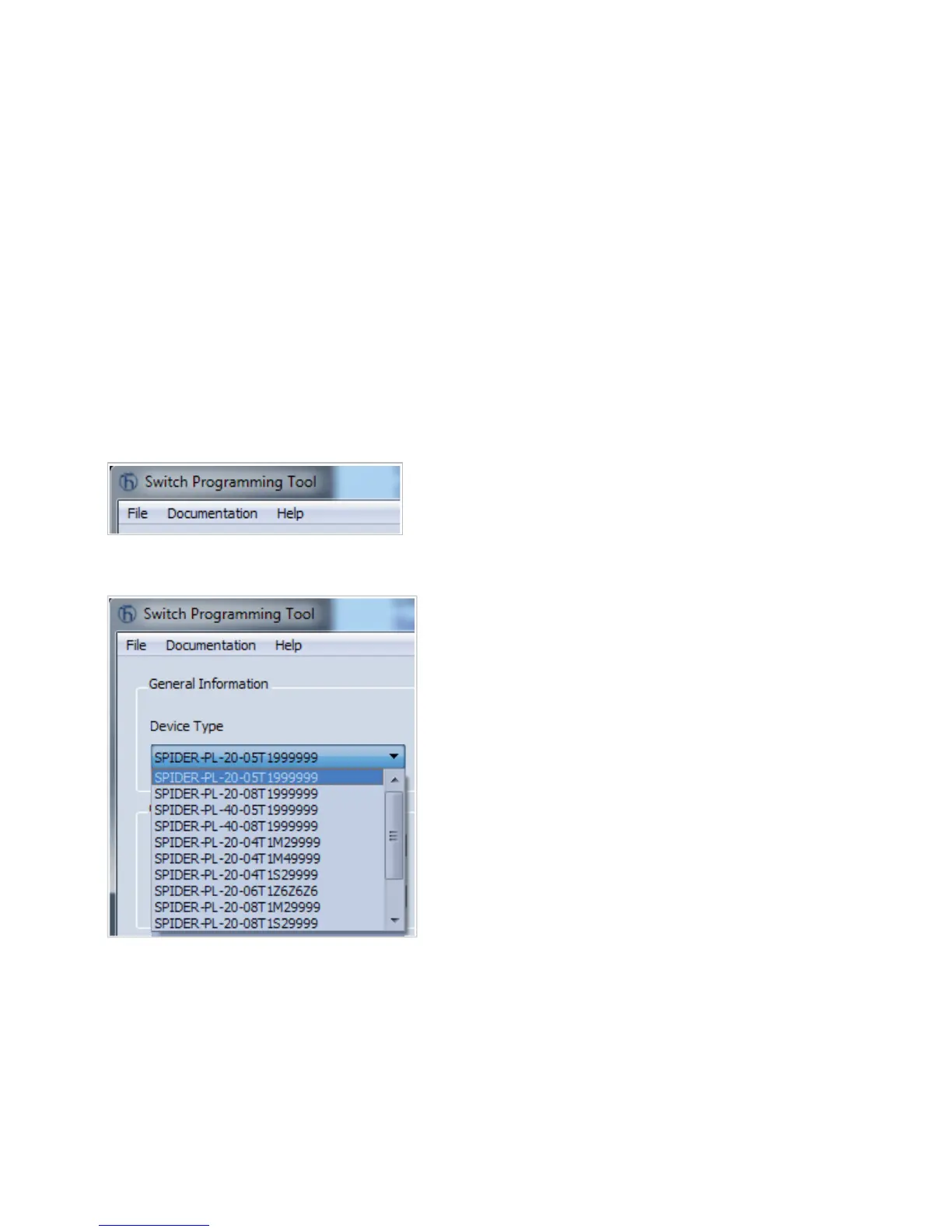
Start the Switch Programming Tool.
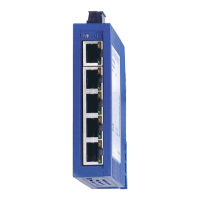
Select your device variant from the drop-down list “Device Type”.
Modify the parameters in the highlighted areas according to your
requirements.



 To Next Page