Installation SPIDER PL
Release
08
09/2018
43
8.2 Removing the device
To prepare the deinstallation, you proceed as follows:
Disconnect the data cables.
Disable the supply voltage.
Disconnect the terminal blocks.
Disconnect the grounding.
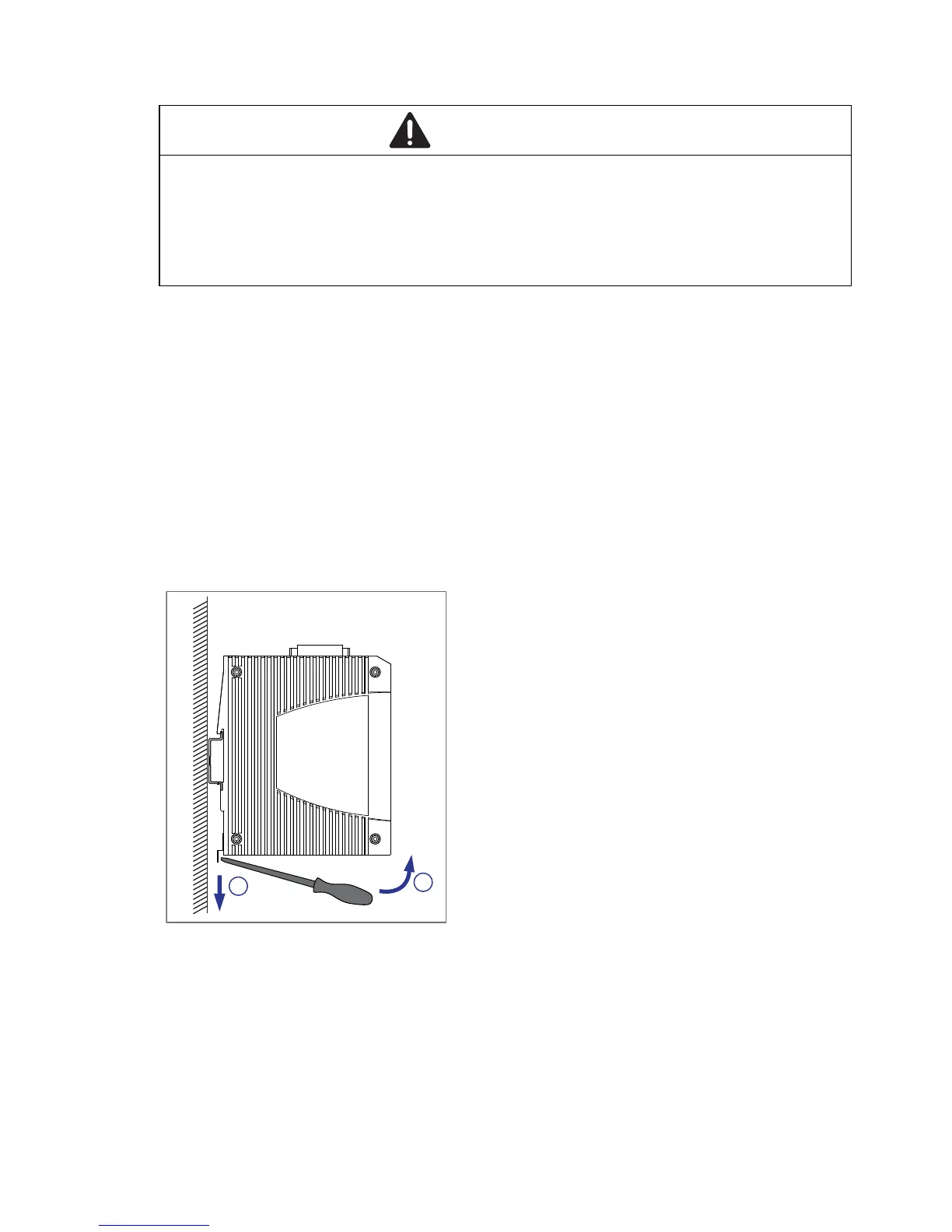
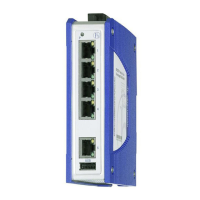
To remove the device from the DIN rail, you proceed as follows:
Insert a screwdriver horizontally below the casing into the locking gate.
Without tilting the screwdriver, pull the locking gate down and tilt the
device upwards.
WARNING
ELECTRIC SHOCK
Disconnect the grounding only after disconnecting all other cables.
Failure to follow this instruction can result in death, serious injury, or
equipment damage.
2
1



 To Next Page