EasyManua.ls Logo

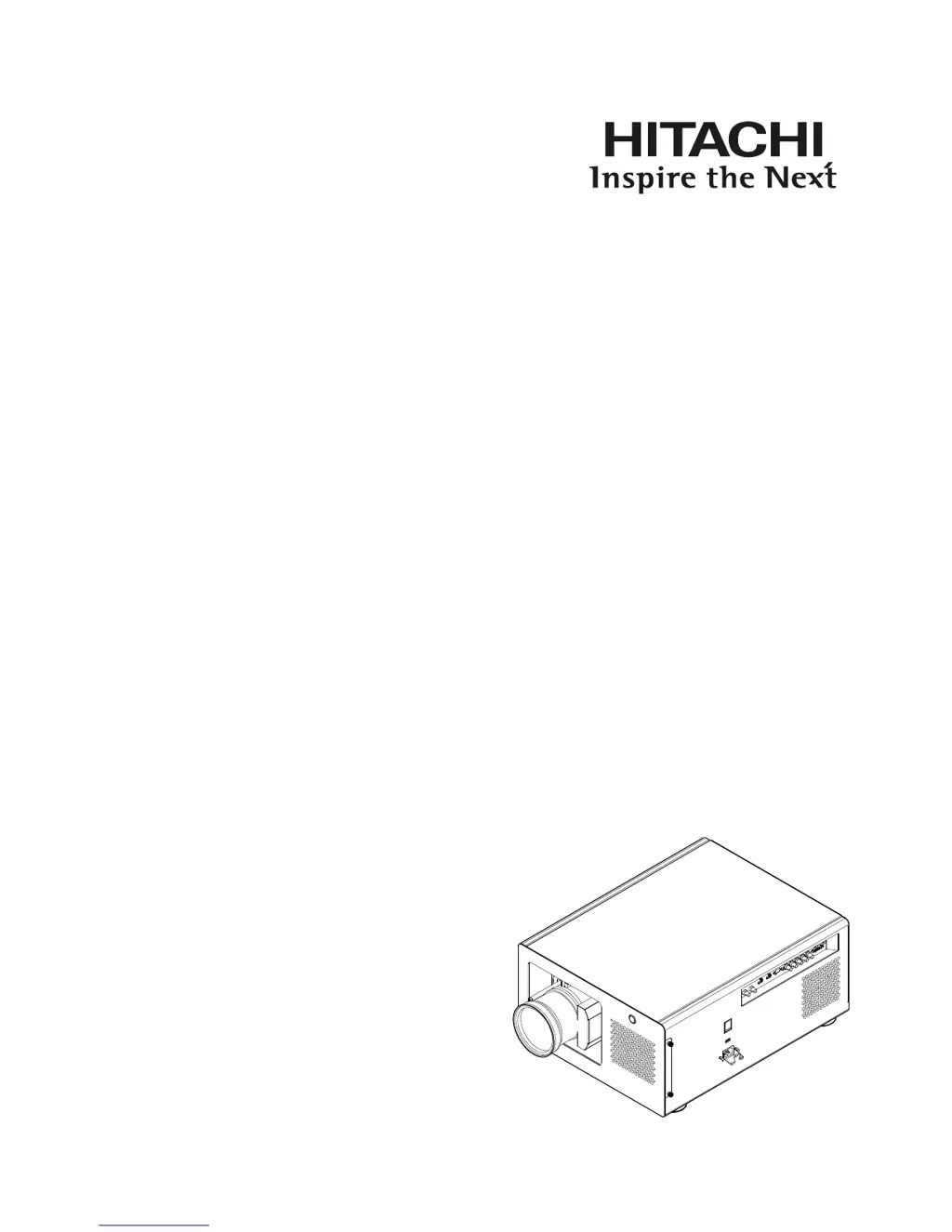
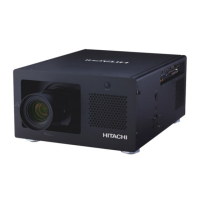
Hitachi CP-WU13K - User Manual

Hitachi CP-WU13K
74 pages
Print Icon
To Next Page IconTo Next Page
Loading...
Projector
CP-WU13K
User Manual
Thank you for purchasing this product. Please
read this manual before you operate your
projector. Save it for future reference.

Table of Contents

Other manuals for Hitachi CP-WU13K

Questions and Answers

  • S
    Steven SotoAug 18, 2025
    How to fix Hitachi CP-WU13K Projector if it won't turn on?
    • M
      Mark BarnettAug 19, 2025
      If your Hitachi Projector won't turn on, there are a few things to check. First, make sure the projector is plugged securely into a working wall outlet. Also, ensure that the lens cover has been properly replaced. A faulty AC socket can also prevent the projector from turning on, so verify that the socket is functioning correctly.
  • E
    Eric WiseAug 21, 2025
    What to do if Hitachi CP-WU13K won't turn on after being turned off?
    • D
      Danielle BowmanAug 21, 2025
      If you cannot turn on the Hitachi Projector two minutes after you have just turned it off, wait for the projector to cool down completely before starting it up again.
  • G
    Gregory MezaAug 23, 2025
    How to brighten a dim picture on Hitachi CP-WU13K?
    • J
      Jennifer RussellAug 23, 2025
      If the picture on your Hitachi Projector looks dim, try adjusting the image brightness, contrast, color, and tint. It's also possible that the projector lamp is nearing the end of its life and needs replacement.
  • D
    Donald ReyesAug 26, 2025
    What to do if the Hitachi CP-WU13K image is blurry?
    • E
      Elizabeth MarksAug 26, 2025
      If the image on your Hitachi Projector is blurry, try adjusting the lens focus. If the blurriness occurs suddenly, it could be due to temperature or humidity changes causing condensation inside the projector. In this case, turn off the projector and wait for the moisture to evaporate.
  • S
    sanchezstevenAug 27, 2025
    How to fix a Hitachi Projector image that is too bright?
    • M
      Michael PerezAug 28, 2025
      If the image from your Hitachi Projector is too bright or the bright areas are blurry, the contrast might be set too high. Try lowering the contrast settings.
  • W
    wcummingsAug 30, 2025
    Why is my Hitachi Projector remote control not working?
    • T
      tuckerjamesAug 30, 2025
      If the Hitachi Projector's remote control isn't working, start by replacing the batteries. Ensure you've inserted them with the correct orientation. If that doesn't help, try adjusting the distance and angle between the remote and the projector, as you might be too far away or at an extreme angle. Also, check for any obstacles between the remote and the projector or intense light sources near the IR sensor. If a wired remote cable is connected, press the ENTER button on the remote control followed by the Address button until the panel of the remote control flashes once.
  • J
    johnbaileySep 1, 2025
    Why does my Hitachi CP-WU13K show no picture but OSD Menu works?
    • C
      Christopher EstesSep 1, 2025
      If you can turn on your Hitachi Projector and access the OSD menu but see no picture, ensure the projector is turned on properly and that you've selected the correct input source. Also, check the connection between the projector and the input device to make sure they are correctly connected.
  • J
    Jacob BullockSep 4, 2025
    Why does the Hitachi CP-WU13K Projector image flash occasionally?
    • S
      Sherry JenningsSep 4, 2025
      If the image on your Hitachi Projector flashes occasionally, ensure that the cables and the input device are properly connected and that the input device is in normal working order. If the issue persists, the projector lamp might be faulty and need replacement.
  • E
    Erik PettySep 6, 2025
    Why does my Hitachi CP-WU13K Projector image look washed out?
    • L
      Lisa MerrittSep 6, 2025
      If the image on your Hitachi Projector appears washed out or the dark areas are too bright, the image brightness might be set too high. Try lowering the brightness settings.
  • C
    collinshollySep 8, 2025
    What to do if Hitachi CP-WU13K Projector image is broken when connected to DVD player?
    • D
      davidpayneSep 9, 2025
      If you've connected your Hitachi Projector to a DVD player and the image appears broken or split, and the DVD player is connected through component cables (RGB-S or COMPONENT2), you might have set it to progressive scan. Try disabling the progressive scanning function on the DVD player.

Summary

Warning, Notices and Safety Instructions

Electrical and Operational Safety

Covers power, shock, overload, cleaning, and environmental hazards.

Installation and Handling Safety

Covers ventilation, filter, foreign objects, carrying, and servicing.

Projector Parts and Functions

Installation of the Projector

Initial Setup and Image Adjustment

Covers orientation, power, focus, zoom, and keystone correction.

Installation Modes and Connections

Discusses throw distance, installation types, and device connections.

Remote Control Operation

OSD Menu Configuration

Input Settings

Detailed configuration of input sources and related options.

Image Settings

Detailed configuration of image parameters like contrast, brightness, etc.

Layout Settings

Detailed configuration of zoom, PIP, and aspect ratio.

Lamp Settings

Detailed configuration for lamp modes and status.

Lamp and Filter Maintenance

Troubleshooting and LED Indicators

Common Problems and Solutions

Guide to resolving projector issues based on symptoms.

Hitachi CP-WU13K Specifications

General IconGeneral
ResolutionWUXGA (1920 x 1200)
Light SourceLamp
Throw Ratio0.8 - 8.0:1 (depending on lens)
Display Type3LCD
Lamp Life2000 hours (Normal Mode), 3000 hours (Eco Mode)
Brightness13, 000 lumens
Lens ShiftVertical: ±60%, Horizontal: ±30% (depending on lens)
Projection Size600 inch
Input ConnectorsHDMI, DVI-D, VGA, BNC, S-Video
Lamp TypeUHP

Related product manuals