3. CREATING A PLC PROGRAM
3-18
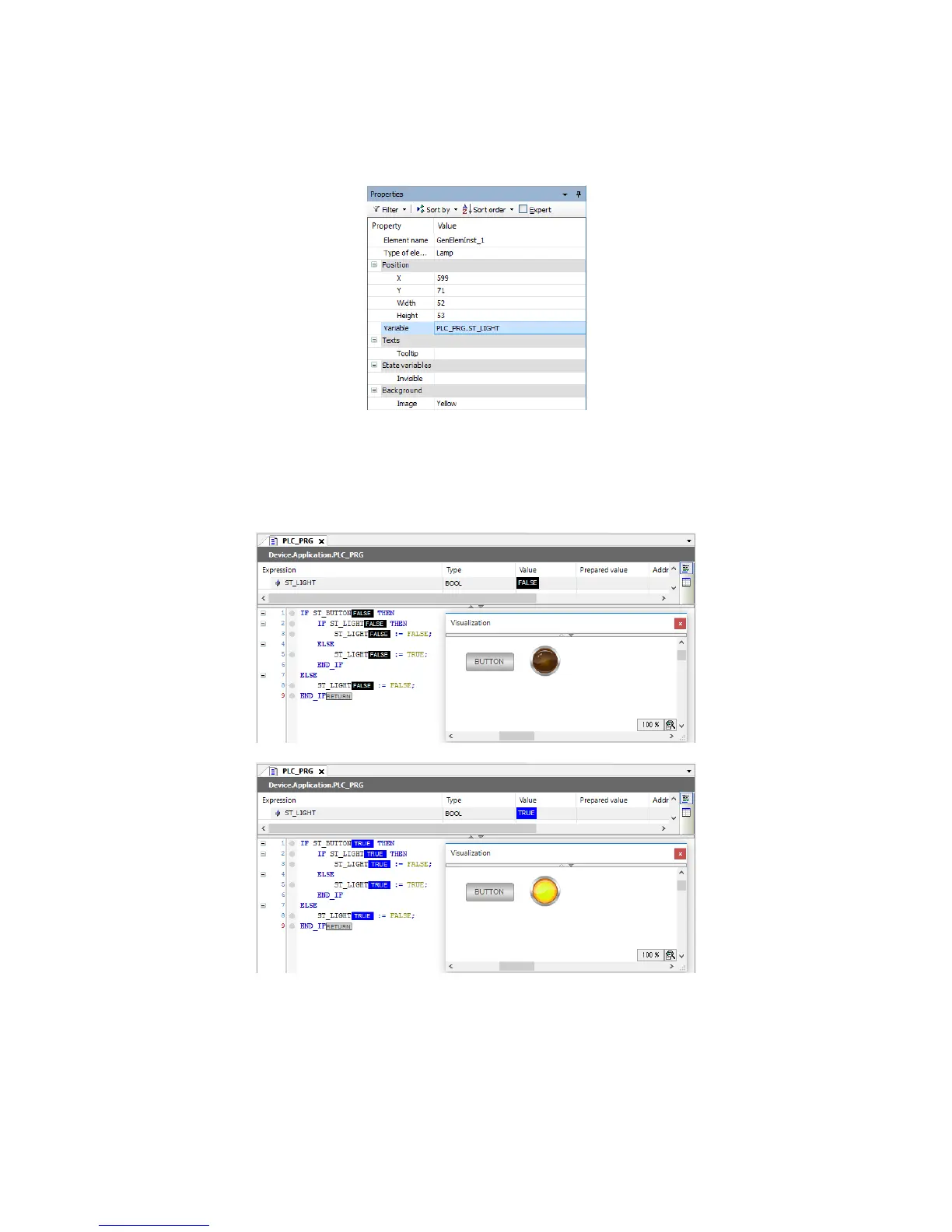
4. Select the created Lamp. The Properties window is displayed. In the Properties
window, you can change the settings of the Lamp. For example, by clicking Position >
Variable, you can specify a variable output to the Lamp.
<Running an object>
1. Build, login, and then run the object.
Whenever the variable is switched between FALSE and TRUE, the created Lamp turns
on or off accordingly.














 To Next Page