3. CREATING A PLC PROGRAM
3-14
3.1.6 Debugging a PLC program
(1) Setting a breakpoint
You can set a breakpoint to stop a program at any location.
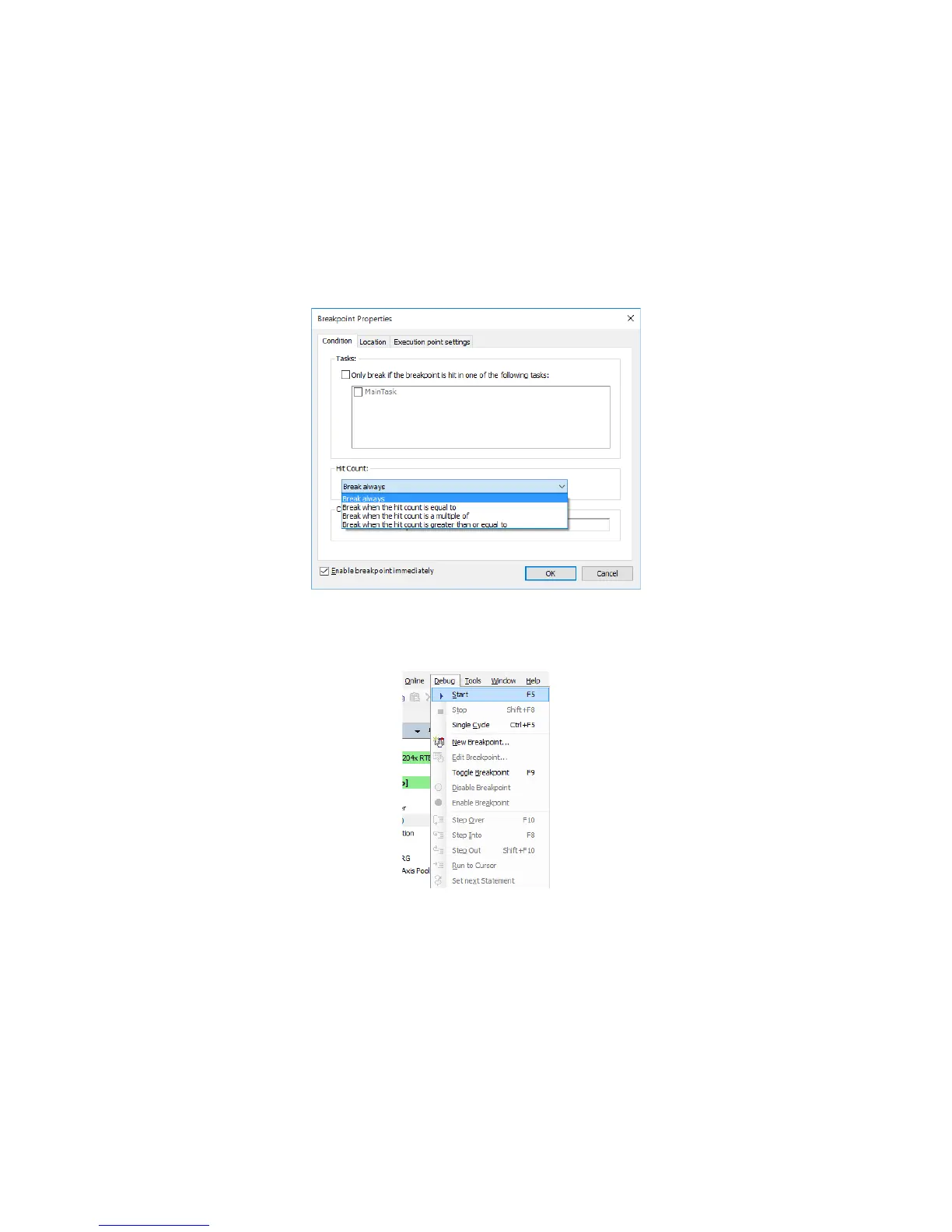
1. To set a breakpoint, right-click on a line where you want to set a breakpoint, and on
the menu, click New Breakpoint.
2. The Breakpoint Properties window is displayed. Under Hit Count, select a break
condition. Select Enable breakpoint immediately, and click OK.
3. Click the Debug menu, and on the menu, click Start. (Alternatively, click the start
icon on the toolbar.)
4. The program stops at the line with the breakpoint.














 To Next Page