5. CONFIGURATION FOR USING OPC
5-5
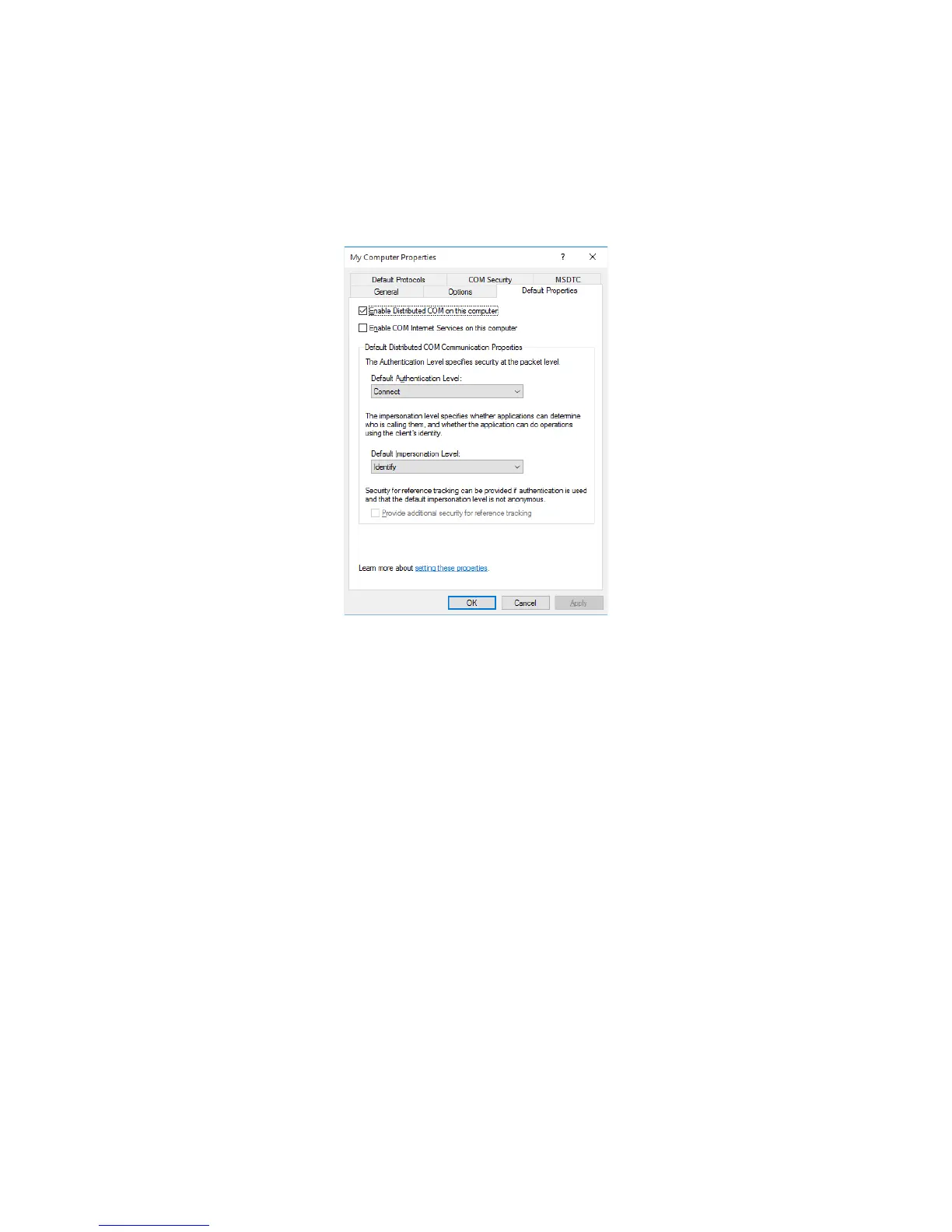
4. The My Computer Properties window is displayed. Select the Default Properties tab to
configure as follows.
• Select Enable Distributed COM on this computer.
• Specify Connect for Default Authentication Level.
Note: On the OPC client PC, specify None for Default Authentication Level.
• Specify Identify for Default Impersonation Level.
This completes the DCOM configuration on the OPC client PC. Click OK and proceed to
“5.3.2 Firewall settings”.














 To Next Page