4. CONFIGURATION OF EtherCAT CONNECTION
4-22
(2) Interval setting for the task
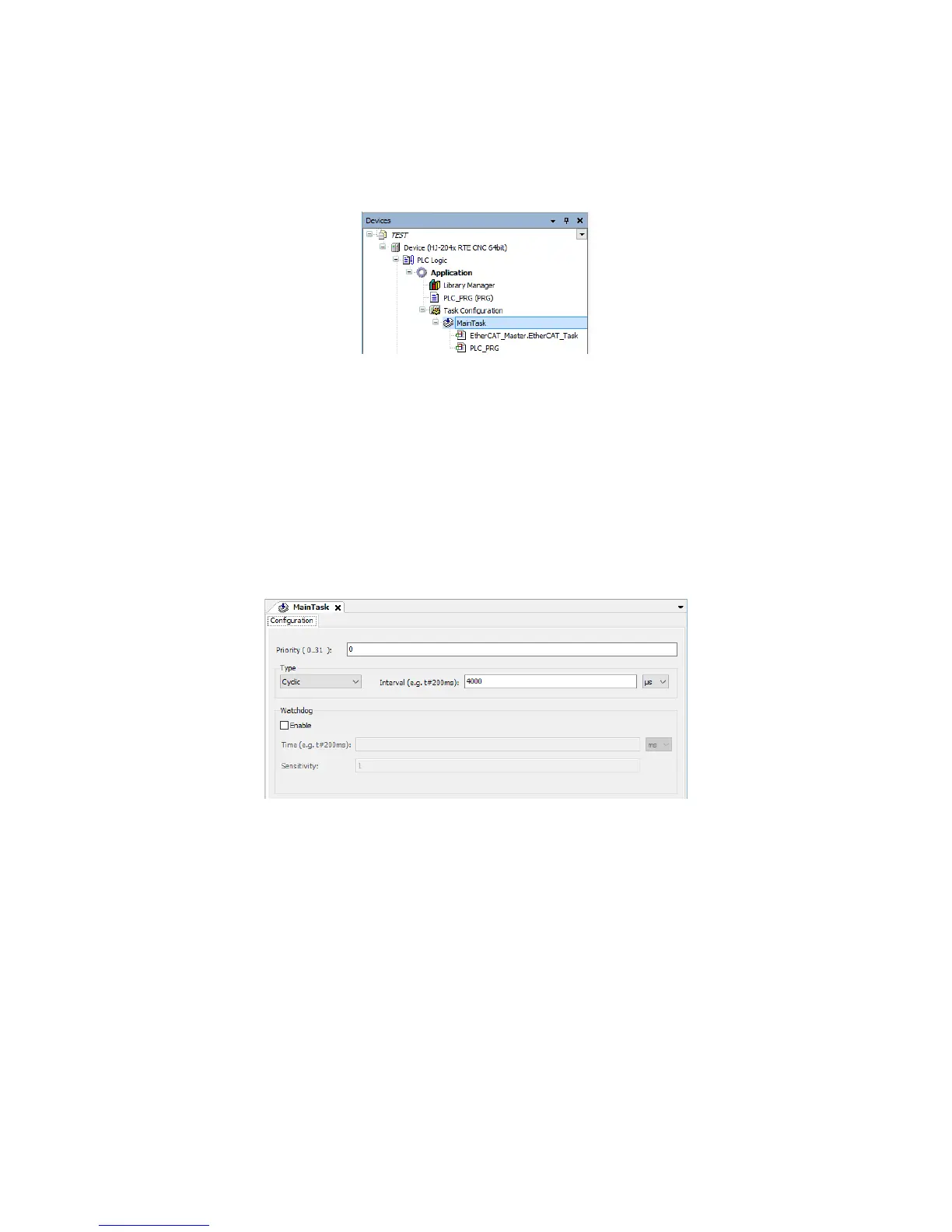
1. Double-click MainTask in the Devices window to display a window for task
configuration.
In the MainTask tab, you can set task priority, type, and interval.
2. In the task configuration window, select Cyclic for Type, and then specify 4000 (µs)
(default setting) for Interval.
If EtherCAT_Master.EtherCAT_Task is inserted under the task, you must specify
the same value as Cycle Time in the aforementioned EtherCAT_Master configuration
window.
Note: The interval of the task might be automatically changed when the value of Cycle
Time is changed in “(1) Cycle time setting for the EtherCAT master”. If you
change the cycle time setting of the EtherCAT master, check the interval setting of
the task, and reconfigure the setting if necessary.














 To Next Page