Software Updating Procedure
1. In the HyperTerminal Menu, click the “Connect” button.
2. Exit the Stby Mode.
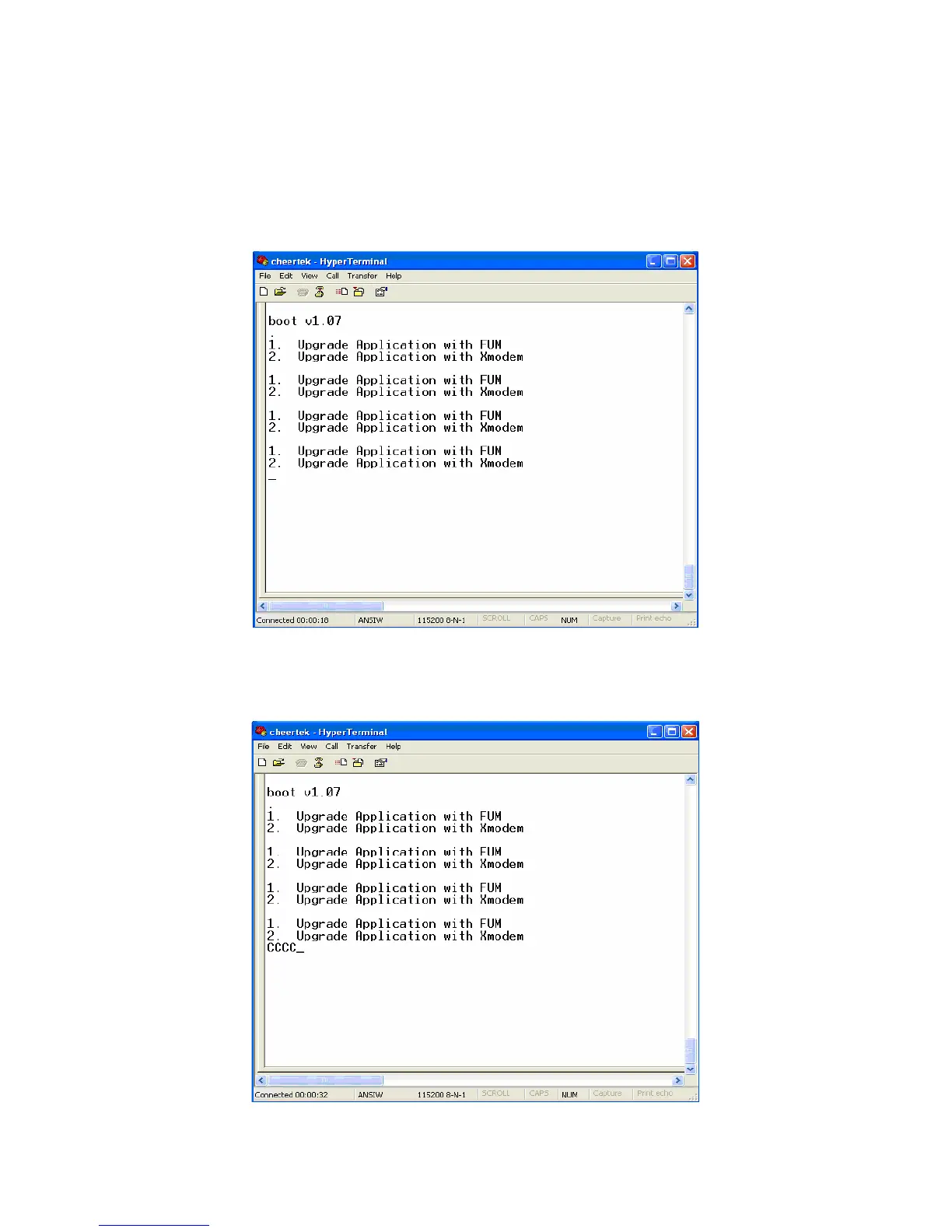
3. The “Space” button on the keyboard must be pressed, when the following window can
be seen.
Selection Window
4. Press the “2” button on the keyboard for choosing “2. Upgrade Application with
Xmodem”.
5. Repeating “C” characters are seen in the “HyperTerminal” menu.
The Sample Output Before Sending The File



 To Next Page