EQUIPMENT DESCRIPTION
6
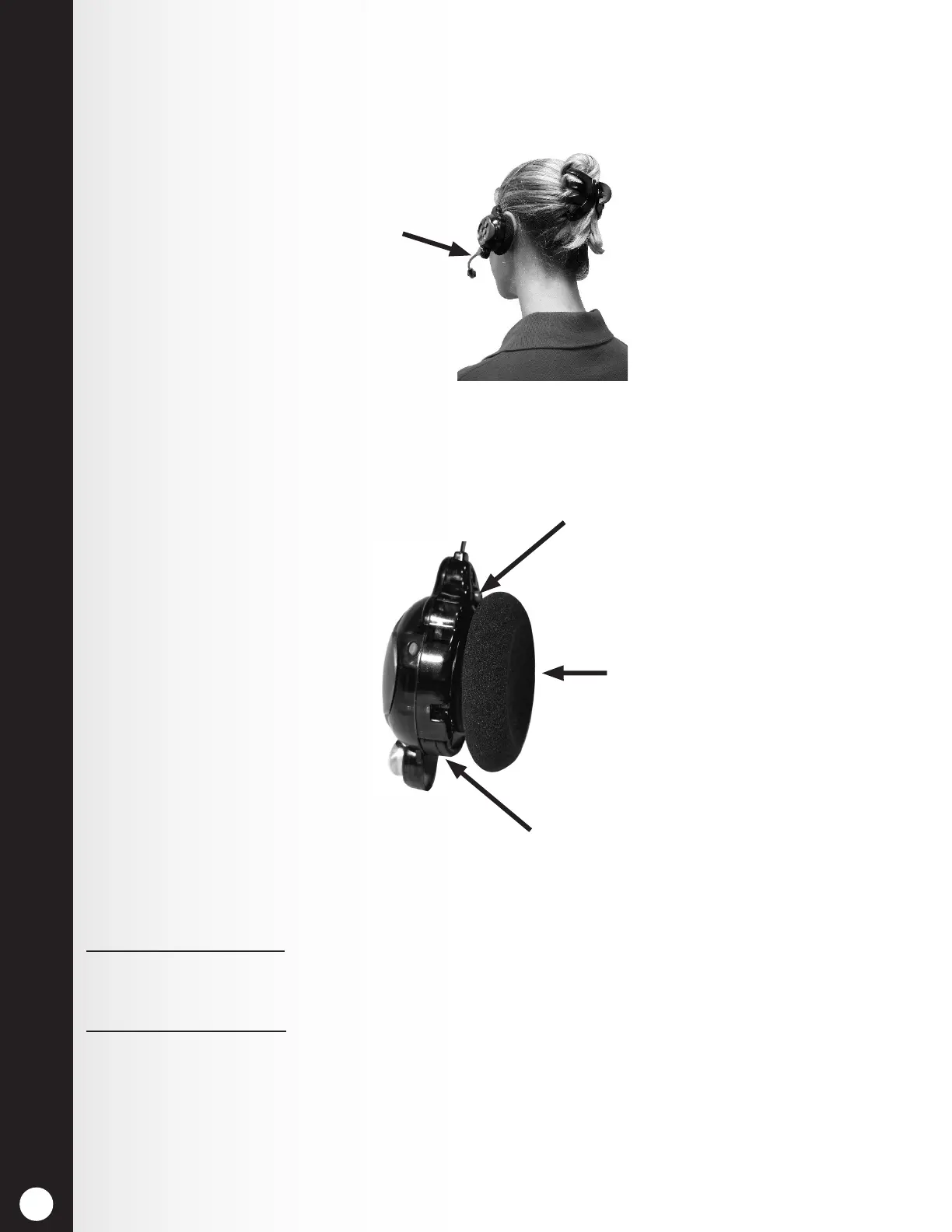
2.2.2 Correct Wearing of Headset
h Wear the headset with the microphone on your right or left side next to your mouth.
h Adjust the headband and microphone boom as needed.
2.2.3 Battery Removal and Replacement
Figure 6. Correct wearing of the headset
Hold microphone
boom here to adjust
microphone position
Figure 7. Headset battery-release button
Battery-release button
(blue)
Ear piece
Battery
To change batteries:
When a battery weakens, a voice prompt in the headset will say “Change battery.” To remove the
battery, press the battery-release button and slide the battery out of the headset as shown in Figure 7.
To replace batteries:
With the HME logo facing toward the ear piece, slide the square end of the battery into the battery slot.
Press rmly until the battery snaps in place.
Note: The battery will not slide into the slot if you attempt to insert it improperly. Recharge
batteries according to the instructions on the next page.



 To Next Page