BASE STATION SETTINGS
37
5.3.5 Vehicle Tone
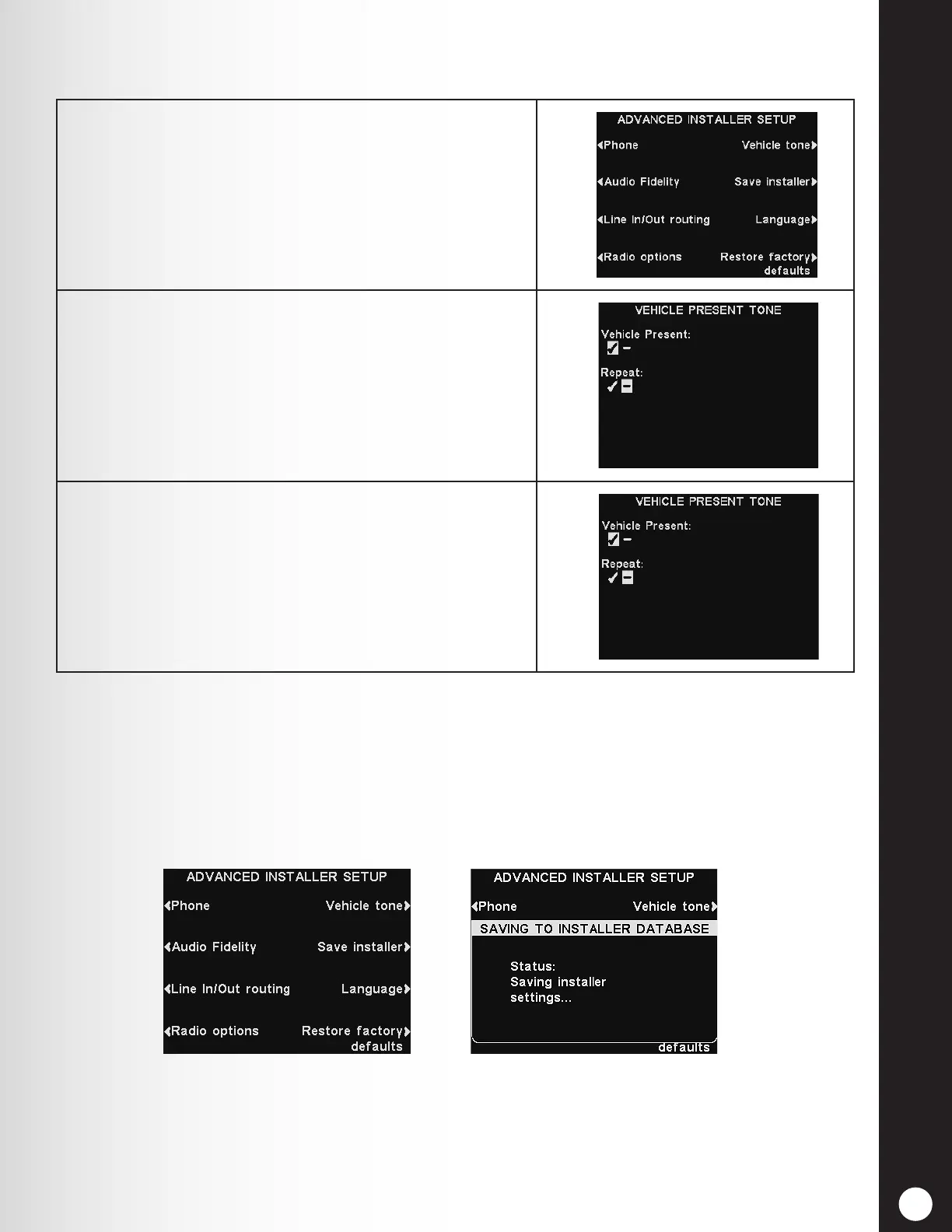
1. To enable an alert tone heard in all headsets when
a vehicle arrives at the drive-thru lane, press the
Vehicle tone button on the ADVANCED INSTALLER
SETUP display.
2. Then, press the Vehicle Present button the VEHICLE
PRESENT TONE display to select ✔ (on). Select − (off)
to cancel the alert tone.
3. To have the alert tone repeated in 3-second intervals,
until the Order Taker responds to the customer, press
the Repeat button and select ✔ (on).
Select − (off) to cancel the repeating alert tone, and the
tone will sound only once when a vehicle arrives.
Note: In multiple-lane congurations, the VEHICLE PRESENT TONE display will be divided by
lanes. Settings will be similar to those shown for single lane.
5.3.6 Save Installer Settings
To save all settings changes made, press the Save installer button on the ADVANCED INSTALLER
SETUP display to save them as Installer Settings. It is highly recommended that you perform this
function at the end of the installation, so that a backup is made for installation specic settings.



 To Next Page