BASE STATION SETTINGS
68
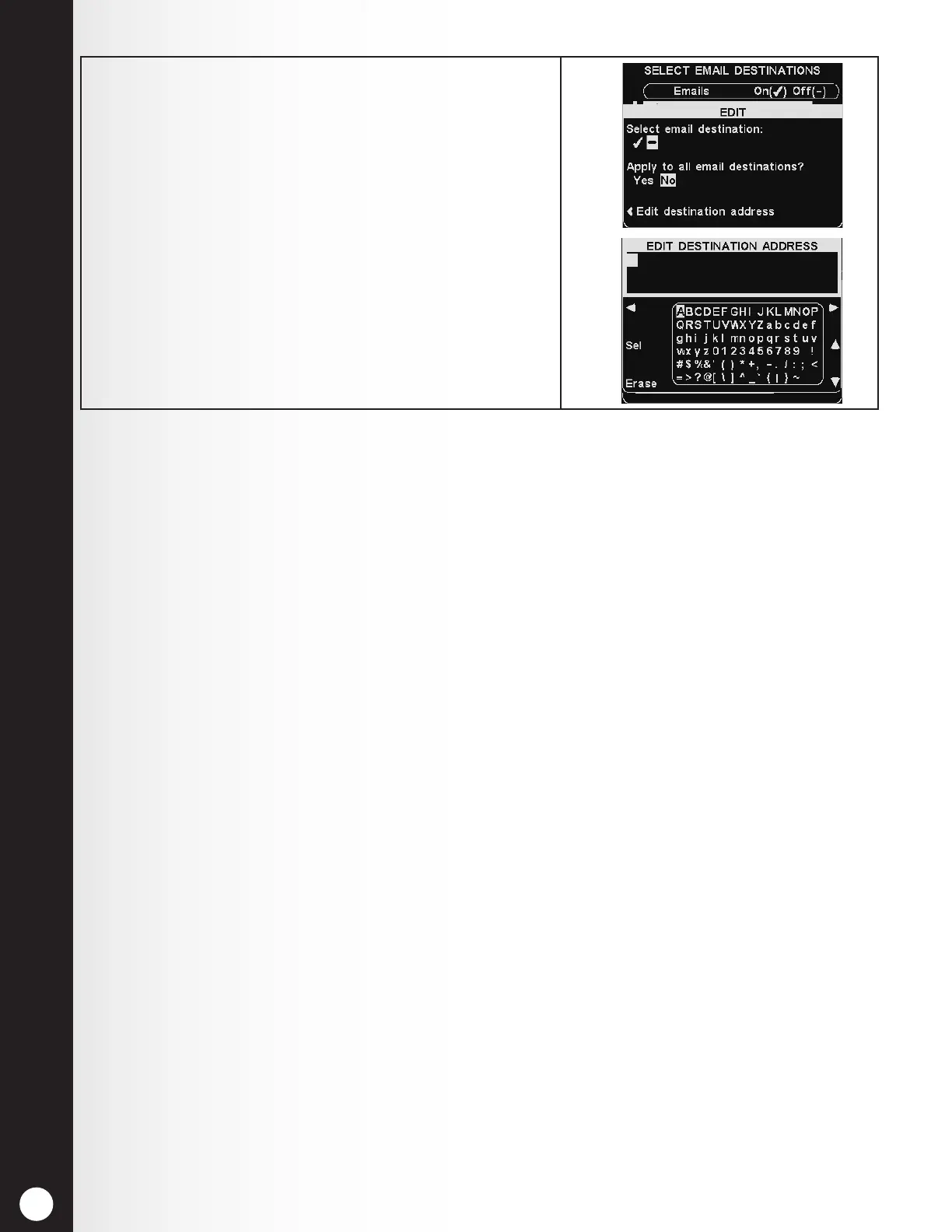
6. To edit the selected email address, press the Edit
destination address button.
On the EDIT DESTINATION ADDRESS display, use
the Erase button to clear characters in the current
email address to change them.
Use the ◄, ►, ▲ and ▼ buttons to move the highlight
to a character you would like to use in the address.
Use the Sel (select) button to enter the highlighted
character in the address.
When you are nished, press the Back button to save
the new email address.



 To Next Page