Scanreco G2 radio remote control system
HMF Technical Service Department
New functions in the HMF InfoCentre
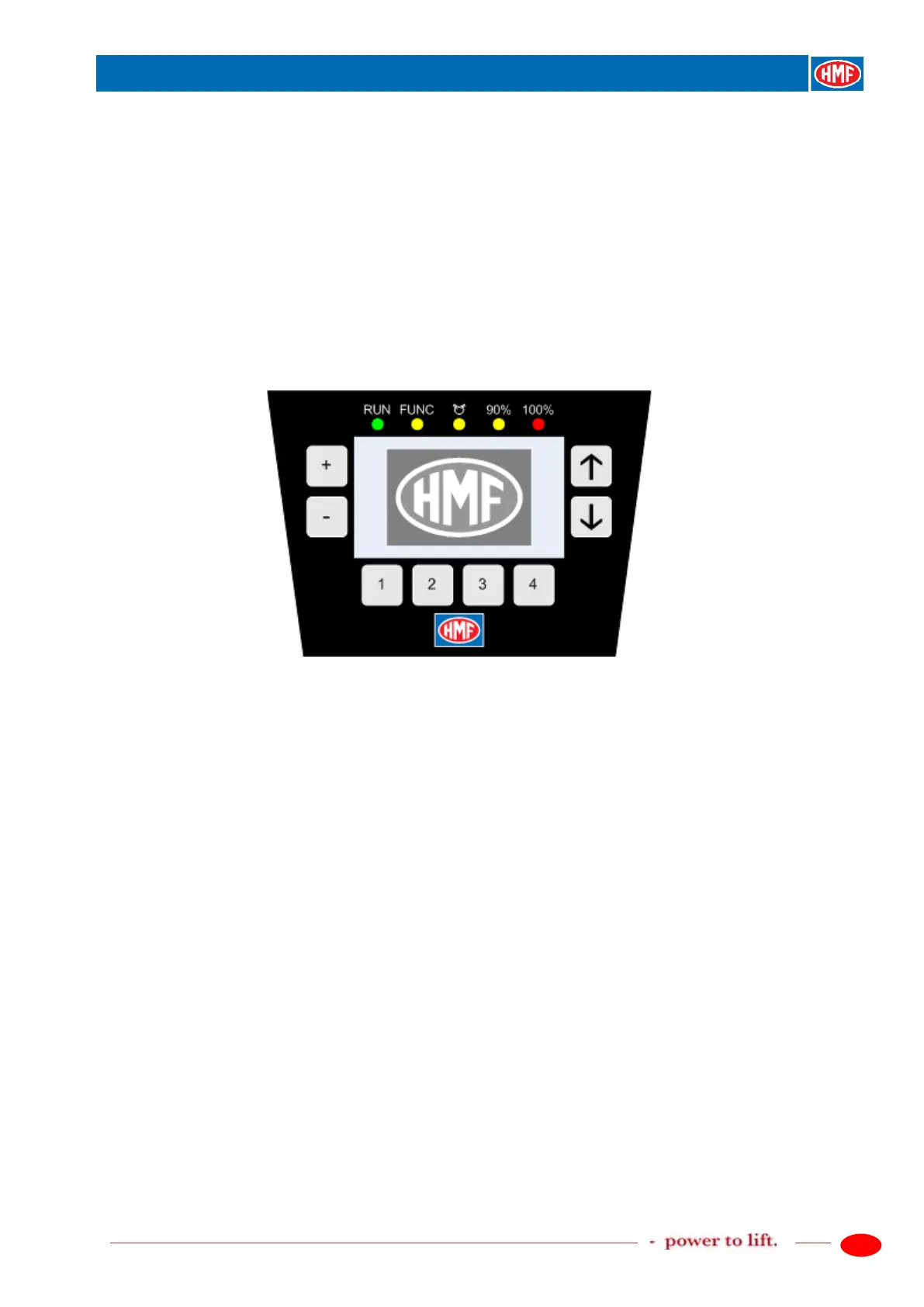
The InfoCentre of the remote control box has the following indications and operation:
- A big display with a detailed graphic screen.
- The display has a status bar that illustrates the same as the percentage indication.
- The RUN, FUNC, 90 %, 100 % and Slewing symbol diodes.
- The + and ÷ press buttons for adjusting the sound level of the buzzer.
- The ↑/↓ press buttons for scrolling between the different screens.
- The 1-4 press buttons for selecting specific screens.
The screens are configured as described in the Scanreco G2 Instruction Manual.


 To Next Page