OPERATION OF THE SOFTWARE MENU
Imager Duo Operator’s Manual
4.31
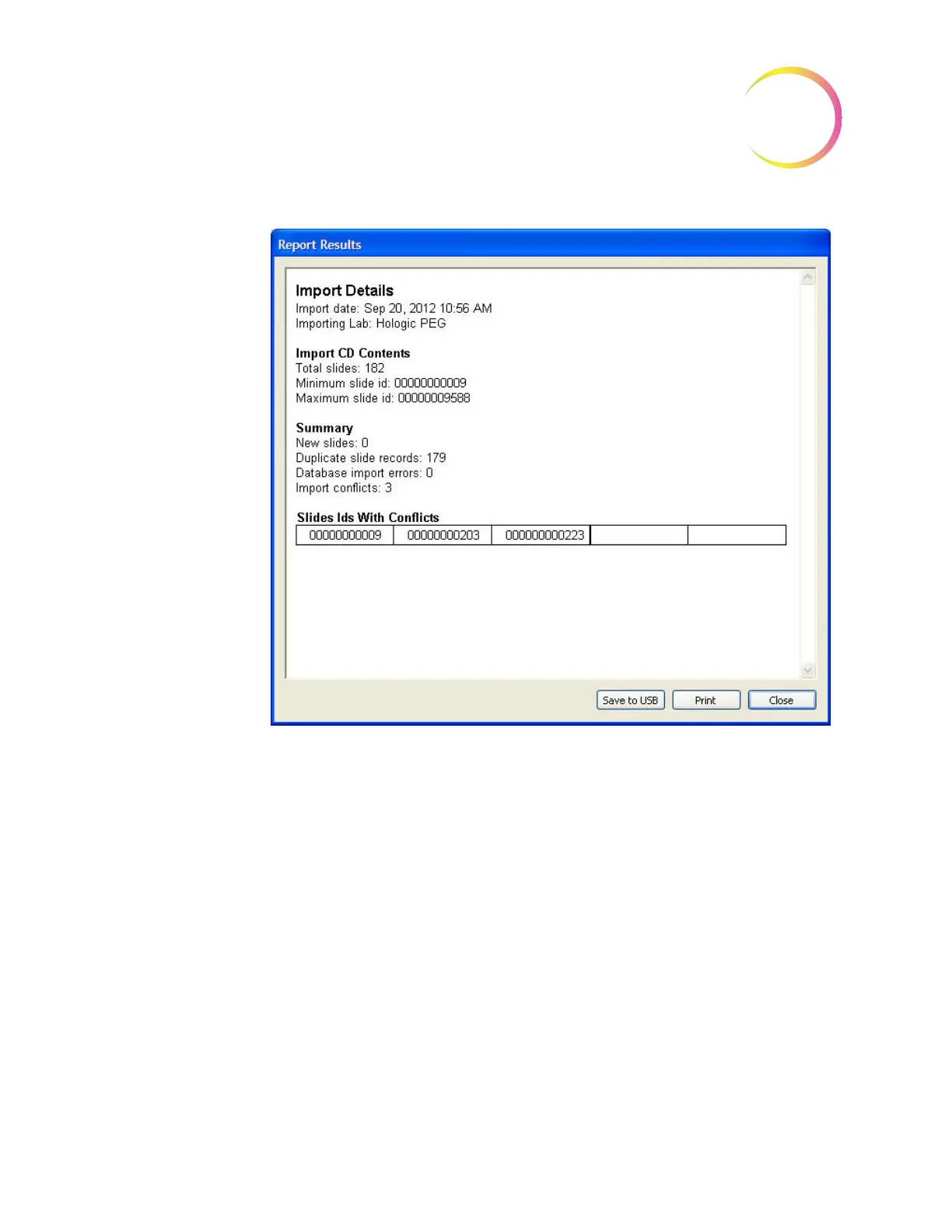
Figure 4-46 Import Results Window
To print out the report, click the
Print
button. To close the window, click the
Close
button.
Lock Slides
Specific slides and their slide data records can be selected and ‘locked’ so that
they are never purged from the database if the database is archived. They can be
deselected at a later time, if desired. The Lock Slides function is a secure func-
tion and Security must be enabled.
From the Data Management window, click on the Lock slides icon. Figure 4-47.












 To Next Page