OPERATION OF THE IMAGER DUO
Imager Duo Operator’s Manual
3.29
SHUTTING DOWN THE IMAGER DUO
WARNING:
Never turn off power to the equipment without shutting down
the system via the User Interface!
CAUTION
If Review Scopes
are also connected
to the Imager Duo,
work schedules
must be
coordinated so that
all operation is
concluded prior to
equipment shut
down.
Normal Shut Down
Server
Before shutting off the
Server
, make sure that all other IPCs and Review Scopes
that are networked to it are either turned off, or not actively communicating
with it.
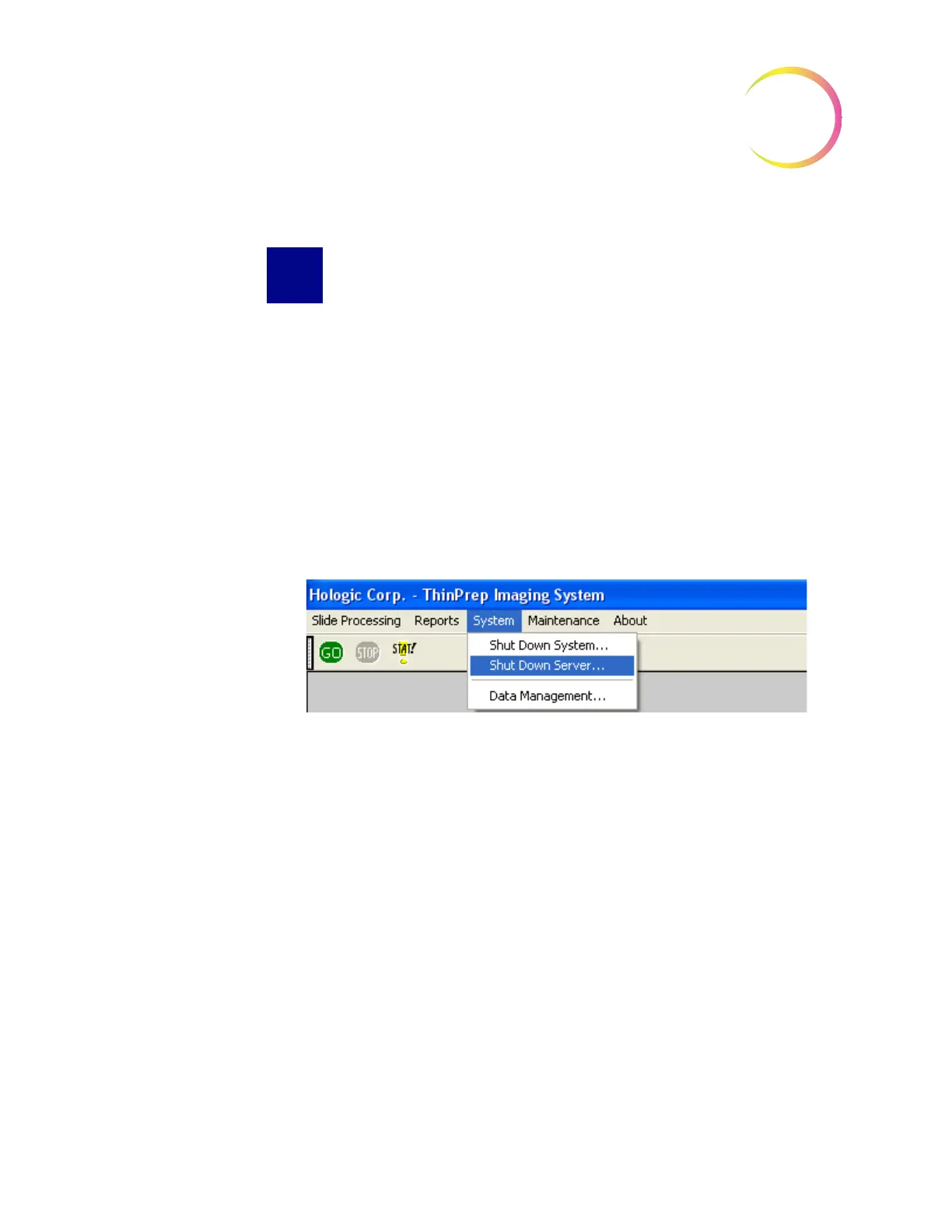
1. To power off the server, at the user interface, use the mouse to pull down
the menu under System and click once on
Shut Down Server
. (Refer to Fig-
ure 3-35.)
Figure 3-32 Shut Down System Menu Selection
2. The Data Management, Server window displays, Figure 3-33. Click the
Shutdown...
button at the bottom.












 To Next Page