OPERATION OF THE IMAGER DUO
Imager Duo Operator’s Manual
3.11
LOAD SLIDE CASSETTES INTO THE IMAGING STATION
1. At the Imaging Station, open the left or right sliding door, to access the
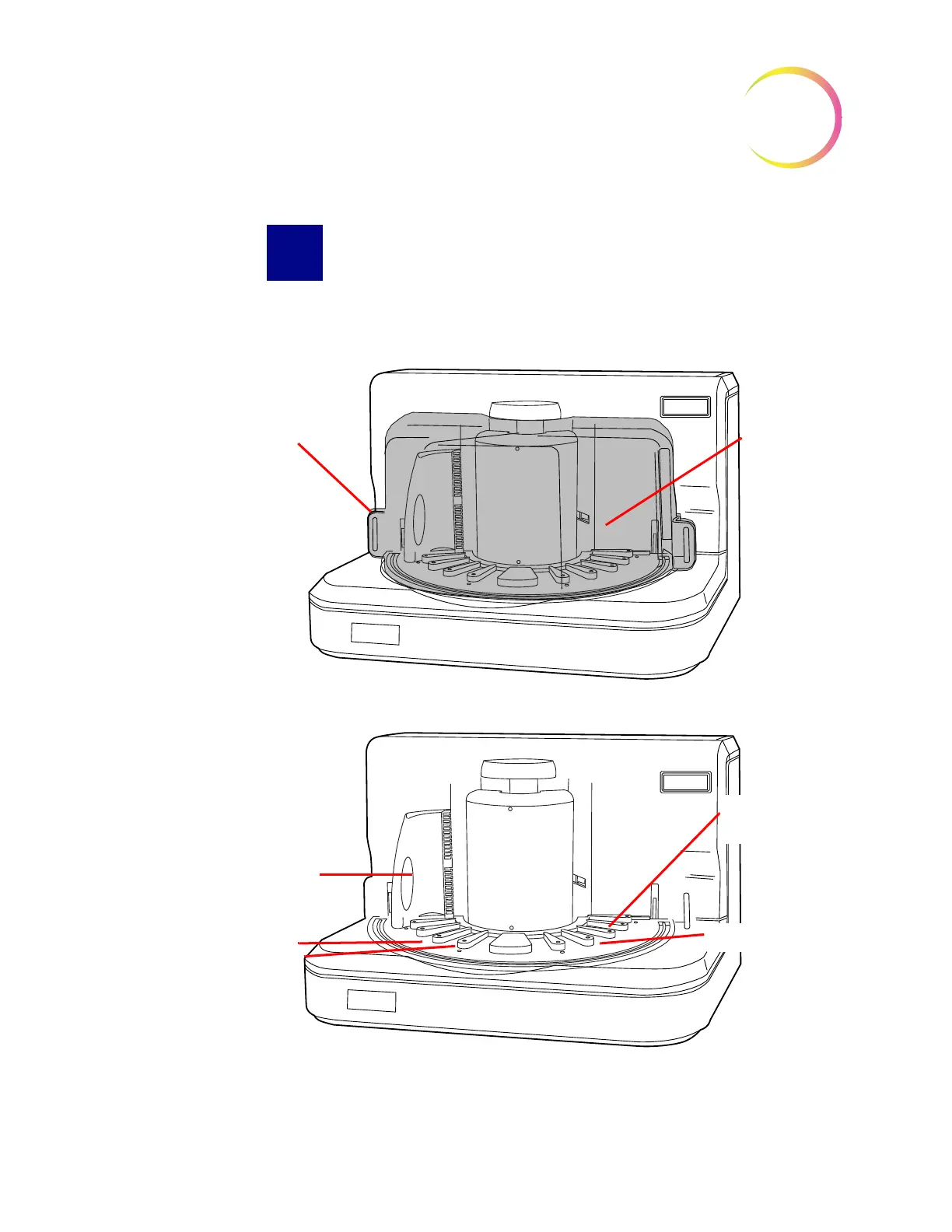
desired platform location. (Figure 3-11.)
Figure 3-11 Imaging Station and Slide Cassette Loading Platform
Right Door
Left Door
Shown with doors fully closed
Slide Cassette
Position 10
Shown with doors removed for clarity
Loading Platform
Dividers
Slide Cassette
Position 1












 To Next Page