OPERATION OF THE IMAGER DUO
3.12
Imager Duo Operator’s Manual
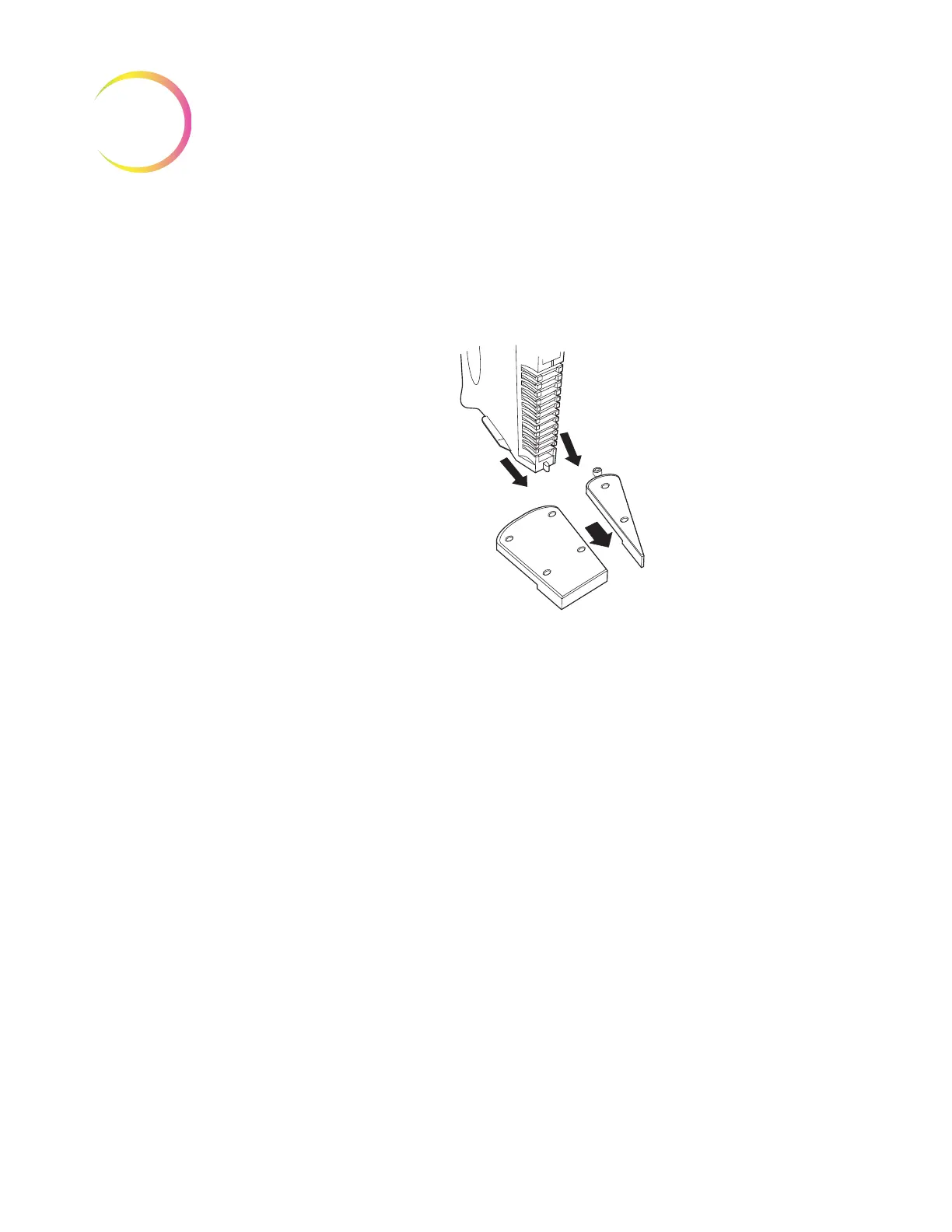
2. Holding a loaded slide cassette upright, slide it between two dividers, onto
the Imaging Station platform.
Note:
The base of the slide cassette has a tab on both sides that must fit into the
guide on the undersides of each divider. (Refer to Figure 3-12.)
Figure 3-12 Loading a Slide Cassette Into the Imaging Station
3. Push the cassette forward to seat the base firmly against the divider stops.
When it is fully inserted, the cassette engages an optical sensor that detects
it is present. An image of the slide cassette appears in the corresponding
location on the User Interface. (Refer to Figure 3-13.)
Note:
Do not slam the cassettes into position. This can cause the slides to pop
out and potentially break.
Note:
Visually check to confirm that slides are not overhanging the retaining
features.












 To Next Page