OPERATION OF THE IMAGER DUO
3.28
Imager Duo Operator’s Manual
COMPLETING SLIDE PROCESSING
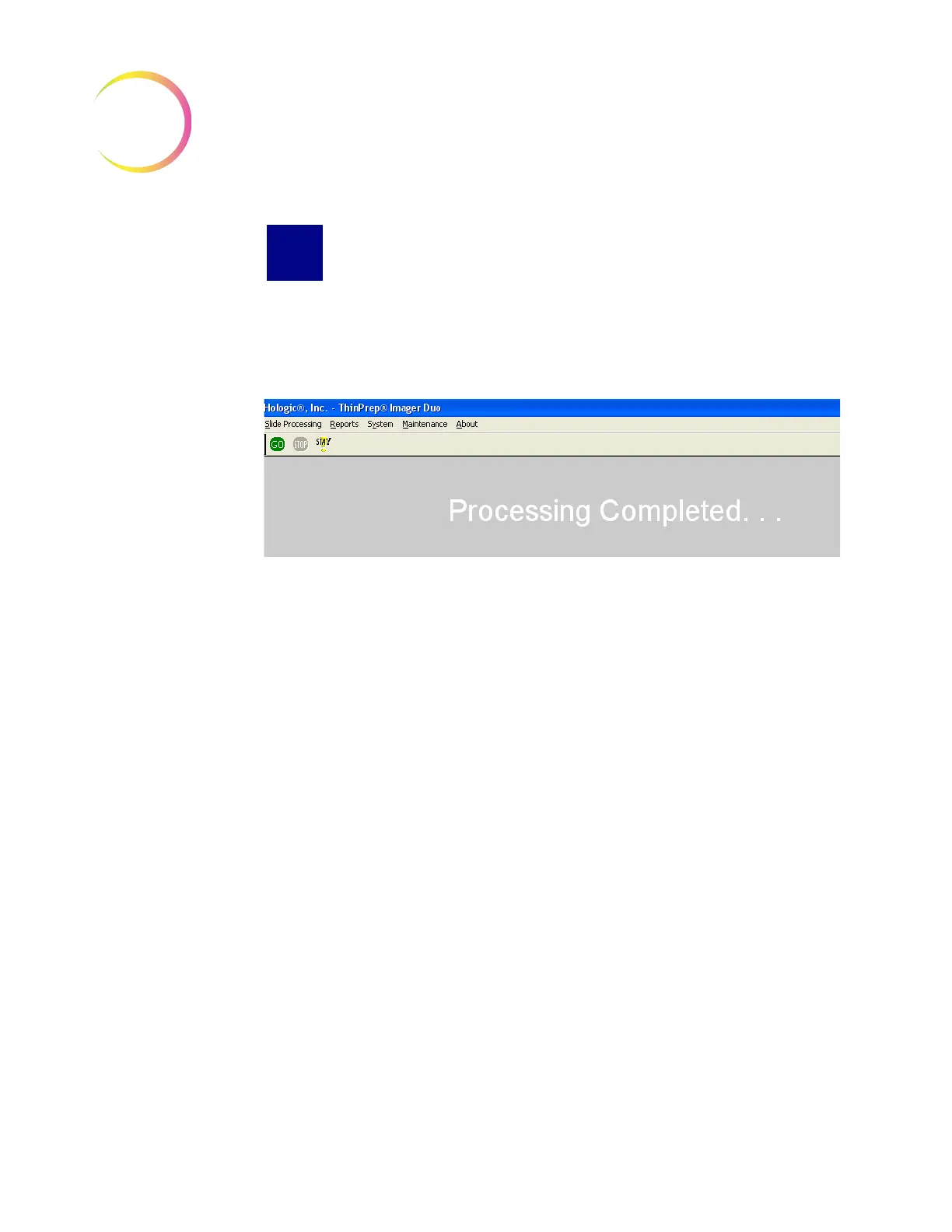
After all the slides have been processed and returned to their slide cassettes, the
status on the display changes to “Processing Completed...”. The green
GO
but-
ton on the menu bar is highlighted as available. (Refer to Figure 3-31.)
Figure 3-31 Slide Processing Complete
The doors will unlock. It is safe to open the Imaging Station and remove the cas-
settes.
If more slides are to be processed, reload slide cassettes and place them in the
Imaging Station.
If the system is to be shut down, see instructions on Shutting Down the Image
Processor. (Section I.)












 To Next Page