OPERATION OF THE IMAGER DUO
Imager Duo Operator’s Manual
3.27
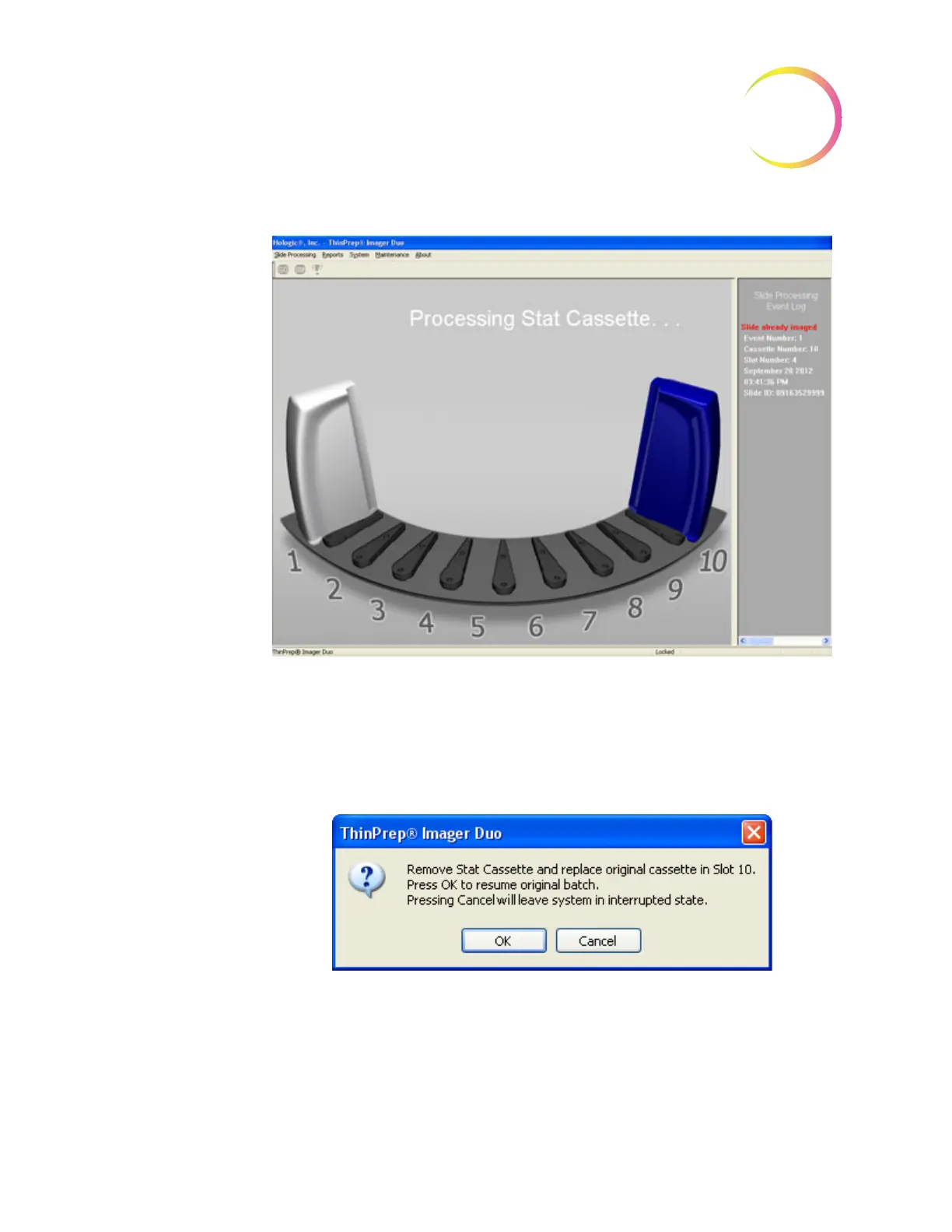
Figure 3-29 Stat Cassette in Process
The cassette displayed on the screen turns blue upon completion of processing
the stat slides, Figure 3-29. The doors unlock when the system is ready.
A dialog box prompts the operator to remove the stat cassette and replace it
with the original slide cassette (if one was present).
Figure 3-30 Remove and Replace Stat Cassette
Close the doors and click the
OK
button to resume the batch. Clicking
Cancel
will leave the system in the interrupted state.












 To Next Page