OPERATION OF THE IMAGER DUO
3.26
Imager Duo Operator’s Manual
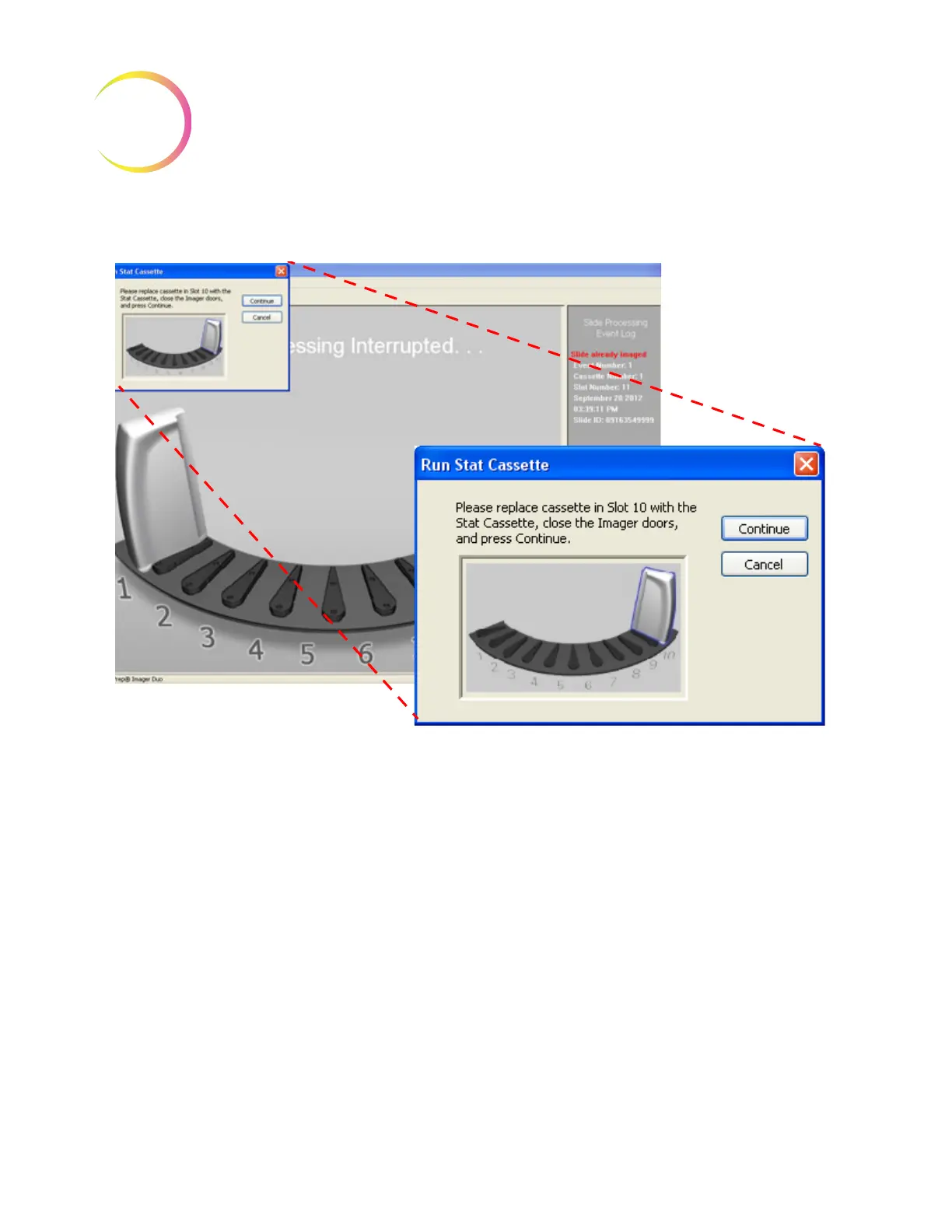
Figure 3-28 Run Stat Cassette Instructions
Place the cassette in position 10 (replacing the cassette already present at posi-
tion 10, if there is one), close the doors and click the
Continue
button. The sys-
tem processes the stat slide(s).












 To Next Page