OPERATION OF THE IMAGER DUO
Imager Duo Operator’s Manual
3.25
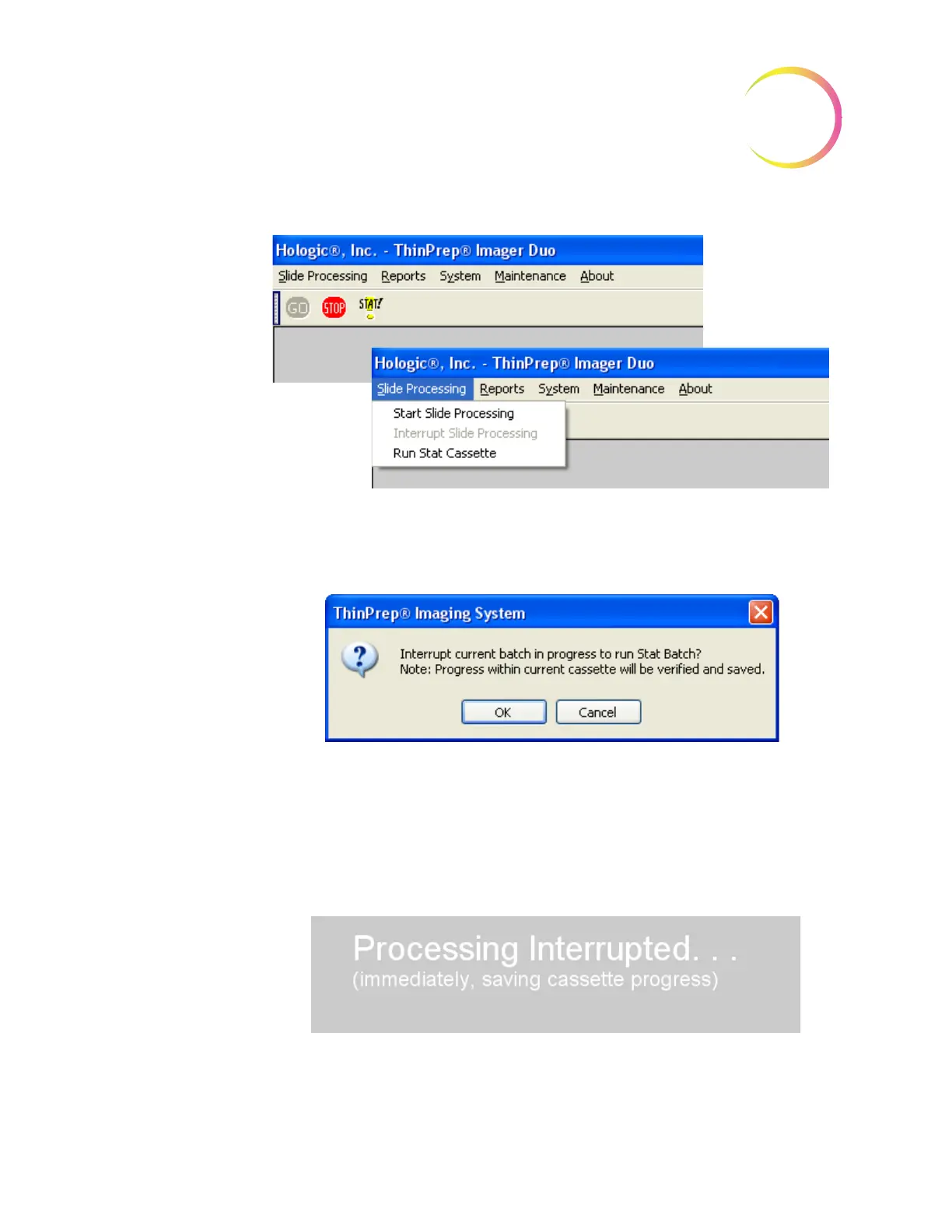
Figure 3-26 Run Stat Cassette - Menu Selection
The system will prompt for confirmation that the batch is to be interrupted for a
stat slide, Figure 3-27
Figure 3-27 Stat Interruption Confirmation Message
Click
OK
to proceed with a stat slide or click
Cancel
to continue with the batch
in progress.
A message is displayed that the batch is being interrupted. The system will
always interrupt by saving the cassette progress, so that the batch may be
resumed upon completion of the stat slide.
When interruption of the batch is complete, the doors unlock and a dialog box
prompts the operator to place a cassette with the stat slide(s) loaded into posi-
tion 10 on the cassette platform, Figure 3-28.












 To Next Page