OPERATION OF THE IMAGER DUO
3.6
Imager Duo Operator’s Manual
MATERIALS REQUIRED PRIOR TO OPERATION
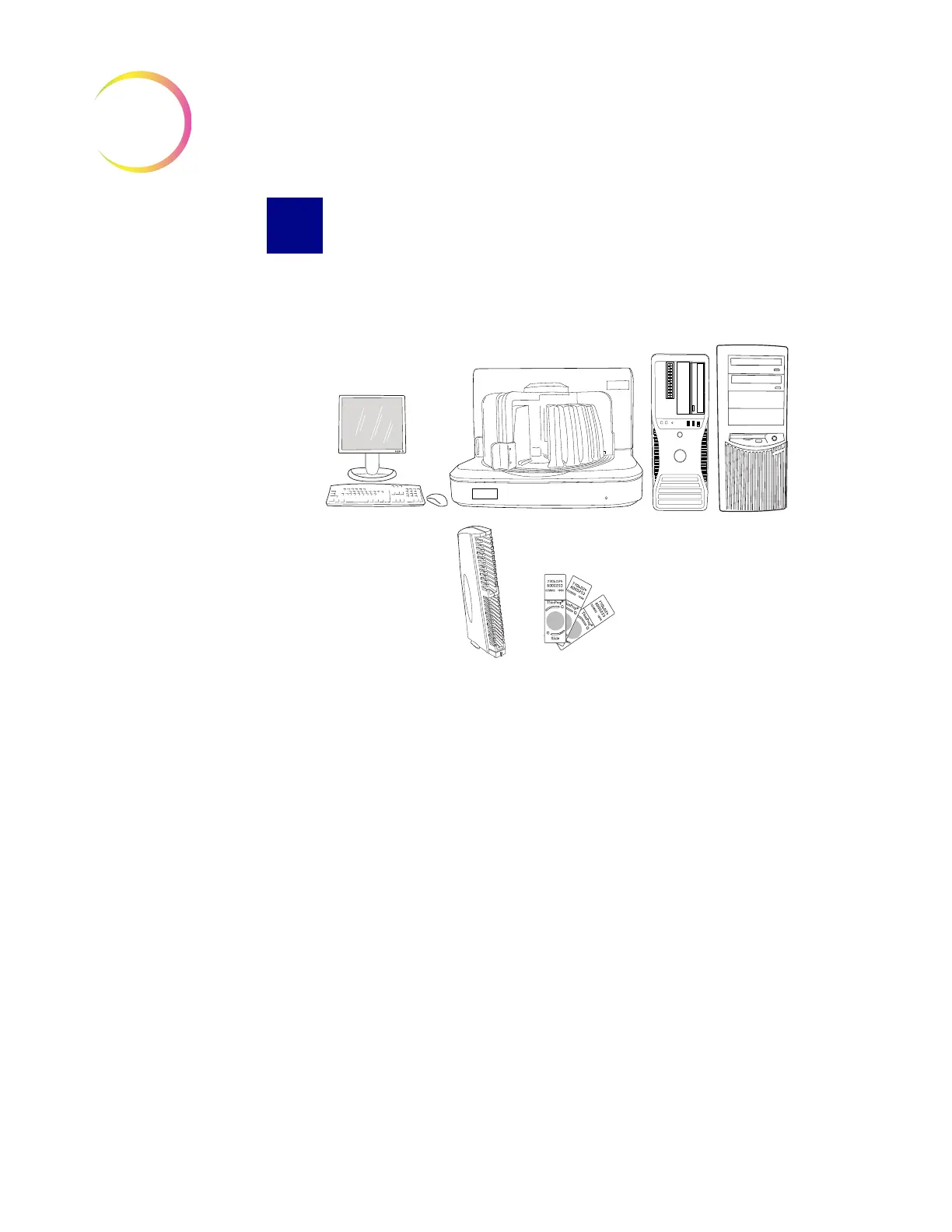
Figure 3-7 Items Required For Slide Image Processing
The
Monitor, Keyboard and Mouse
are provided and configured with the
Imager Duo System equipment at the time of installation. They provide the
User Interface with the system. One set connects to the Image Processor Con-
troller, the other set to the Server and they should be located close to each com-
puter.
Slide cassettes are
provided at
installation - see
Ordering Information
for ordering more.
The
Imaging Station
holds the slide cassettes during slide processing. The
operator ensures that the Imaging Station is powered on, the slide cassettes are
loaded properly, and the doors are securely closed prior to slide processing. The
Imaging Station images each slide and sends the data to the Image Processor
Controller.
Note:
A Verification Slide is a component within the Imaging Station necessary
for slide imaging. The Verification Slide is loaded at the time of equip-
ment installation and is not accessible to the operator during batch pro-
cessing.
The
Image Processor Controller
contains the frame imaging processor and con-
trols the electromechanical functions of the instrument. It analyses the imaged
slide data and then sends the data to be stored on the
Server
. (and to the
optional H
net
if your system has one.)
Monitor, Keyboard & Mouse
(user Interface)
Imaging Station
Image Processor Controller
and Server
Slide Cassettes
ThinPrep Pap Test
Microscope Slides












 To Next Page