OPERATION OF THE IMAGER DUO
Imager Duo Operator’s Manual
3.5
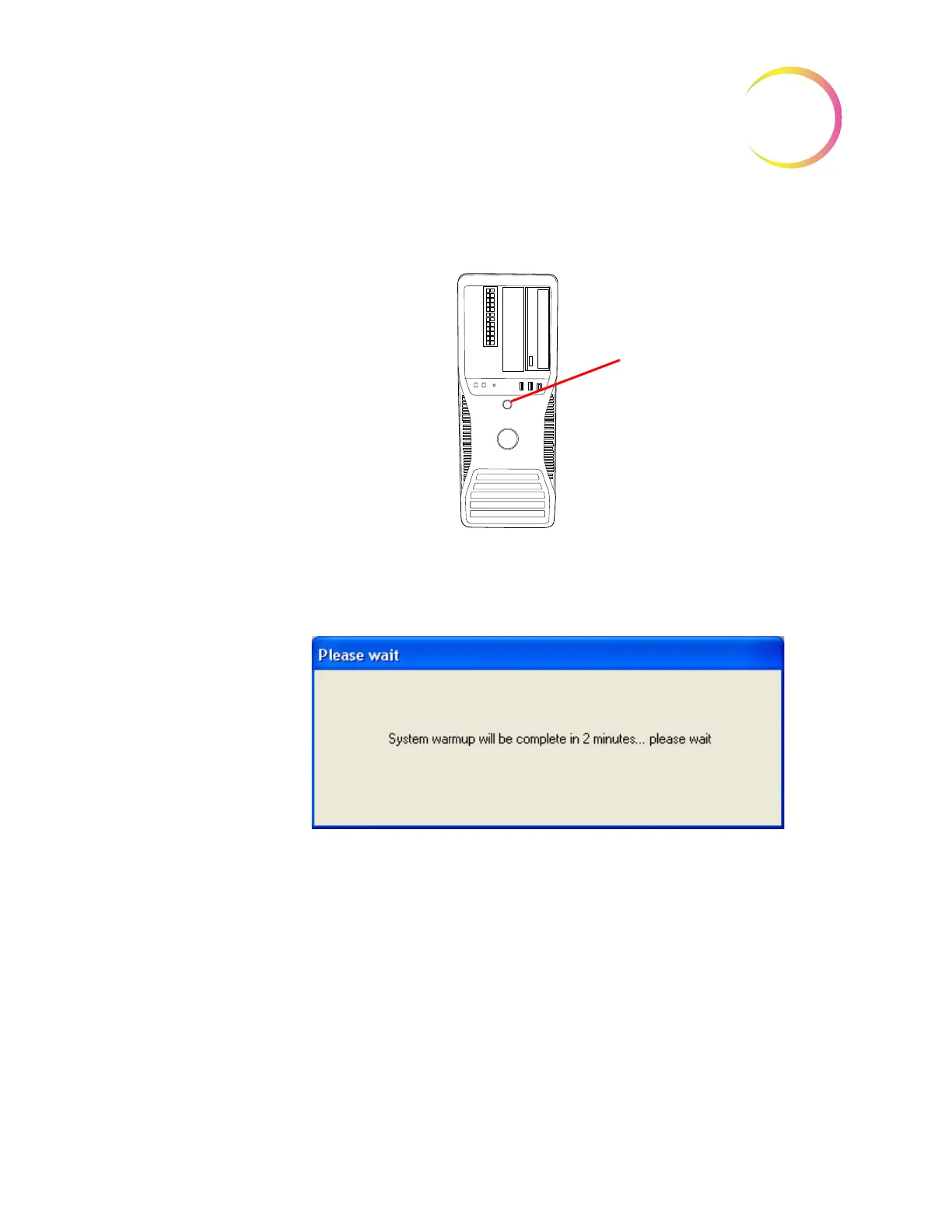
5. At the Image Processor Controller, push the power on button. (Figure 3-5.)
Figure 3-5 Image Processor Controller, Power Switch
6. At the Monitor, observe that the message “System warmup will be complete
in 2 minutes... please wait” is displayed on the user interface. (Figure 3-6.)
Figure 3-6 Warmup in Progress
Note:
When the warmup cycle ends, the message disappears and the doors are
unlocked.
To power the Imaging System off, refer to “SHUTTING DOWN THE IMAGER
DUO” on page 3.29. The IS, IPC and Server should be shut off in the sequence
described there.
Power On Button
Note - depending on which
model computer you have, it
may look different than this
graphic












 To Next Page