OPERATION OF THE SOFTWARE MENU
Imager Duo Operator’s Manual
4.71
MAINTENANCE MENU
There are maintenance items that the operator should do on a routine basis
(refer to Chapter Five, Imager Duo Maintenance). The
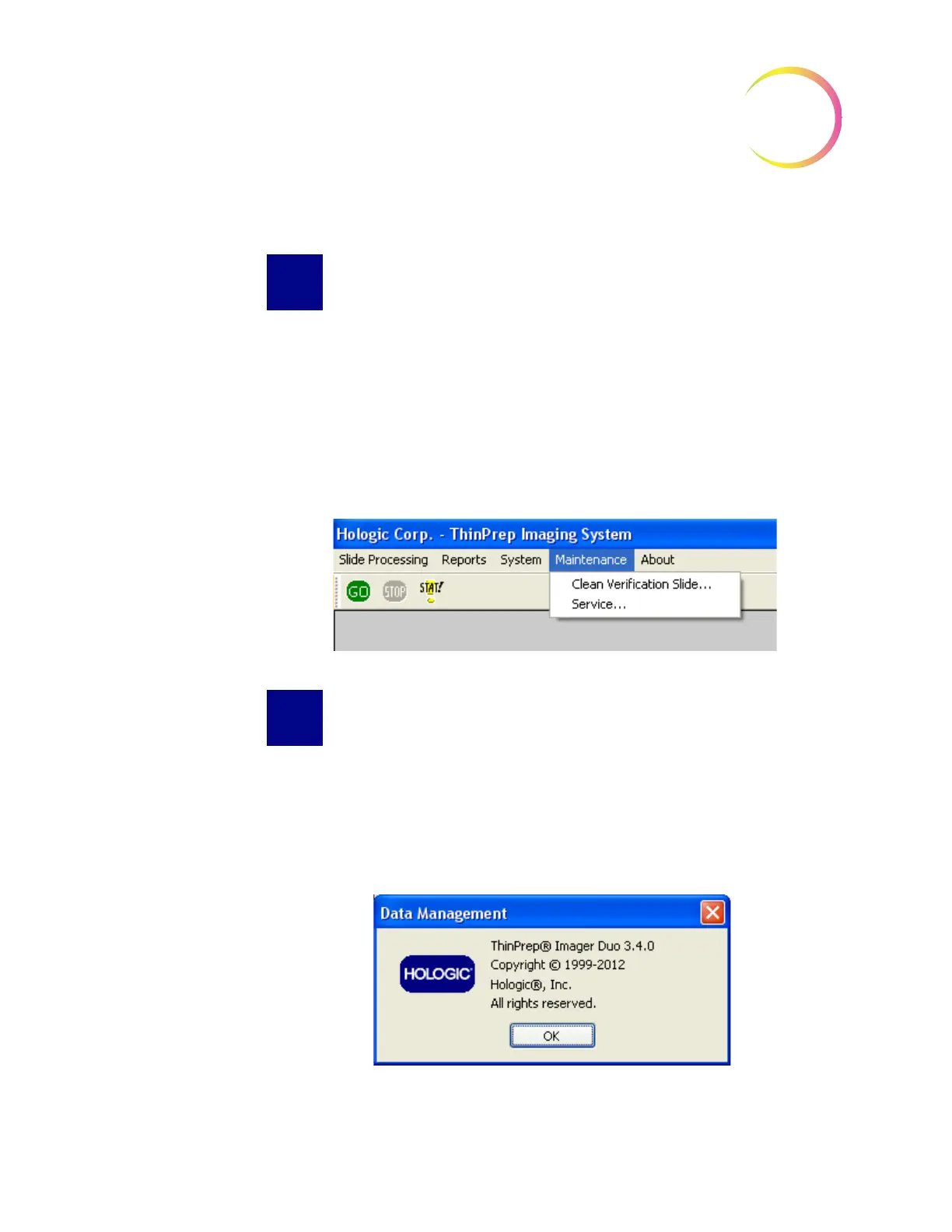
Clean Verification Slide
task is located under Maintenance on the system menu bar because the system
software is required in order to retrieve and return the verification slide for the
operator. Refer to Figure 4-92.
Refer to the Clean Verification Slide procedure in Chapter Five, for instructions
on cleaning the slide.
Figure 4-92 Maintenance Menu
ABOUT MENU
The ThinPrep
®
Imaging System version and the Image Processor software ver-
sion can be viewed by clicking on the About ThinPrep Imaging System button.
(Figure 4-93.)
Figure 4-93 About ThinPrep Imaging System












 To Next Page