OPERATION OF THE SOFTWARE MENU
4.2
Imager Duo Operator’s Manual
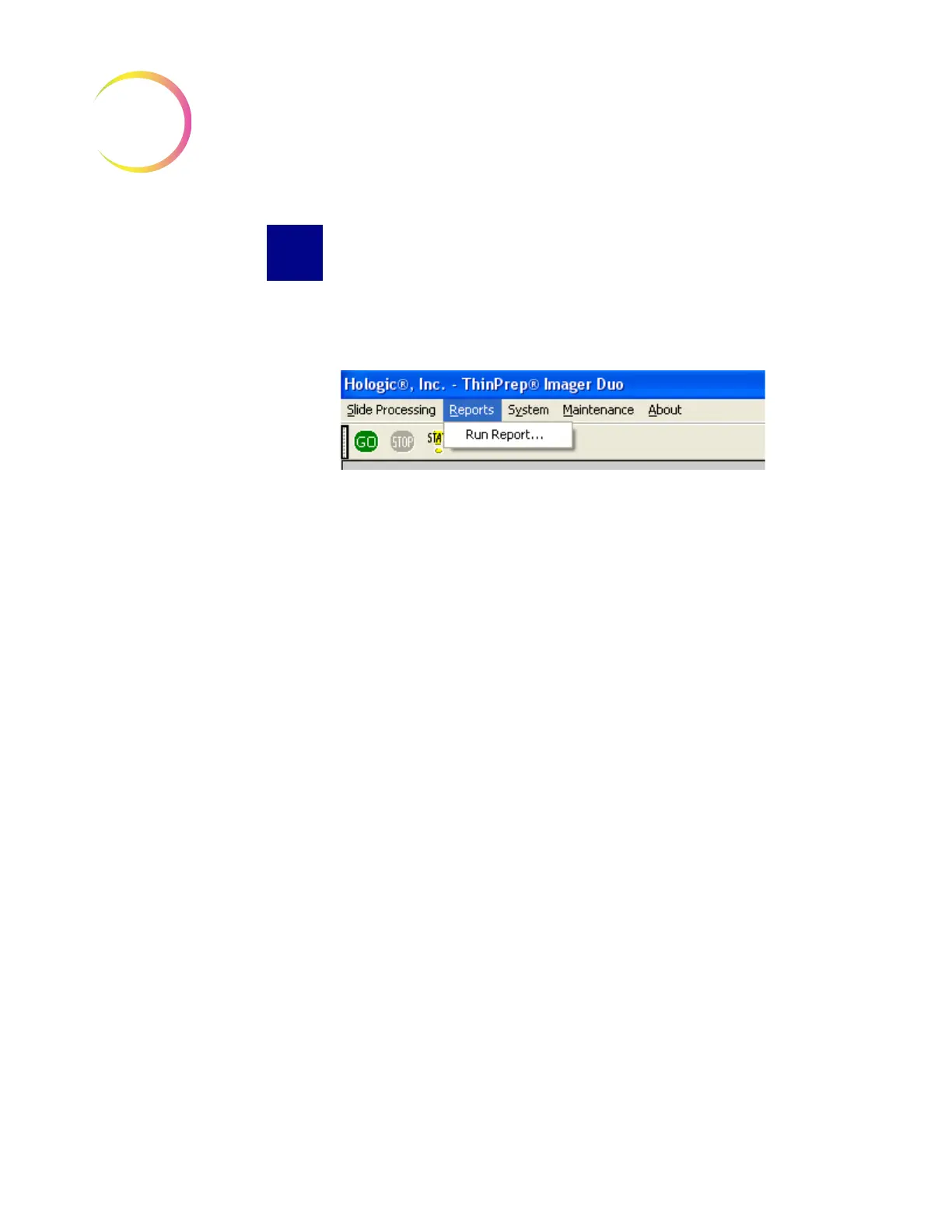
REPORTS MENU
The Reports menu contains functions that generate reports for specific compo-
nents of the ThinPrep
®
Imaging System.
Figure 4-3 Reports Menu
Run Report
The Run Report generates the results from a processed batch. Up to 250 reports
may be viewed from the report window in Data Management. They are listed in
chronological order, starting with the most recent. (Refer to Figure 4-4.)
The Run Report can be printed and retained at the conclusion of each batch. For
automatic printing of the report, see the next section,
Auto Print Run Report
.
Click on Reports -> Run Report. The Run Report list window is displayed.
(Refer to Figure 4-5.)












 To Next Page