OPERATION OF THE SOFTWARE MENU
Imager Duo Operator’s Manual
4.3
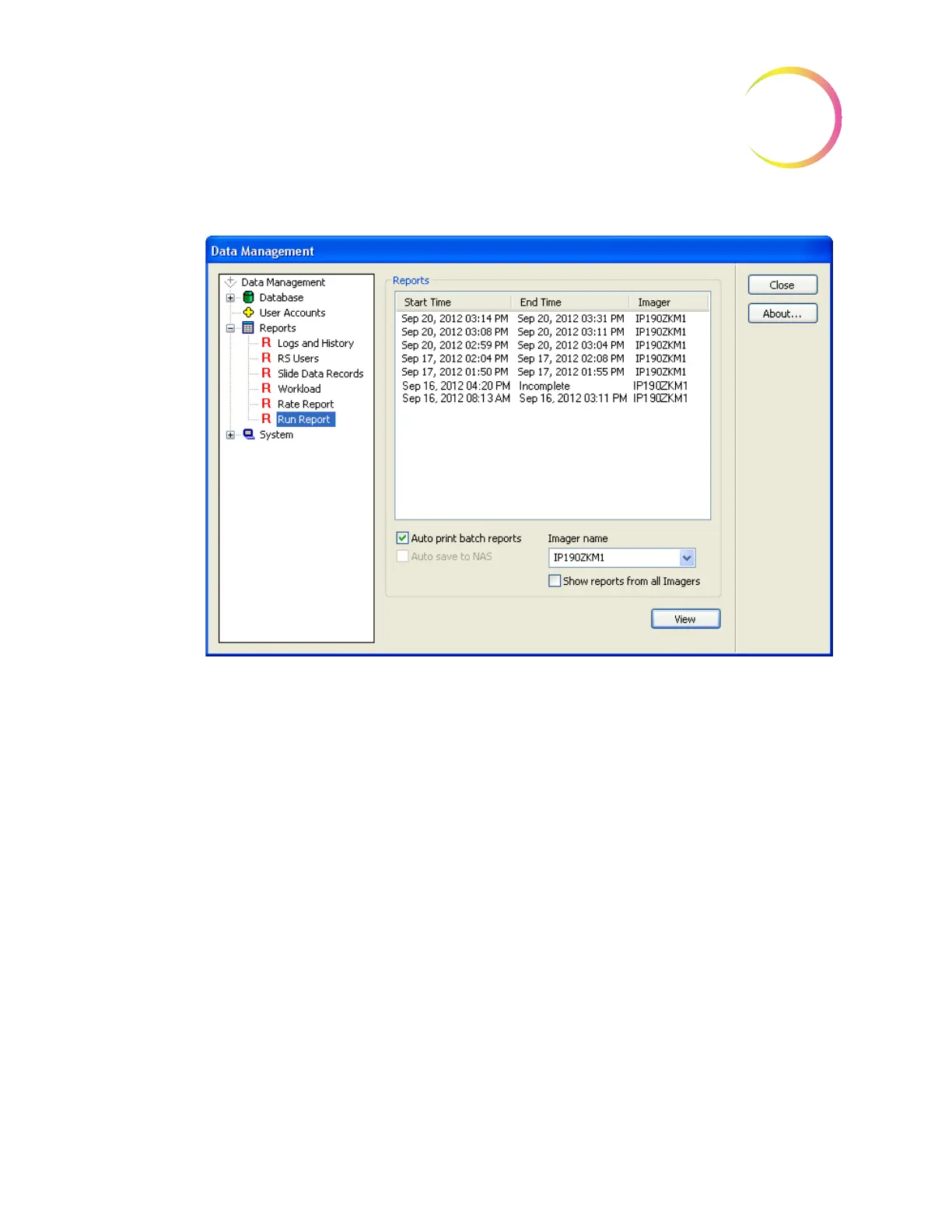
Figure 4-4 Run Report Display
Select the report to view or print by clicking on it to highlight it and then click-
ing the
View
button or by double clicking on the report date.
A report in the list that reads ‘incomplete’ for End Time indicates that the batch
is either still in progress, or failed to complete due to a system error (as shown
in Figure 4-5).












 To Next Page