OPERATION OF THE IMAGER DUO
Imager Duo Operator’s Manual
3.31
Figure 3-35 Shut Down System Menu Selection
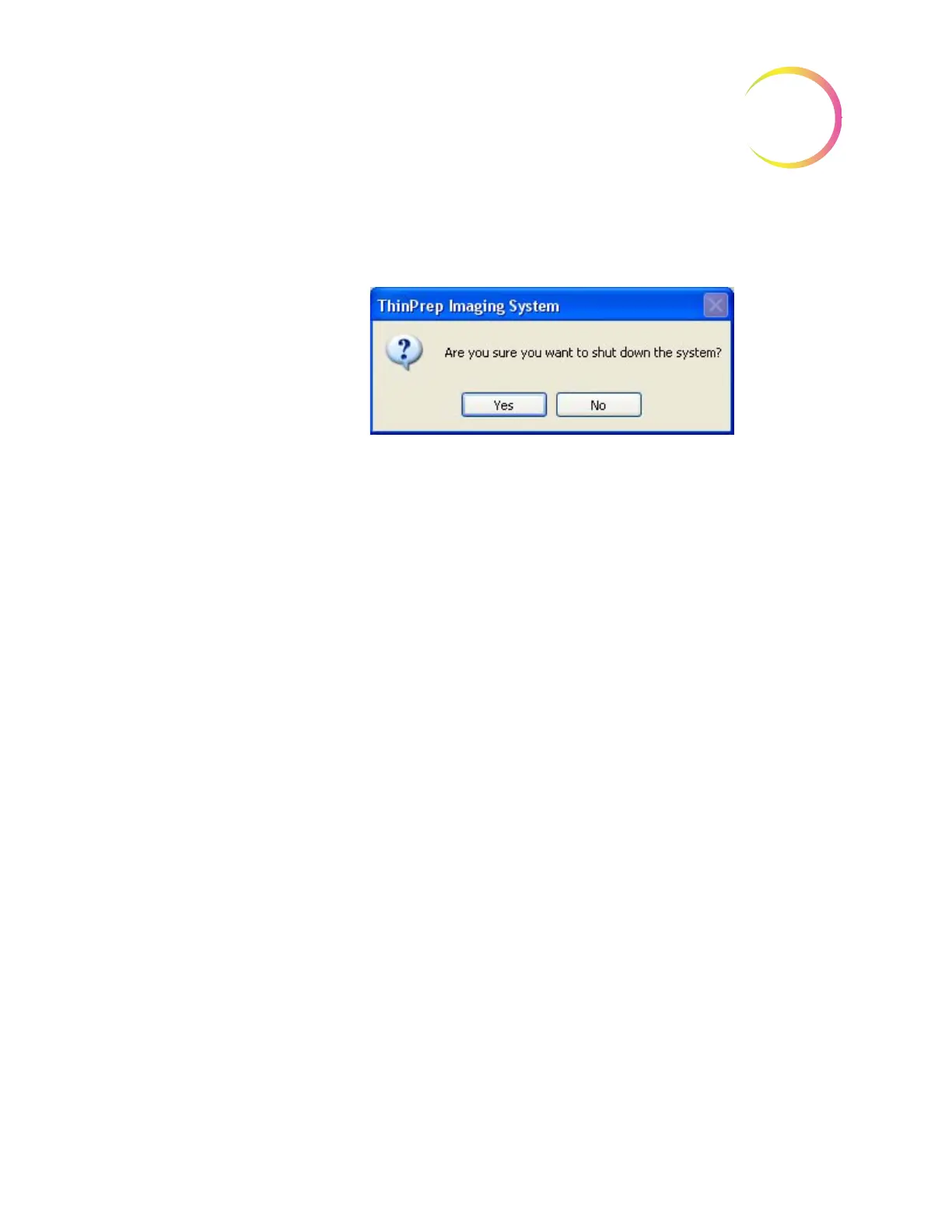
2. Select “Yes” to continue with shut down. (Figure 3-36).
Figure 3-36 Confirm Shut Down
3. The application quits, and then Windows shuts down and the Image Pro-
cess Controller and monitor turn off.
Imaging Station
4. At the rear of the Imaging Station, position the Power rocker switch to OFF.
Shut Down Due to Power Outage
CAUTION
Be sure to shut
down the Imager
Duo before the UPS
backup power runs
out.
If a power outage condition occurs, the Uninterruptable Power Supply (UPS)
issues an audible alarm when providing backup power. There will be approxi-
mately 30 minutes of power provided. Follow the instructions for shutting
down the Imager Duo in the previous section. Turn off the UPS when the instru-
ment has been safely turned off.
Taking the Instrument Out of Service (Extended Shut Down)
If the Imager Duo is to be shut down for an extended time, follow the shut
down instructions for Shutting Down the Image Processor (page 3.29).
Remove and safely store any patient slides that might be in the slide cassettes.
Close the Imaging Station doors.
Unplug the power cord to the Imaging Station, the monitor, the Image Proces-
sor Controller and the Server.












 To Next Page