OPERATION OF THE IMAGER DUO
3.30
Imager Duo Operator’s Manual
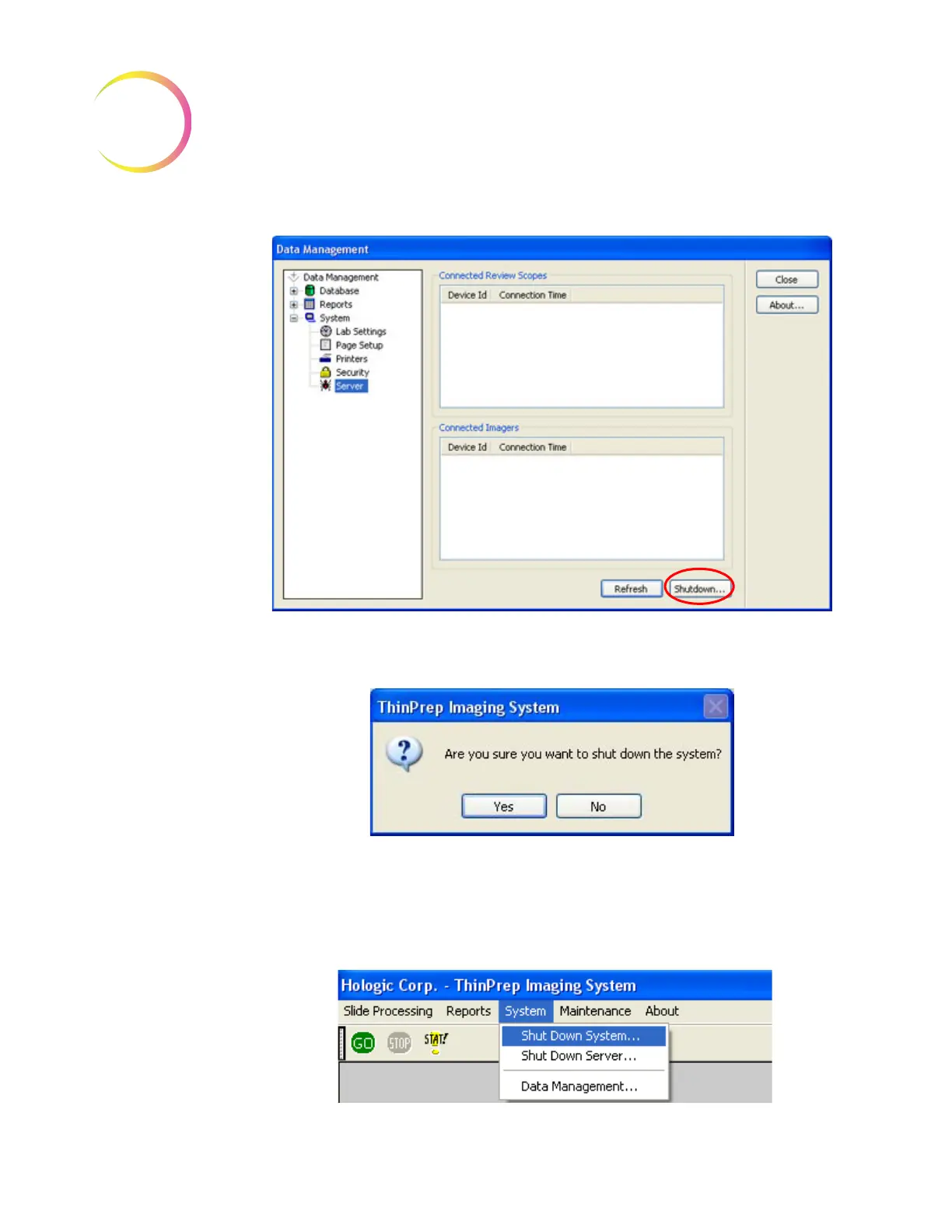
Figure 3-33 Server Shut Down Button
3. Select “Yes” to continue with shut down. (Figure 3-36).
Figure 3-34 Confirm Shut Down
Image Processor
1. To power off the Image Processor, at the user interface, use the mouse to
pull down the menu under System and click once on
Shut Down System
.
(Refer to Figure 3-35.)












 To Next Page