OPERATION OF THE SOFTWARE MENU
Imager Duo Operator’s Manual
4.55
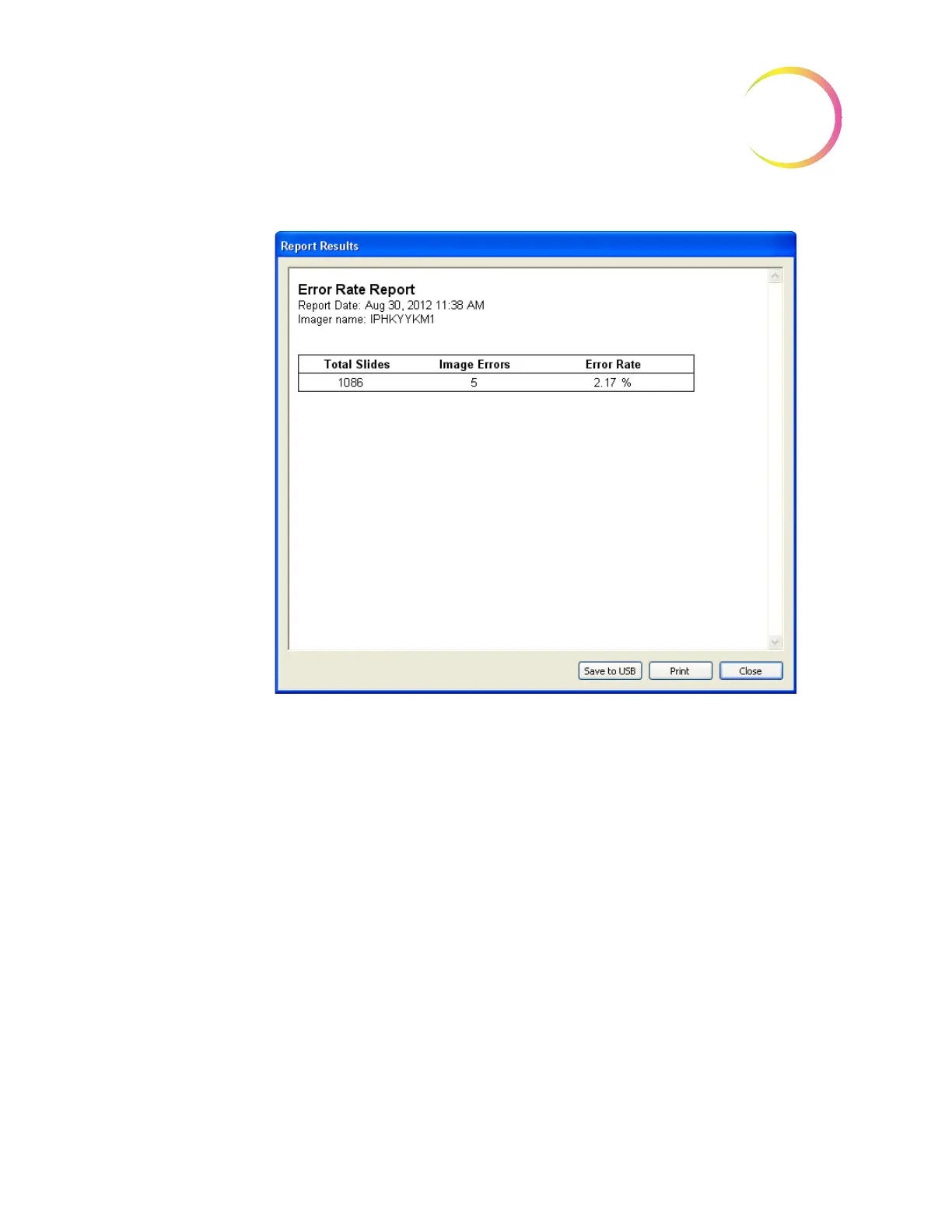
Figure 4-70 Rate Report
To print the report, click on the
Print
button. Click on the
Save to USB
button to
save the report to a USB key, or the report may be saved to the NAS drive (if
your system is configured with H
net
). To close the report, click on the
Close
button to return to the Workload display.
Report - Run Report
The Run Report displays the results of a processed batch. Information from the
100 most recent batches is available. This is the same report that is accessed
from the main menu under Reports. Refer to “REPORTS MENU” on page 4.2.












 To Next Page