EasyManua.ls Logo

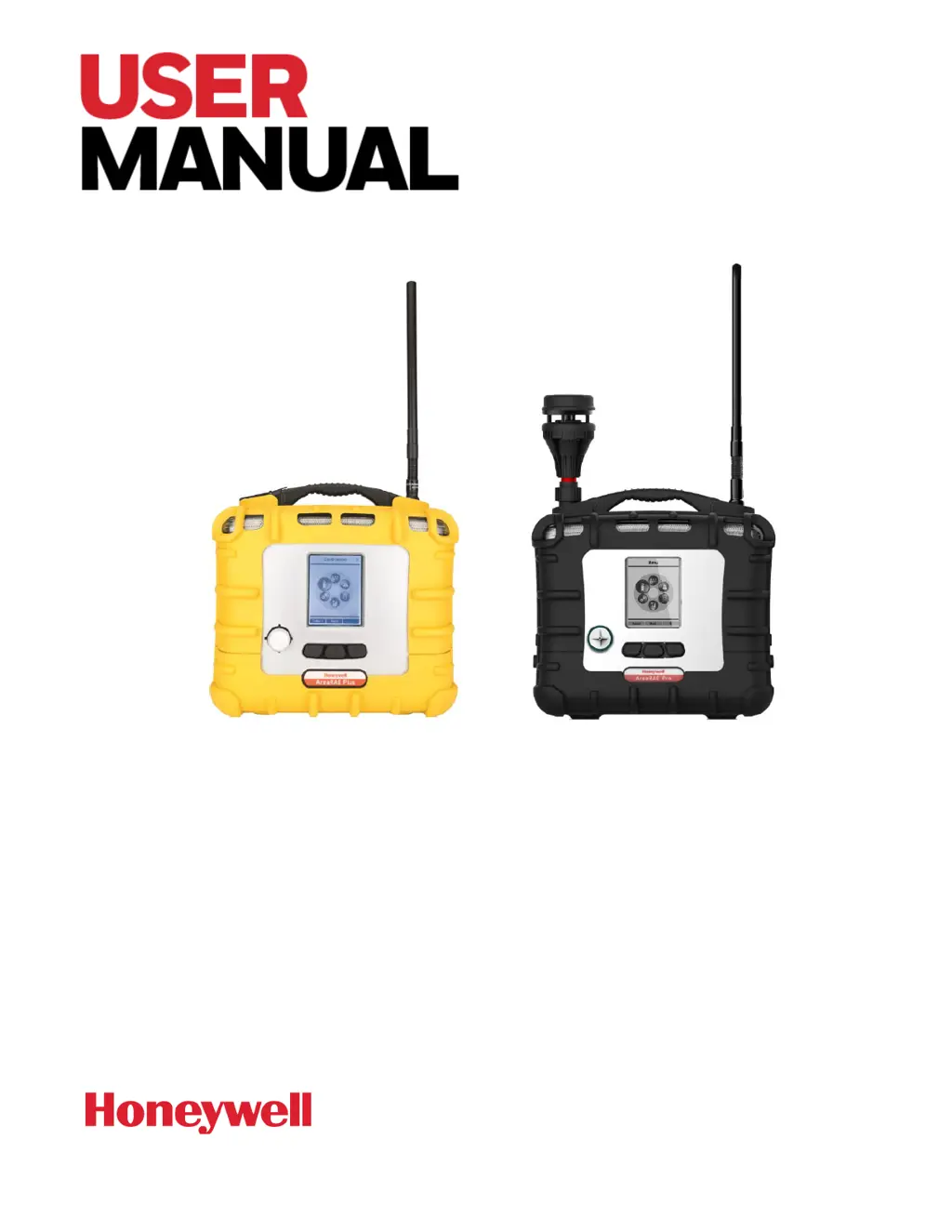
Honeywell AreaRAE Plus - User Manual

Honeywell AreaRAE Plus
145 pages
Print Icon
To Next Page IconTo Next Page
Loading...
AreaRAE
WIRELESS MULTI-GAS, MULTI THREAT DETECTOR

Table of Contents

Other manuals for Honeywell AreaRAE Plus

Questions and Answers

  • M
    Mike PowersAug 14, 2025
    What to do if Honeywell Gas Detectors display a 'Pump failed' message?
    • N
      natashagonzalezAug 14, 2025
      If your Honeywell Gas Detectors display a 'Pump failed' message, it could be due to several reasons. First, check if the inlet probe is blocked and remove any obstructions, then press the [Y/+] key to reset the pump alarm. Another potential cause is a contaminated water trap filter which should be replaced. If the pump is bad, replace the pump. Be careful not to allow water condensation inside the unit.
  • C
    Christine PerezAug 17, 2025
    How to fix a “Lamp” message on Honeywell Gas Detectors?
    • M
      michaelmillerAug 18, 2025
      If you see a “Lamp” message when powering on your Honeywell Gas Detectors, it could be due to low ion concentration inside the PID lamp, especially in cold environments. Try turning the unit off and then back on. If the issue persists, the UV lamp may be defective and needs replacement.
  • F
    fwhiteAug 21, 2025
    What to do if Honeywell Gas Detectors won't turn on after charging?
    • F
      felicia47Aug 21, 2025
      If your Honeywell Gas Detectors won't turn on after charging, it could be due to a defective charging circuit, in which case you should replace the battery or charger. Alternatively, the battery itself might be defective; try charging the battery again.
  • M
    Michelle JonesAug 26, 2025
    What to do if my Honeywell AreaRAE Plus show 'Pump failed message'?
    • J
      John CraigAug 26, 2025
      If your Honeywell Security Sensor displays a “Pump failed message” or triggers a pump alarm, it could be due to several reasons: * A blocked inlet probe. Try removing any obstructions and press the [Y/+] key to reset the pump alarm. * Direct connection to a gas outlet while the gas valve is off. Remove any blockages and press the [Y/+] key to reset the alarm. * A contaminated or overly dirty water trap filter. Replace the water trap filter. * Water condensation along the inlet probe. Prevent water from condensing inside the unit. * A faulty pump or pump circuit. In this case, replace the pump.
  • J
    Joseph AllenAug 29, 2025
    Why does my Honeywell Security Sensors show a 'Lamp' message when I turn it on?
    • M
      Maria DavisAug 29, 2025
      If your Honeywell Security Sensors display a “Lamp” message upon powering on, or triggers a lamp alarm, it could be due to low ion concentration inside the PID lamp, especially in cold environments. Try turning the unit off and then back on. If the issue persists, it may be a defective PID lamp or circuit, requiring a UV lamp replacement.
  • T
    Teresa JohnsonSep 1, 2025
    How to fix inoperative buzzer and LED lights on Honeywell AreaRAE Plus Security Sensors?
    • K
      Kathy KimSep 1, 2025
      If the buzzer and LED lights on your Honeywell Security Sensors are inoperative, the buzzer and/or other alarms may be disabled. Check under “Alarm Settings” in Programming Mode to ensure they are not turned off. If the issue persists, it could be a bad buzzer, LED lights, or PCB, requiring a call to an authorized service center.
  • B
    Brandon RogersSep 5, 2025
    What to do if Honeywell AreaRAE Plus Security Sensors cannot turn on power after charging the battery?
    • K
      Kelli FoleySep 5, 2025
      What to do if I cannot turn on my Honeywell Security Sensors after charging the battery? It may be due to a defective charging circuit, in which case you should replace the battery or charger. It could also be a defective battery, so try charging the battery again.
  • B
    Barbara CoxSep 9, 2025
    Why are the buzzer and LED lights not working on my Honeywell Gas Detectors?
    • T
      Teresa MarksSep 9, 2025
      If the buzzer and LED lights on your Honeywell Gas Detectors are not working, the buzzer and/or other alarms may be disabled. Check under “Alarm Settings” in Programming Mode to ensure that the buzzer and/or other alarms are not turned off.

Summary

Product Information and Safety

Product Registration

Register your product online to receive notifications and special offers.

Warnings and Safety Precautions

Essential safety guidelines, including daily bump tests and operational cautions.

Device Features and User Interface

Features Comparison

Compares features between AreaRAE Plus and AreaRAE Plus/Pro models based on configuration.

User Interface Overview

Describes the instrument's display, LEDs, buzzer, keys, and connection ports.

Wireless Communication and Control

ISM and Wi-Fi Settings

Configuring ISM network IDs, Unit IDs, and Wi-Fi access point parameters for communication.

Mesh Network Configuration

Setting up the Mesh radio for networking, including power, PAN ID, and channel.

Calibration and Testing

Bump Testing and Calibration Importance

Recommends daily bump tests and outlines calibration triggers for sensor accuracy.

Span Calibration Methods

Procedures for single and multi-sensor span calibration, including 3-point PID calibration.

Maintenance and Troubleshooting

Sensor Module Maintenance

Detailed steps for removing, cleaning, and replacing sensor modules.

Battery Management

Covers battery charging procedures, warnings, and battery state indicators.

Troubleshooting Common Issues

Addresses problems like power issues, lost passwords, inoperative alarms, and pump failures.

Device Configuration and Operation Modes

Programming Mode Operations

Accessing programming menus for settings adjustment and sensor calibration.

Policy Enforcement Configuration

Setting up facility requirements for calibration and bump testing, with bypass options.

Alarms, Diagnostics, and Data Management

Alarms Overview and Signals

Explains the alarm system, signals, and conditions that trigger alarms.

Diagnostic Mode Operations

Accessing diagnostic mode for raw sensor counts, status, and settings changes.

Datalogging Operations

Managing data logging, clearing datalogs, and setting logging intervals.

Device Specifications and Support

Device Specifications

Technical specifications including dimensions, weight, sensors, battery, display, and wireless.

Technical Support Information

Contact details for RAE Systems Technical Support and Honeywell Analytics worldwide.

Honeywell AreaRAE Plus Specifications

General IconGeneral
WirelessYes
Operating Temperature-20°C to 50°C (-4°F to 122°F)
Sensor TypeElectrochemical, catalytic bead, PID
Gases DetectedOxygen (O2), Combustible gases (LEL), Hydrogen Sulfide (H2S), Carbon Monoxide (CO), VOCs
Wireless ProtocolBluetooth
Display TypeLCD
PumpInternal pump
AlarmsVisual, audible, and vibration
Gas SensorsLEL, PID
Humidity Range10% to 95% RH (non-condensing)

Related product manuals