13
Honeywell 30 Series IP Cameras User Guide
For how to resolve the security certificate problem, see Export CA Certificate on page
81.
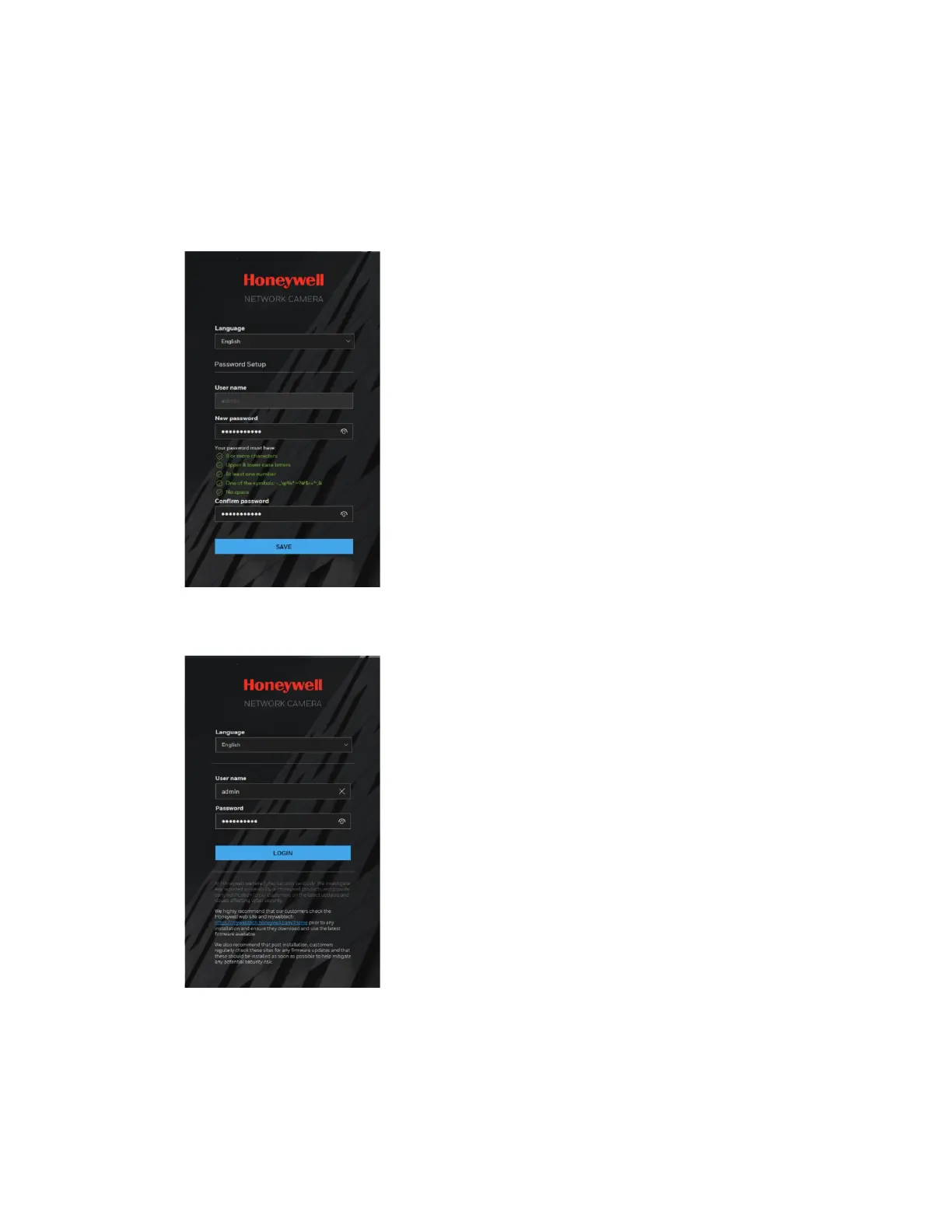
4. Setup a new password according to the password requirements at the first login.
Click SAVE.
The password cannot be blank.
Figure 15 Setup a New Password
5. Enter the user name as admin and newly created password. Click LOGIN.
Figure 16 Login Page
Using the Main Page



 To Next Page
 Loading...
