16
Honeywell 30 Series IP Cameras User Guide
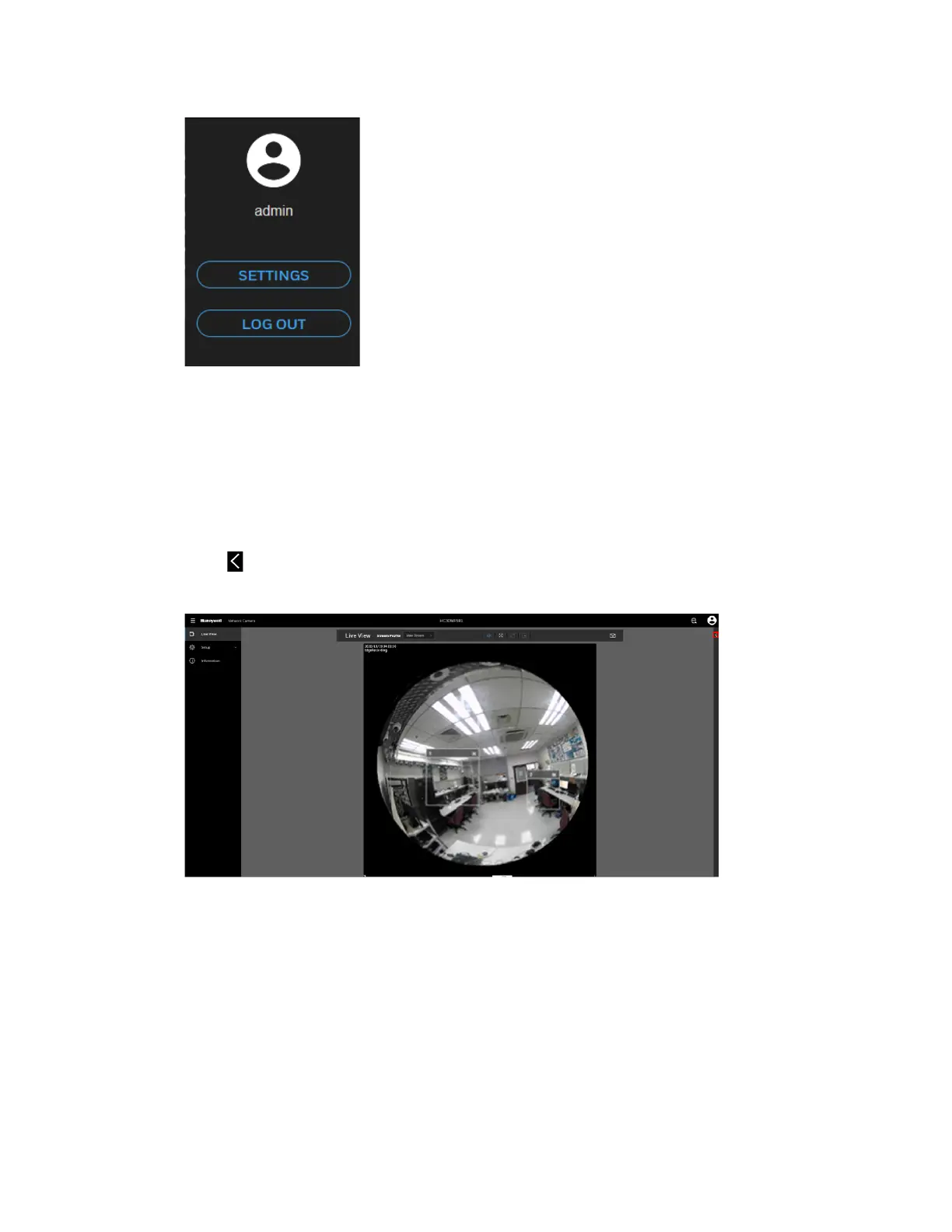
Figure 19 User Account
To configure the user account, click SETTINGS. For details, see Configuring User
Accounts Settings on page 82.
To log out the current account, click LOG OUT.
Fisheye Main Page
Click on the right of the Fisheye main page to access the Fisheye panel.
Figure 20 Fisheye Main Page



 To Next Page
 Loading...
