SETTINGS ON THE TECHNICIAN MENU
34 SERVICE MANUAL
Testing the Steamer
1. On the Technician display, touch Test functions, and then touch Steam.
2. Touch Empty to empty the steam generator, and then ensure that the
displayed Level value is Low.
3. Touch Fill to fill the steam generator, and then ensure that the displayed Level
is High.
4. Slide the water level bar to the left or right to set the level, which should be
between the Low and High level values. The default value is 75.
Value Description
Generator temperature Displays the current temperature of the steam
generator.
Level Displays the water level as High or Low.
Sensor input Reads the value from the sensor. The value changes
depending on whether the level has been set to high or
low.
Set level (50-80) Sets the water level. The default value is 75. A low value
is normally around 80. The value depends on the quality
of the water.
Testing the CombiWash Function
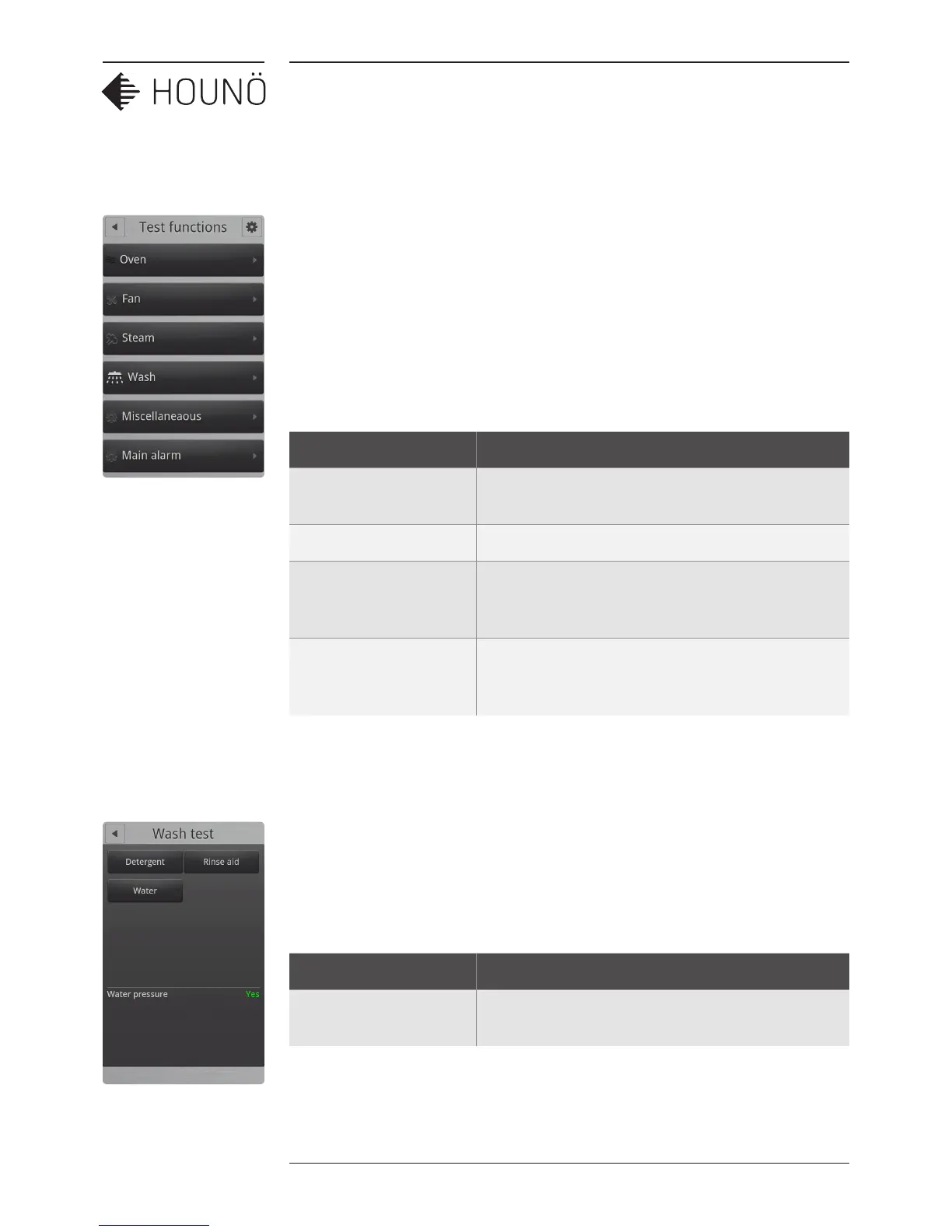
1. On the Technician display, touch Test functions, and then touch Wash.
2. Touch each button in turn, to determine whether the detergent and rinse aid pumps
are working properly. The Water button tests whether the solenoid valve is working
properly.
The water pressure must be at least 2.5 bars when using CombiWash.
Value Description
Water pressure Displays Yes when the water pressure is ok and No when
the water pressure is low.



 To Next Page