3-6
Typical Installation in a VME Card Cage
Configuring the VME Card Cage
3 Verify that your VME card cage has sufficient power to meet the total
power needs of the Model 744 from Table 3-4.
4 Shut down your VME application and power off the VME card cage.
If your VME card cage backplane is autoconfiguring, see “Model 744 In-
stallation” later in this chapter. If not, refer to your VME card cage docu-
mentation for configuring the VME backplane. Go to Step 5.
5 Ensure the backplane IACK and Bus Grant (0, 1, 2, and 3) daisy-chains
are:
• Enabled from the previous slot(s) into the slot in which the Model 744
will be installed.
• Passed through all other empty backplane slots.
6 Set the backplane switches/jumpers to enable the Model 744 operation.
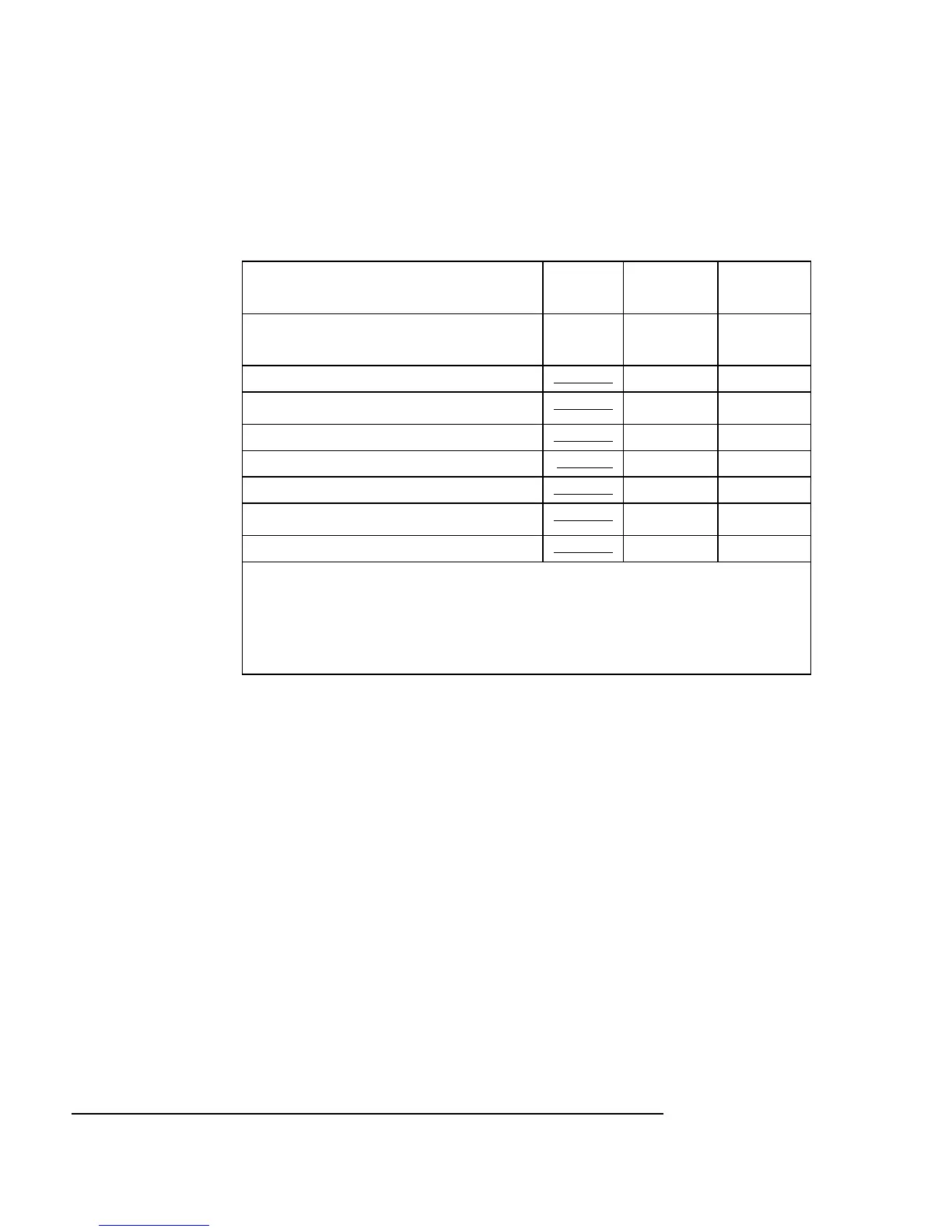
Table 3-4 Model 744 Current Requirements Worksheet
Each Model 744 Board Computer
+5V dc
Amps
+12V dc
Amps
-12V dc
Amps
If 132 MHz, current for +5V dc is 4.7A
1
If 165 MHz, current for +5V dc is 6.3A
______
0.1A 0.1A
RAM cards (see Table 3-2 or Table 3-3)
________
Graphics subsystems
2
x 0.9A each =
FWD SCSI GSC card x 0.7A each =
HCRX graphics board 2.0A
PMC bridge adapter 0.6A
PMC cards on bridge adapter
3
________ ________
Totals for Model 744 board computer
________ ________
1. Does not include on-board graphics, if installed.
2. On-board graphics and graphics accessory cards are each separate graphics subsystems.
3. PMC cards may also draw +3.3 current that is provided through the +5 on the bridge adapter.
The +3.3 current FOR ALL PMC CARDS ON THE BRIDGE ADAPTER AND EXPANSION
ADAPTER (do not include other expansion adapter currents) must be entered into the +5 column
after multiplying the +3.3 current by .75 to convert to the actual +5 current draw.



 To Next Page