3-9
Typical Installation in a VME Card Cage
Model 744 Installation
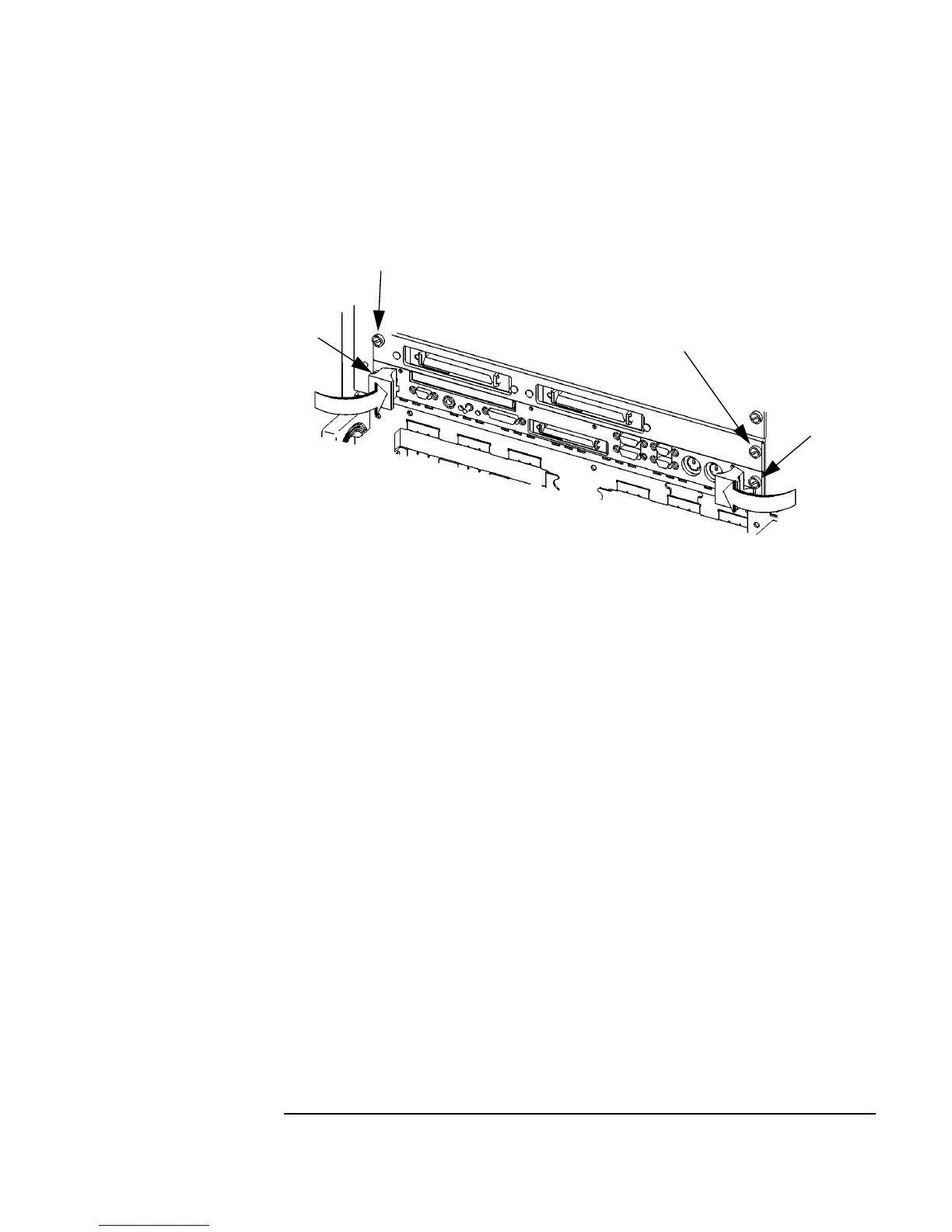
Figure 3-2 Board Computer Captive Screws
Installing a Dual-Slot Model 744
1 Put the Model 744 at the desired slot. Position and slide it into the card
cage until it seats properly with the front panel and front panel extension
flush against the card cage.
2 Engage all captive screws (labeled 1 and 2, 3 and 4, in Figure 3-2) before
tightening each screw of the Model 744 and the extension panel(s).
3
1
2
4



 To Next Page