4-5
Connecting Cables
Connecting a Single Monitor, Multi-Display System, or Text-Only Terminal
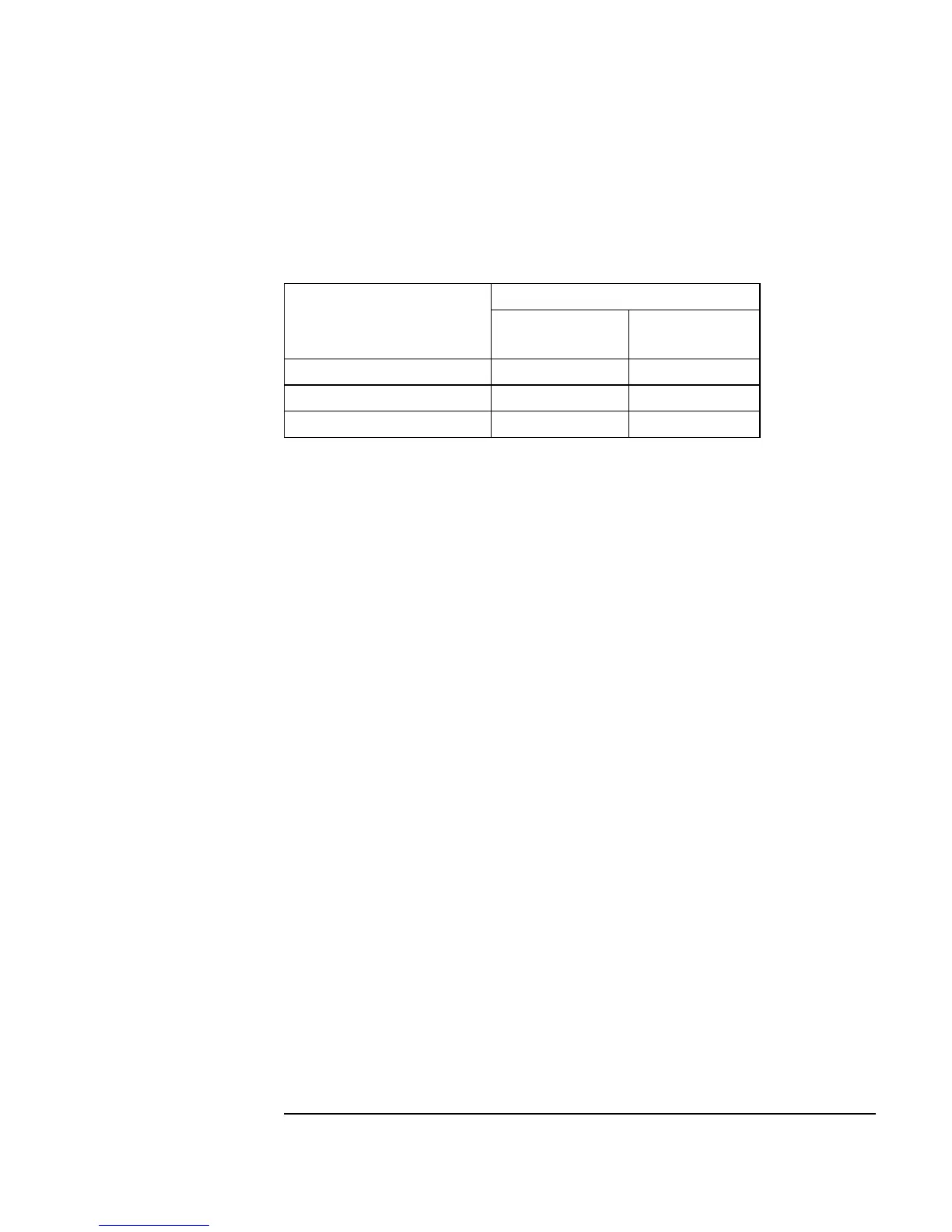
Table 4-1 lists the video conversion cables required to connect a monitor to a
video connector.
Table 4-1 Monitor Conversion Cables Required
Multi-Display Systems
HP-UX 10.20 and later supports up to three monitors simultaneously. To
have more than one display on your system, you must have multiple graphics
capability installed. Four architectures support multi-display systems:
• On-board graphics and an expansion kit with one or two GSC graphics
cards installed (one, two, or three displays).
• On-board graphics and an HCRX board with or without a GSC graph-
ics card installed (one, two, or three displays).
• No on-board graphics and an expansion kit with one or two GSC
graphics cards installed (one or two displays).
• No on-board graphics and an HCRX graphics board with a GSC
graphics card installed (one or two displays).
See the Graphics Administration Guide (B2355-90109) for more informa-
tion about setting up multiple displays.
Connecting the Monitor
This section provides step-by-step instructions for connecting a monitor to
your Model 744 Board Computer with on-board graphics, HCRX graphics,
or GSC graphics. Refer to Figure 4-2 for help when connecting your moni-
tor.
Graphics Type
Cable Type from Monitor
Standard 15-pin
connector
EVC connector
On-board graphics A4223A A4305A
GSC mezzanine card None A4167A
HCRX graphics A4223A A4305A



 To Next Page