3-8
Typical Installation in a VME Card Cage
Model 744 Installation
Model 744 Installation
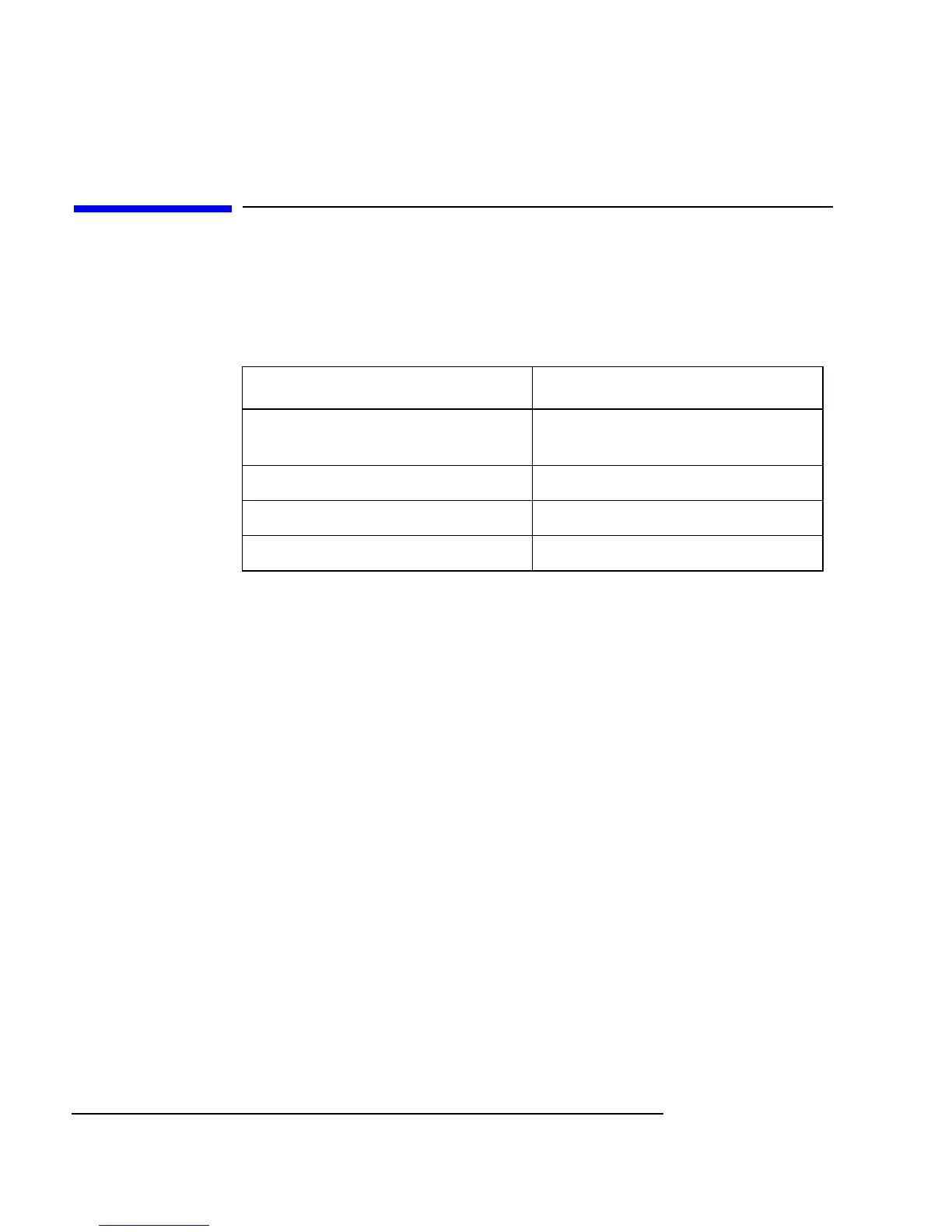
Tools Required
Model 744 installation requires the following tools:
Preliminary Requirements
Perform the following procedure before you install the board computer into
the VME card cage:
1 Read the steps in “Configuring the VME Card Cage,” earlier in this chap-
ter.
Installing a Single-Slot Model 744 into an HP Card Cage
Follow these steps to install the Model 744 into the VME card cage:
1 Position the board computer at the desired slot and slide it into the card
cage until it seats properly and the front panel is flush against the card
cage.
2 Push both ejector levers in until they are flush with the front panel.
3 Engage and tighten the captive screws (labeled 1 and 2 in Figure 3-2) at
each end of the board computer. These screws hold the computer in the
VME card cage.
Tool Used For
Static grounding wrist strap
(supplied with the installation kit)
Preventing static discharge problems
No. 1 Pozidriv screwdriver Attaching accessory cards
5 mm (3/16 inch) nutdriver Attaching accessory cards
Light-duty flat-tipped screwdriver Attaching accessory cards



 To Next Page