4-6
Connecting Cables
Connecting a Single Monitor, Multi-Display System, or Text-Only Termi-
nal
CAUTION: Some CRT-based monitors are heavy. Use caution when lifting and
unpacking the monitor.
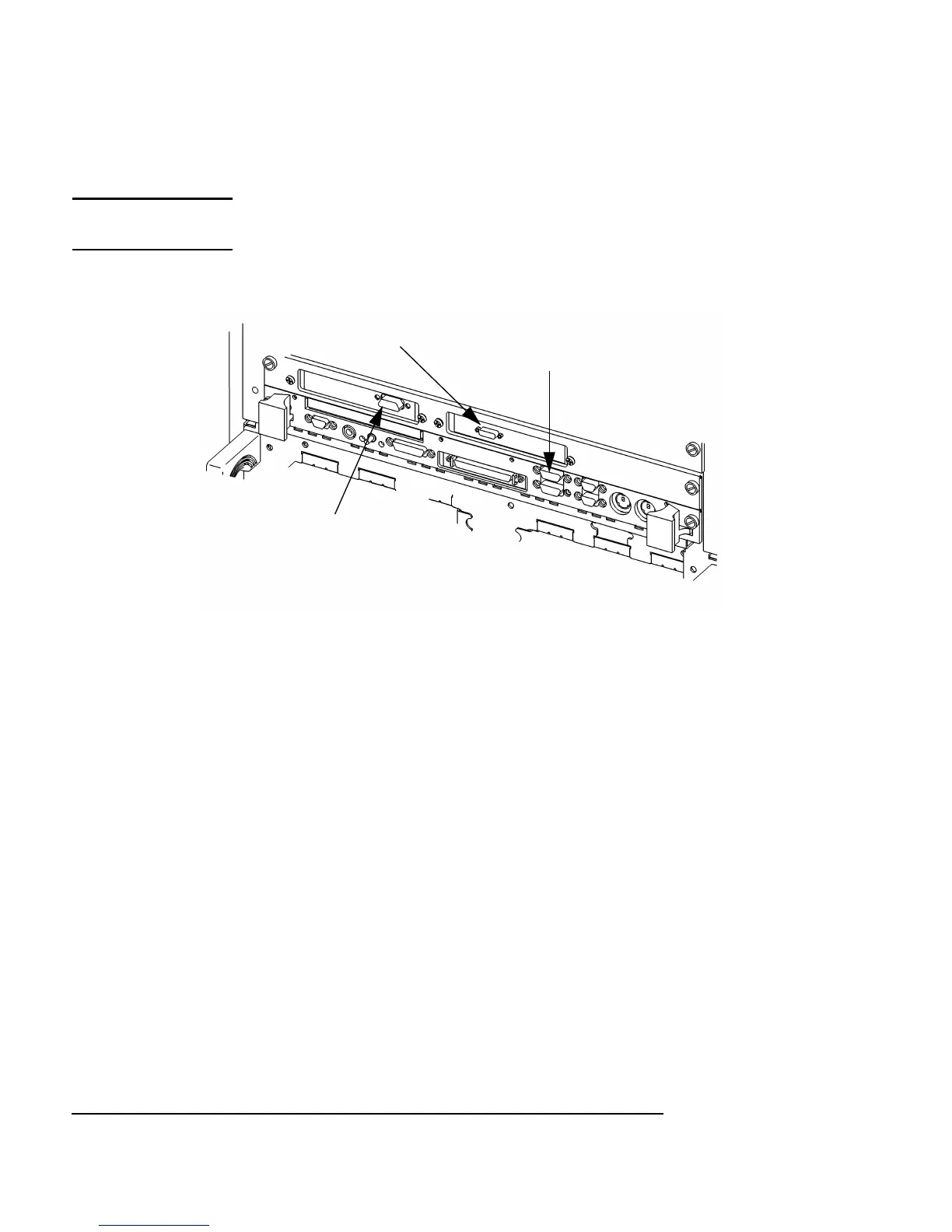
Figure 4-2 Connecting a Monitor to HCRX, GSC, or On-Board Video Connector
1 On-board graphics and HCRX board:
a Plug the small connector of the conversion video cable into the video
connector of your board computer, or the connector on your HCRX
board.
b Connect the monitor cable to the conversion cable.
c Connect the monitor cable to your monitor as follows:
• Red to R (RED)
• Green to G (GREEN)
• Blue to B (BLUE)
2 GSC graphics cards:
a Connect the monitor cable to the GSC card connector.
b Connect the other end of the cable to the monitor as specified in the
previous step.
On-Board Graphics
Connector
HCRX Graphics
Connector
GSC 3 x 5
Graphics
Connector
Note: On-board and HCRX connectors require conversion cable.



 To Next Page