4-21
Connecting Cables
Printer Connections
RS-232 Port A
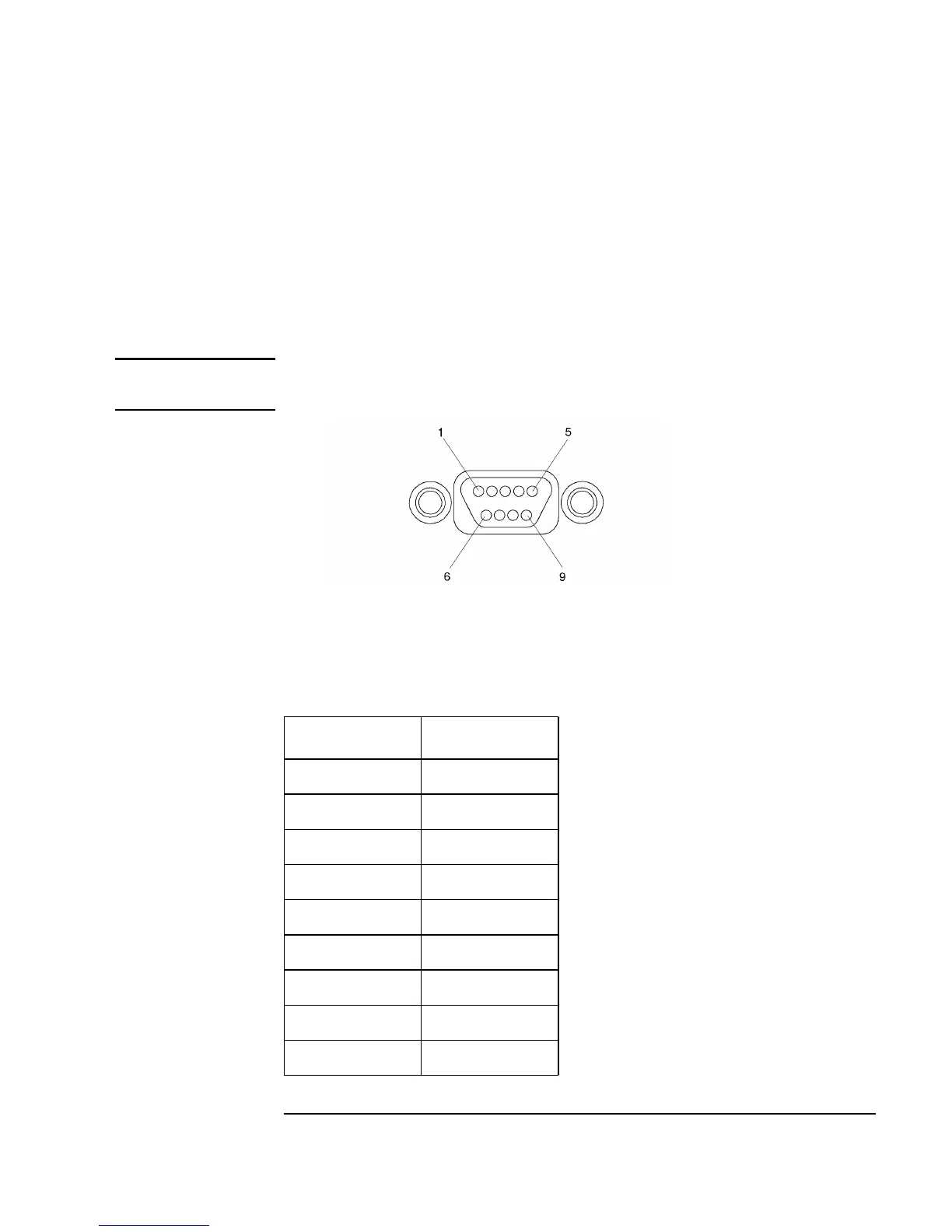
There are two PS/2 type serial interfaces - Port A and Port B. The serial ports
use a high-density connector. An HP A4301A conversion cable is required
to convert to a standard PC-compatible 9-pin male D-sub cable. Figure 4-9
shows the RS-232 serial connector. Also refer to Figure 4-1. Table 4-8 shows
the RS-232-C connector pinouts.
NOTE: The RS-232 Port B is not functional until VME services are operational.
Figure 4-9 RS-232 Serial Connector
Table 4-8 RS-232-C Connector Pinouts
Pin Number Signal
1 DCD
2 RXD
3 TXD
4 DTR
5 GND
6 DSR
7RTS
8 CTS
9RI



 To Next Page