2-24
Installing Accessories
PMC Bridge Adapter and Expansion Adapter
14 Remove the VME slot cover plate(s) from the VME card cage, as required
to open the slots the new assembly will occupy.
15 Insert the Model 744 with the attached PMC adapter(s) into card cage
slots until the they seat properly and the front panels are flush against the
card cage.
CAUTION: Do not tighten any captive screws until you have started to threadeach captive
screw into its hole.
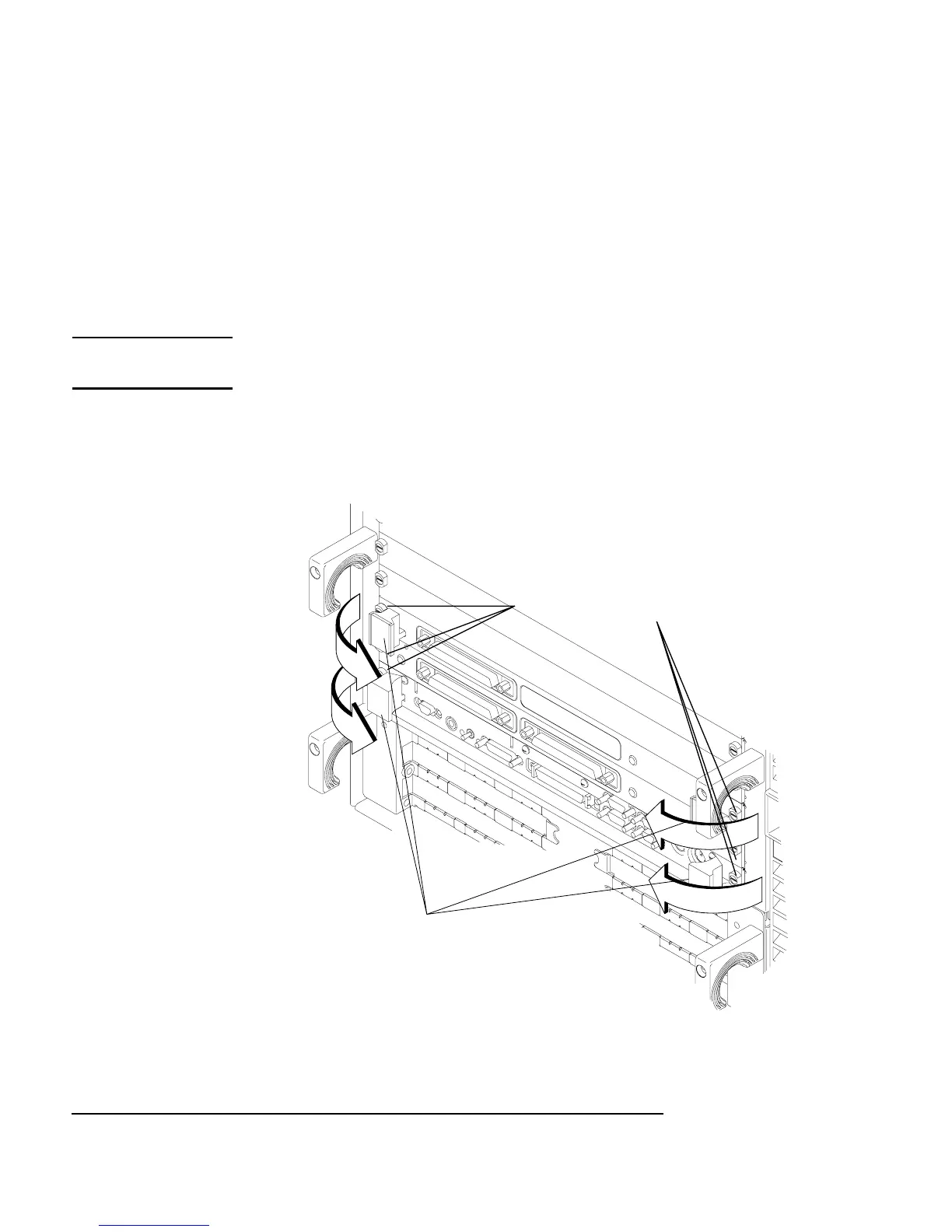
16 Engage all captive screws before tightening each screw of the board com-
puter/PMC assembly. See Figure 2-14
Figure 2-14 Installing the Board Computer with PMC into VME Card Cage
Captive Screws
Ejector Handles



 To Next Page