2-23
Installing Accessories
PMC Bridge Adapter and Expansion Adapter
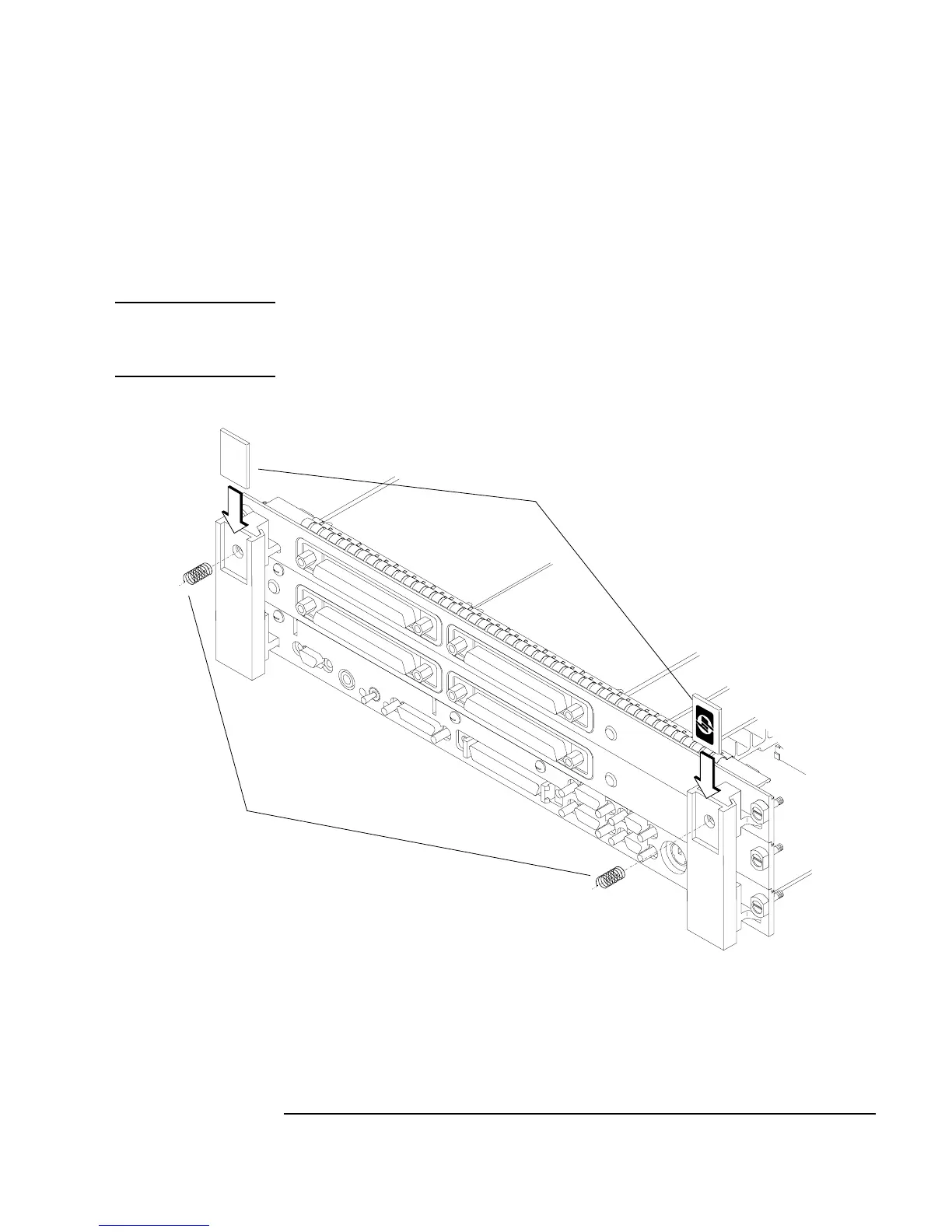
c Thread the springs included in the kit into the ejector handles on the
PMC expansion board, and with the springs compressed, slide the la-
bels from the Model 744 Board Computer into the sleeves, as shown
in Figure 2-13.
NOTE: To properly identify the board computer model and manufacturer, we
strongly advise that the original labels from the board computer be placed
into the ejector handle sleeves.
Figure 2-13 Installing the Springs and Labels
Springs
Labels



 To Next Page