2-21
Installing Accessories
PMC Bridge Adapter and Expansion Adapter
13 If you have installed a PMC expansion adapter, resulting in a three board
assembly, we recommend that you install the ejector handle sleeves in-
cluded in your kit. The procedure is as follows:
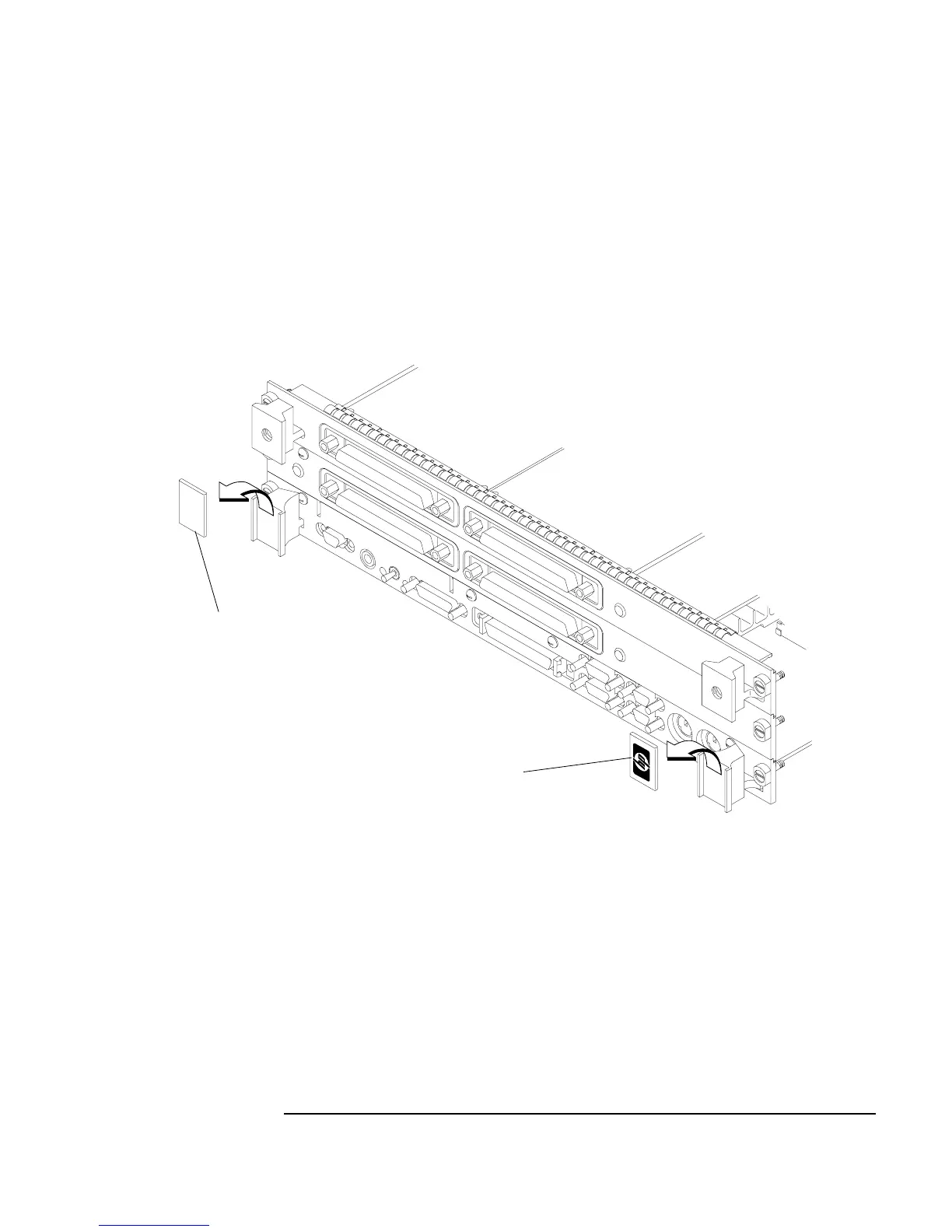
a Remove the logo and model labels from the ejector handles on your
board computer, as shown in Figure 2-11.
Figure 2-11 Removing Ejector Handle Labels
Model label
Logo label



 To Next Page