4-8 ES User’s Guide
Using Instrument Functions
Using Markers
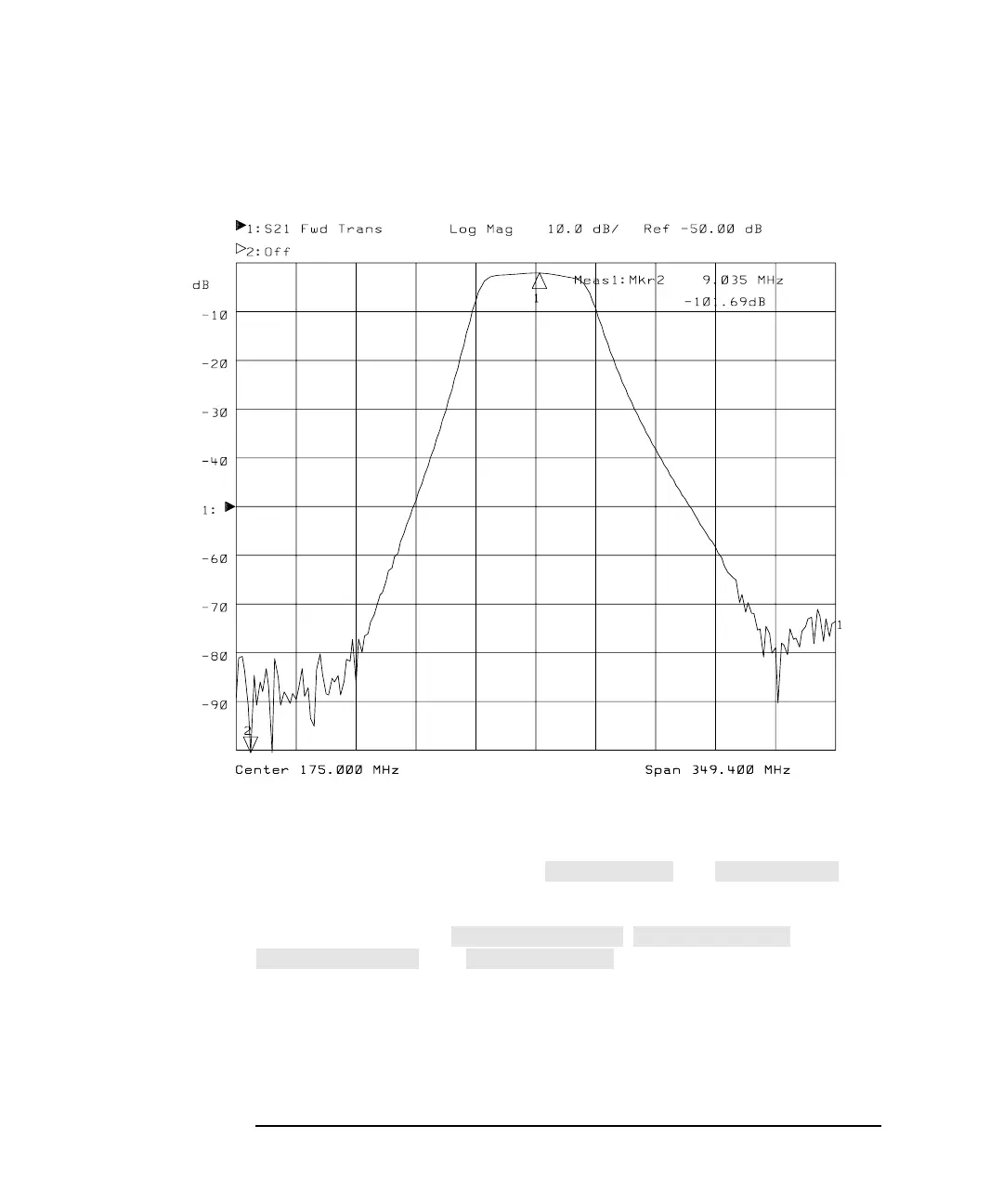
Figure 4-3 Markers at Minimum and Maximum Values
Using the Next
Peak and Next Min
Functions
As explained previously, pressing and will
place a marker on the maximum and minimum points on the
measurement trace, respectively. You can search for the next highest or
lowest point using the , ,
, and keys.
A maximum (or minimum) point is detected whenever an amplitude
excursion greater than half of a division occurs. The half of a division
excursion requirement must be satisfied on both sides (left and right) of
the peak (or minimum). The maximum (or minimum) point must be
> −60 dB. See Figure 4-4.
−
−



 To Next Page