Hardware Upgrades
Hardware Guide 8–7
4. Turn the notebook bottom-side up.
5. Remove any battery packs from the notebook.
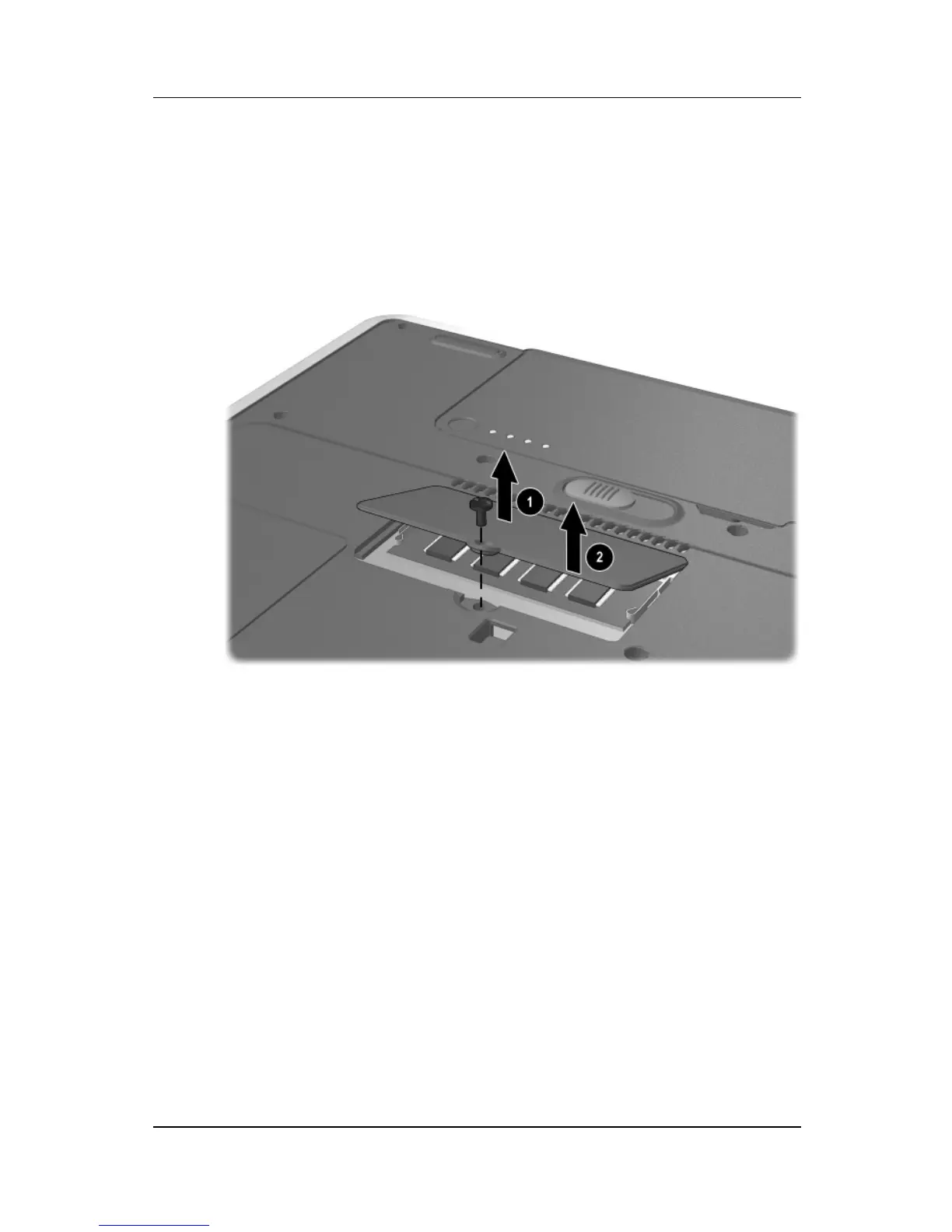
6. Remove the screw from the memory expansion slot cover 1.
7. Tilt the expansion slot cover away from the notebook 2.
Removing the expansion slot cover
8. Remove the memory expansion slot cover.



 To Next Page