8–8 Hardware Guide
Hardware Upgrades
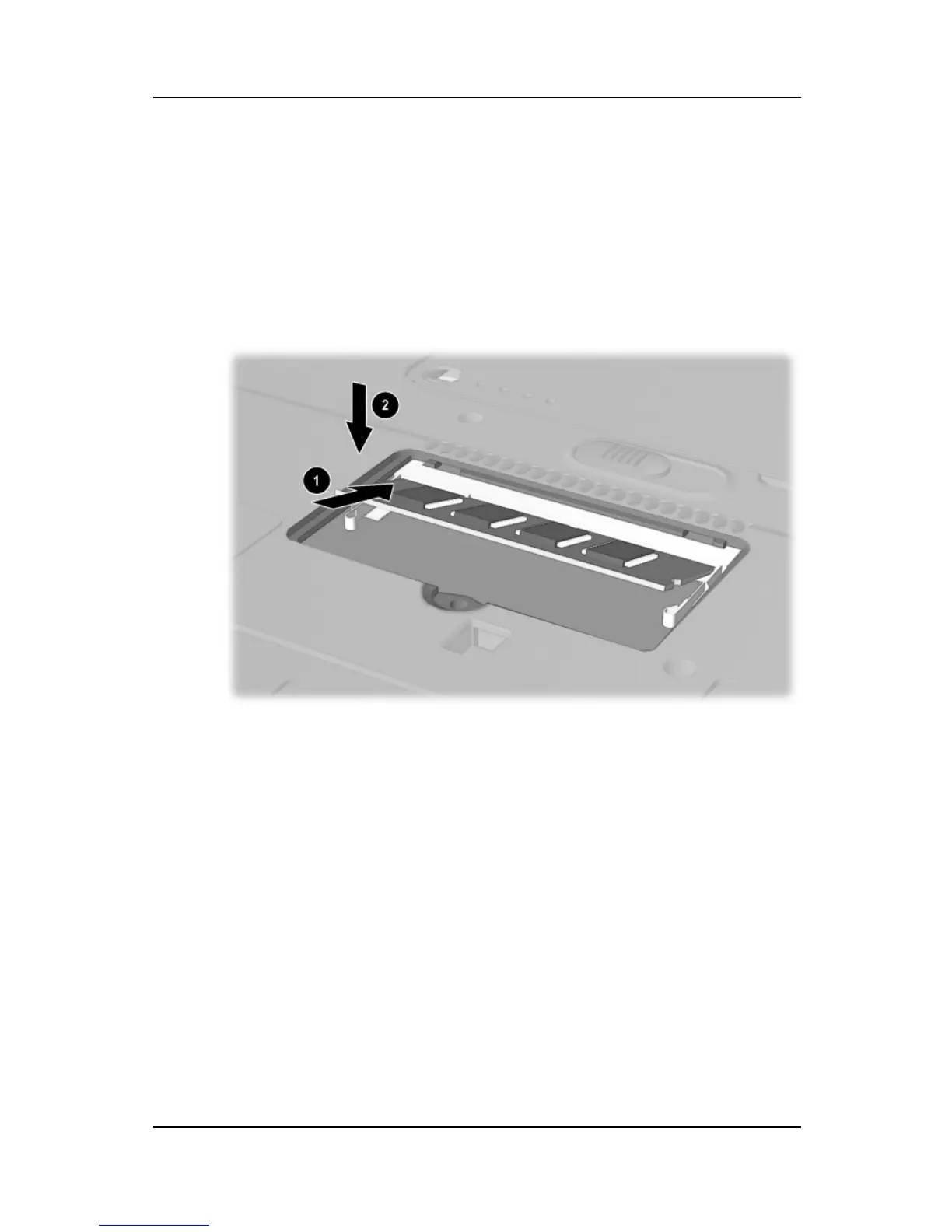
9. Insert the memory expansion module:
a. Align the keyed (notched) edge of the module with the
keyed area in the expansion slot 1.
b. Press the module into the slot from a 45-degree angle
until it is seated, then push the board downward until the
retention clips snap into place 2.
Inserting a memory expansion module



 To Next Page