Removal and replacement procedures 26
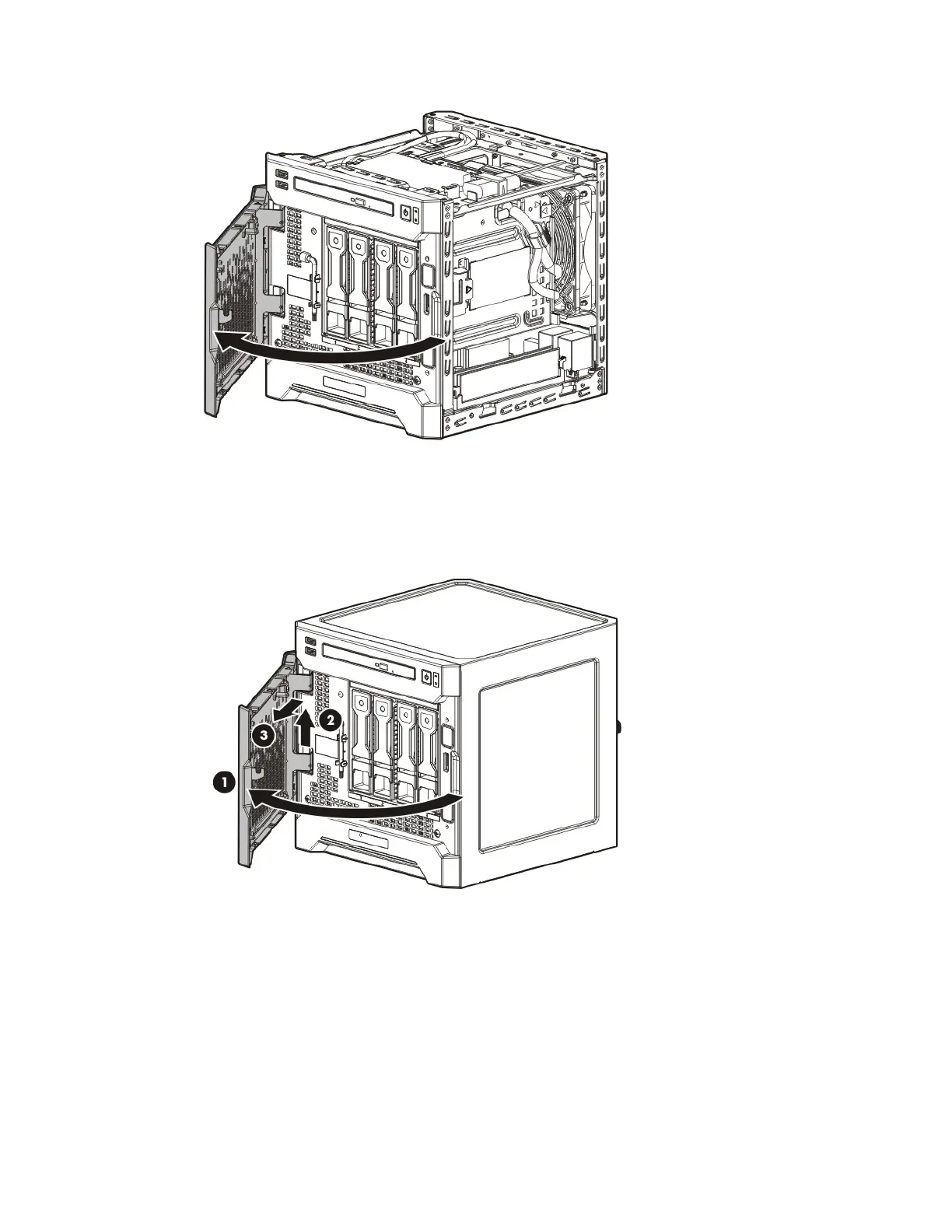
6. Open the front bezel.
Remove the front bezel
If the front bezel is not secured from inside the chassis, open the front bezel, and then release the hinges from
the front panel.
If the front bezel is secured from inside the chassis, do the following (Perform steps 1 to 3 only if the server
is turned on.):
1. Power down the server (on page 24).
2. Disconnect the power cord from the AC source.
3. Disconnect the power cord from the server.
4. Remove the chassis cover (on page 27).



 To Next Page
 Loading...