Removal and replacement procedures 48
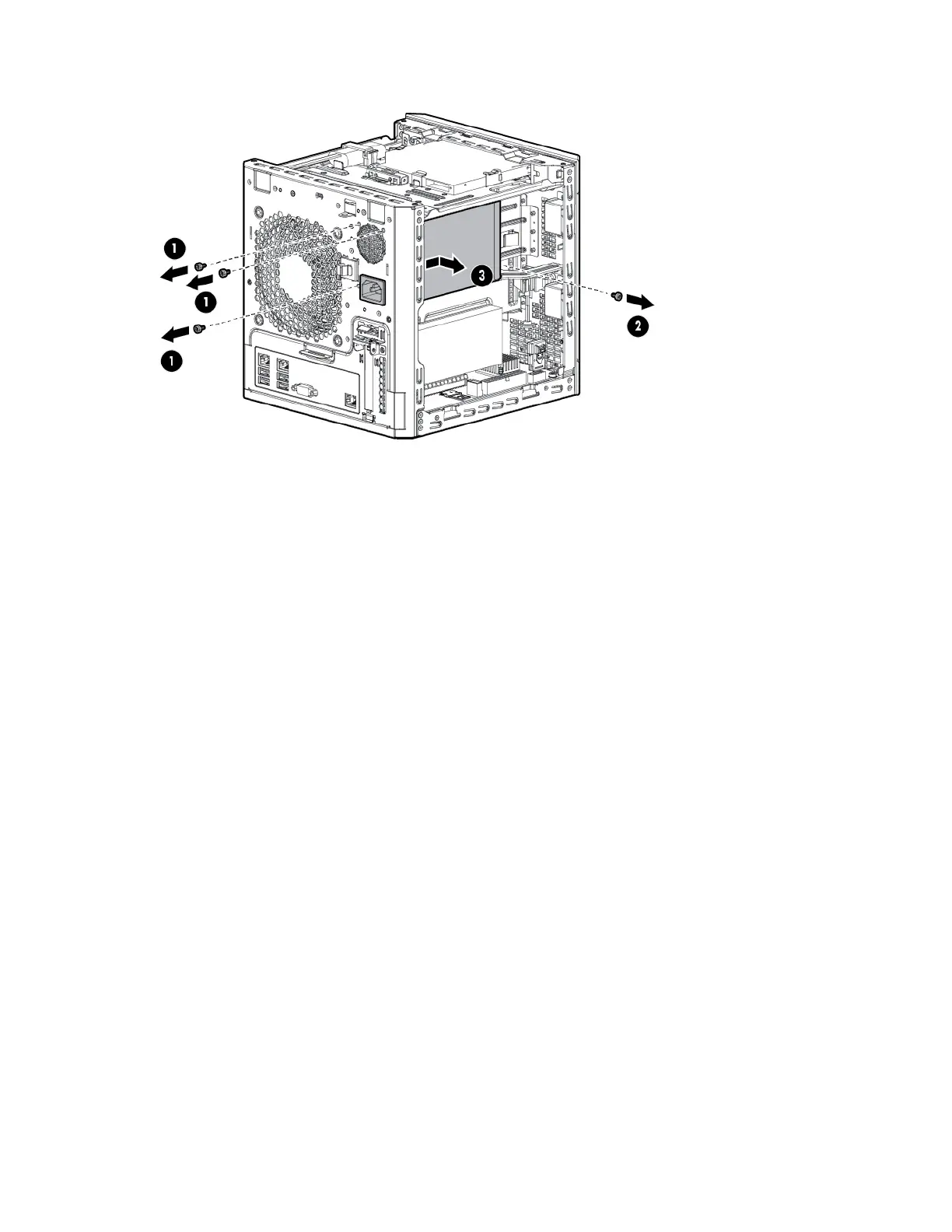
c. Remove the power supply.
To replace the component, reverse the removal procedure.
Expansion board
To remove the component:
1. Power down the server (on page 24).
2. Disconnect the power cord from the AC source.
3. Disconnect the power cord from the server.
4. Remove the chassis cover (on page 27).
5. Disconnect all cables connected to the expansion board.
6. To open the expansion slot cover retainer latch, press it.
7. If the expansion board is secured with a screw, remove the screw.



 To Next Page
 Loading...