To... Do this
Manually adjust the
IPD
1. Select Adjust next to Manual IPD adjustment.
2. Use the volume control buttons or select + or - to adjust the IPD.
3. When done, select .
If you don't know your IPD, see How can I find my IPD? on page
26.
You can also adjust the IPD through the VIVE Menu. On the VIVE Menu, select Settings, and
then select Adjust IPD .
§ If Automatic IPD adjustment is on, the IPD will be automatically adjusted.
§ If Automatic IPD adjustment is off, you'll need to manually adjust the IPD.
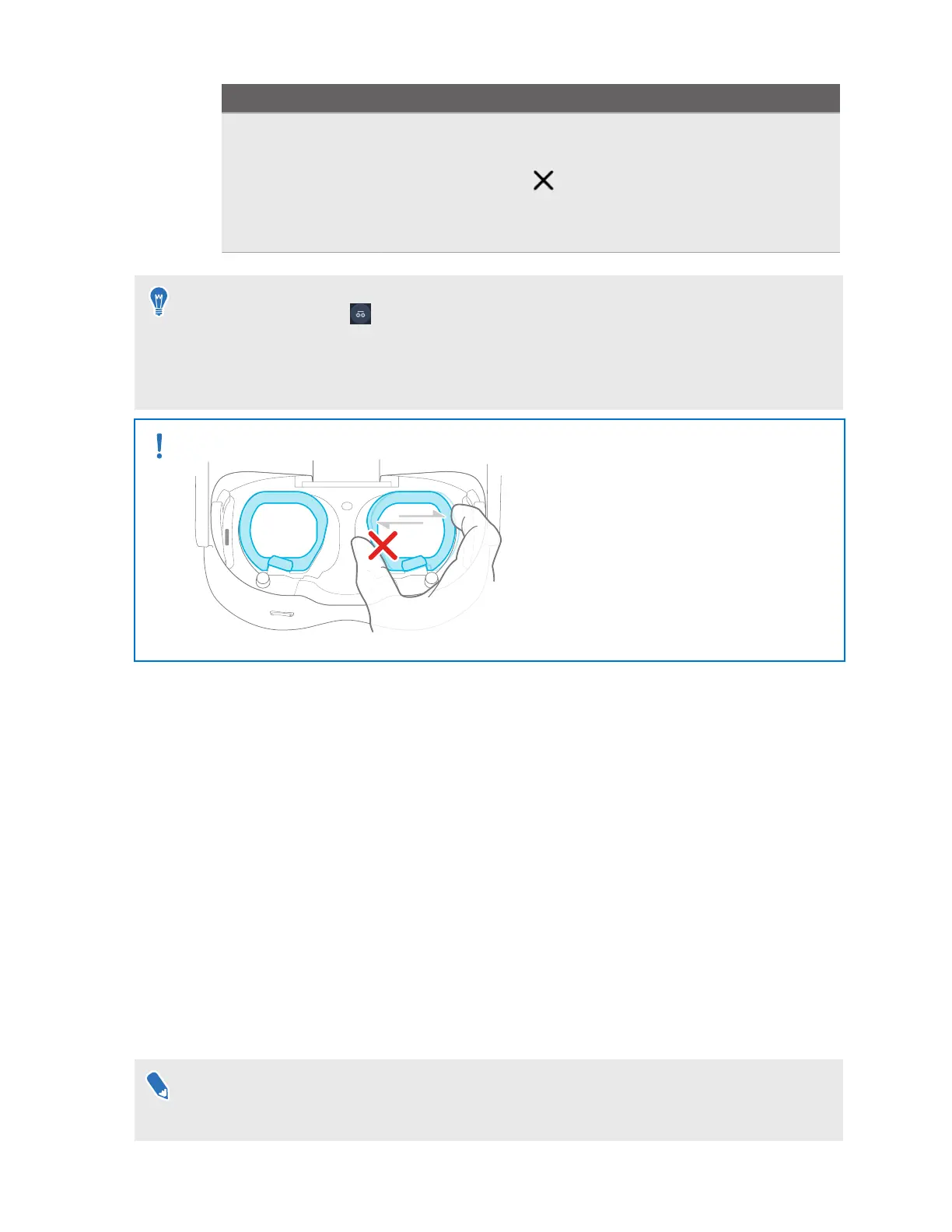
Avoid manually moving the lenses as it may damage the automatic IPD mechanism.
Why is accurate IPD important?
Accurate IPD settings help get a clear image and reduce eye strain.
The headset lenses focus images toward their optical center. This is sometimes called the
"sweet spot" in the VR industry. By adjusting the IPD, you can tune the sweet spot for the most
comfortable view. Misaligned IPD and improperly adjusted headsets are common causes of
blurry images, dizziness, and eye strain.
How can I find my IPD?
There are several ways to estimate your IPD.
The most accurate way to determine your IPD is to consult a professional optometrist or eye
doctor. You can also estimate your IPD by doing any of the following:
§ Use a ruler and a mirror. See below for detailed instructions.
§ Through experimentation. See below for detailed instructions.
§ Using third-party apps or websites.
Third-party apps or websites may collect personal data. HTC can neither guarantee the
accuracy of IPD measured through third-party apps or websites nor ensure the security of
your personal data.
26 Getting started



 To Next Page