NOTICE
Powering off the switch will interrupt all services on the switch. Exercise caution when
performing this operation.
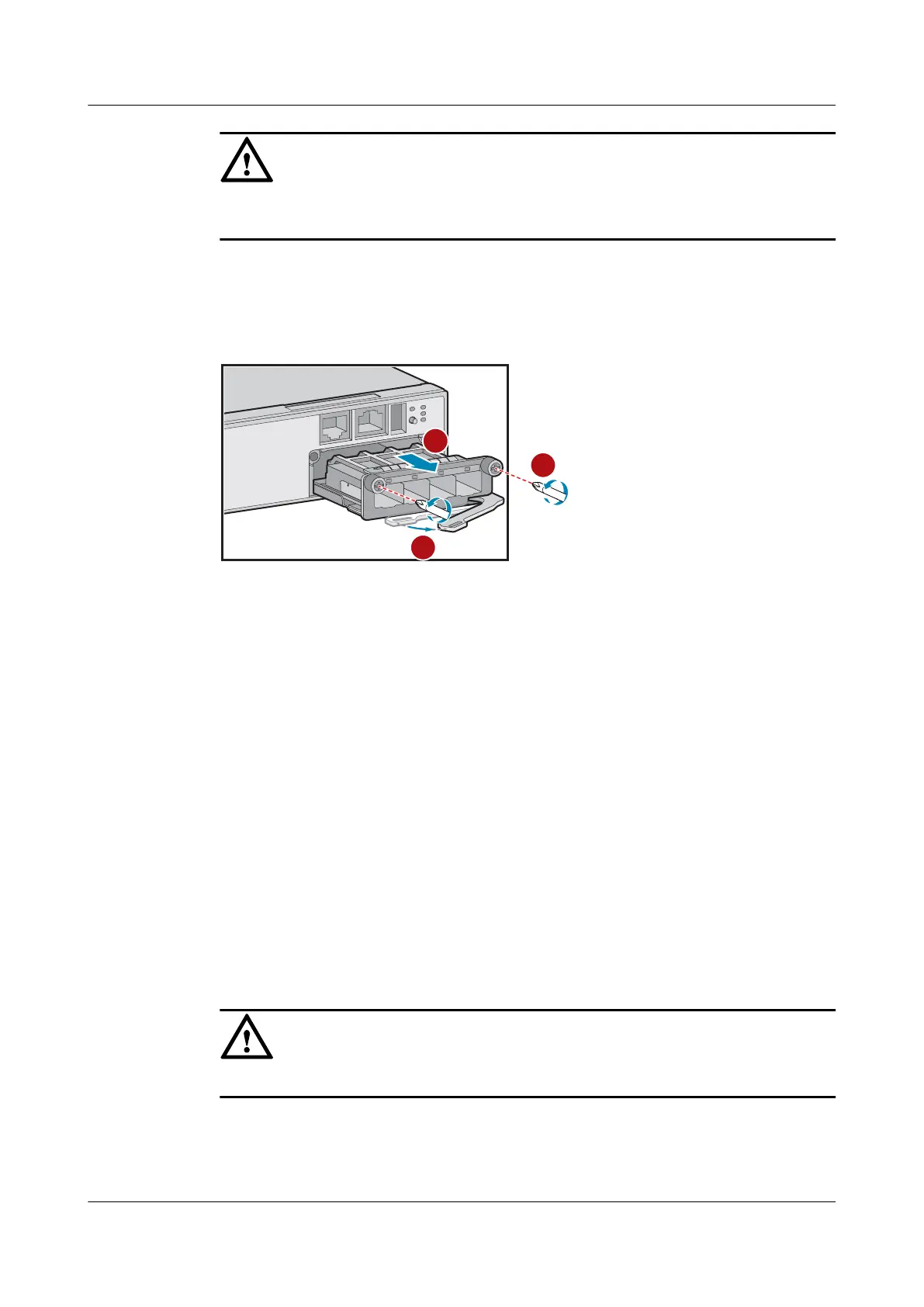
Step 3 Remove the card from the switch.
1. Use a Phillips screwdriver to loosen the captive screws at two sides of the card.
2. Rotate the ejector lever outward to release the card from the slot.
3. Holding the two sides of the card, gently slide the card out of the slot.
Step 4 Install the new card. For details, see 6.2 Installing a Card.
----End
Follow-up Procedure
If the new card does not work normally, contact the equipment supplier or local maintenance
personnel for technical support.
After replacing the card, collect all tools. If the old card is faulty, fill in the Repair
Transmission Sheet and send the faulty module with the Repair Transmission Sheet to the
equipment supplier or the specified repair service provider.
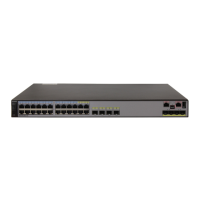
11.4 Replacing a Switch
Context
The chassis is severely damaged or a hardware fault occurs due to external forces.
NOTICE
Power off the switch before replacing it, which will interrupt services.
Tools and Accessories
l ESD wrist strap or ESD gloves
S2700&S3700&S5700&S6700 Switch
Hardware Installation and Maintenance Guide
11 Maintaining a Switch
Issue 13 (2017-11-20) Huawei Proprietary and Confidential
Copyright © Huawei Technologies Co., Ltd.
84





 To Next Page