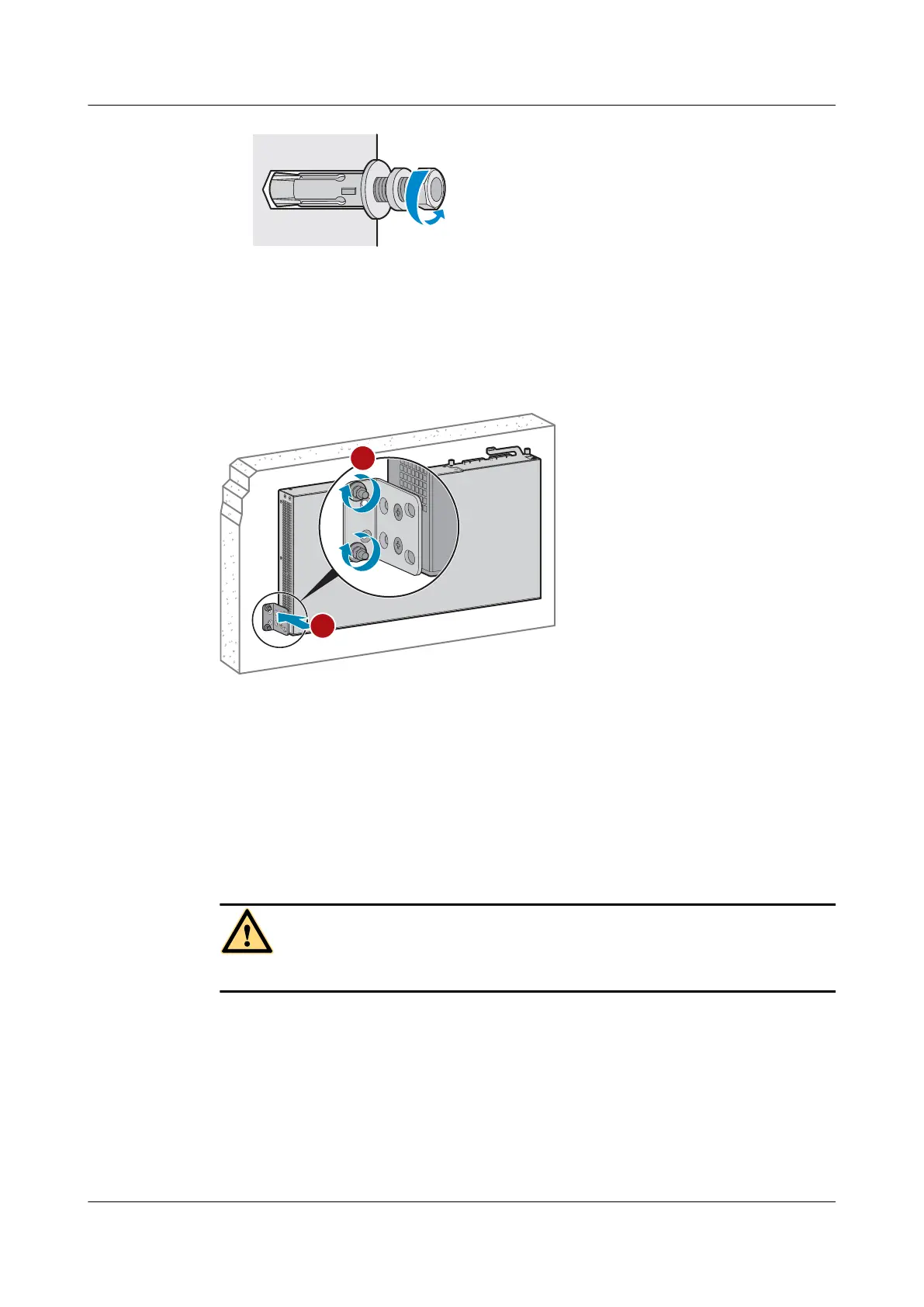
Step 5 Mount the switch on the wall.
1. Align the holes on the mounting brackets with the M6 expansion bolts and push the
brackets onto the M6 expansion bolts.
2. Fasten the nuts on the M6 expansion bolts.
Figure 5-17 Wall mounting a switch
----End
5.5 Scenario 4: Top Wall Mounting
Context
Only the S5720-16X-PWH-LI-AC can be installed on the top wall.
DANGER
Before drilling holes on a wall, make sure that no power cables are hidden in the wall.
Tools and Accessories
l ESD wrist strap or ESD gloves
l Phillips screwdriver
l Hammer drill (with φ8 drill bit)
l Adjustable wrench
l M6 expansion bolts (four for each switch)
S2700&S3700&S5700&S6700 Switch
Hardware Installation and Maintenance Guide
5 Installing a Switch
Issue 13 (2017-11-20) Huawei Proprietary and Confidential
Copyright © Huawei Technologies Co., Ltd.
40





 To Next Page